NowTarazNOWTARAZ
EN
Contact us
Edition:
NOWTARAZ · Accounting for exchange, gold, cargo, cars and shops

NowTaraz: your financial balance

Record a deal and the customer's account is right that second. At the end of the day you close the books without chasing differences. It works on phone and computer, and it has a WhatsApp bot too.

7 languagesPhone and computerOn your own server
Features

Screens in each edition

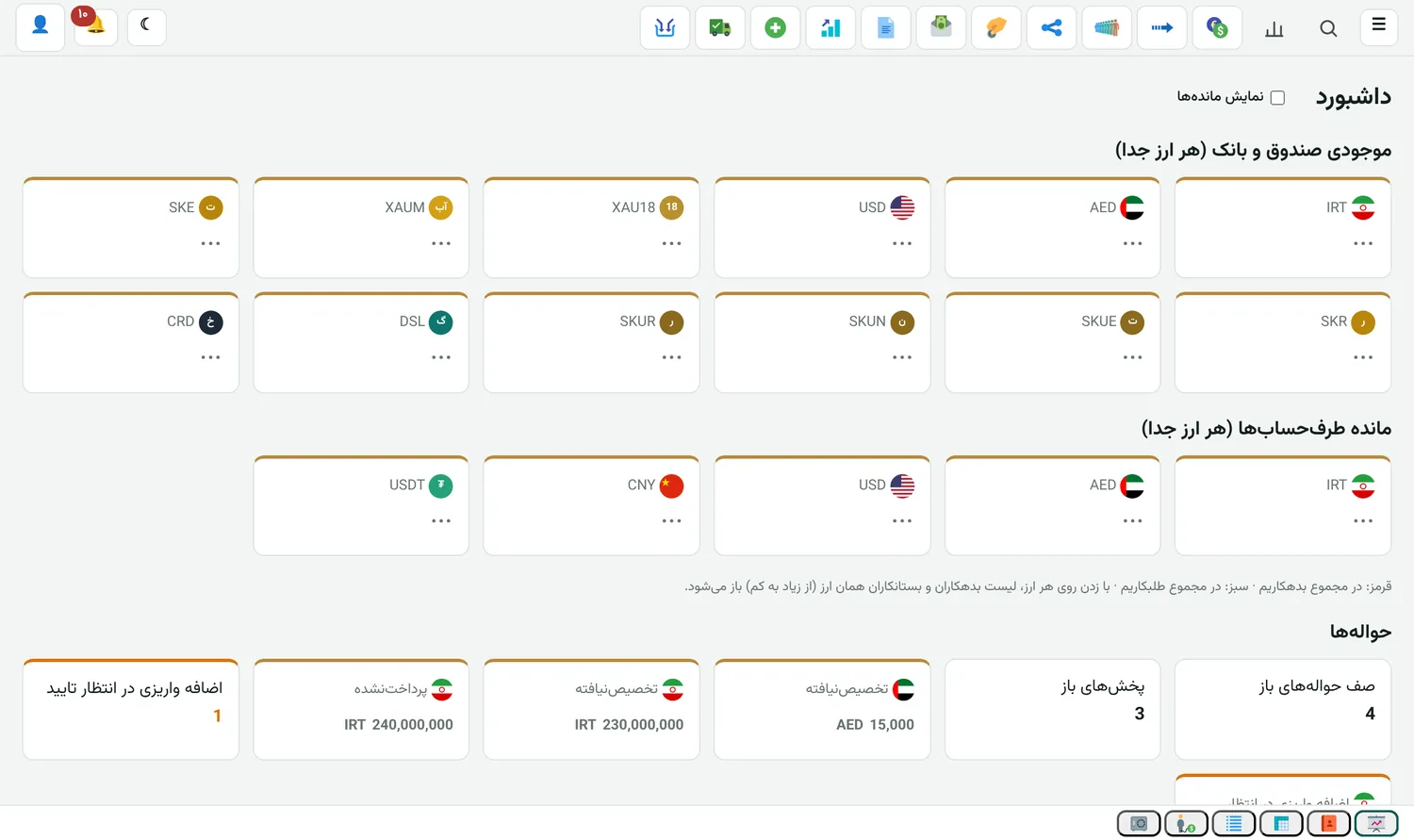
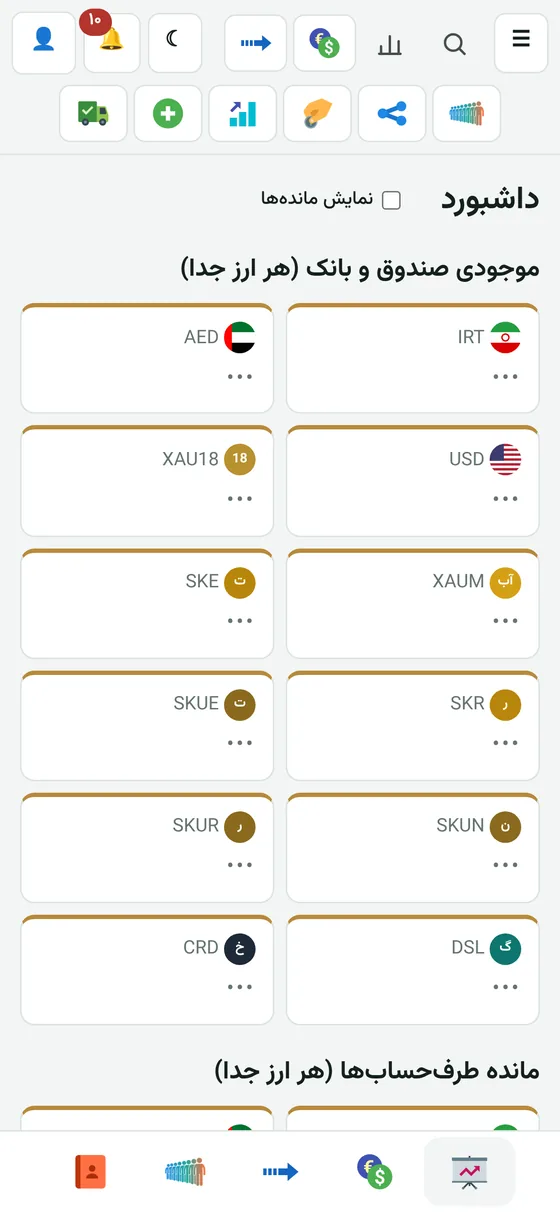
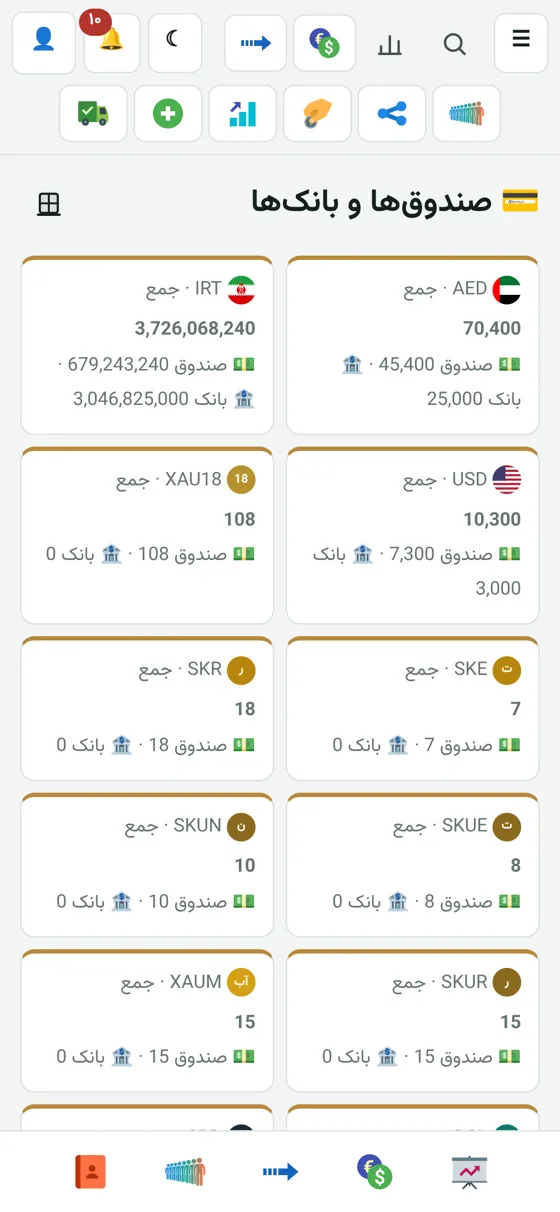
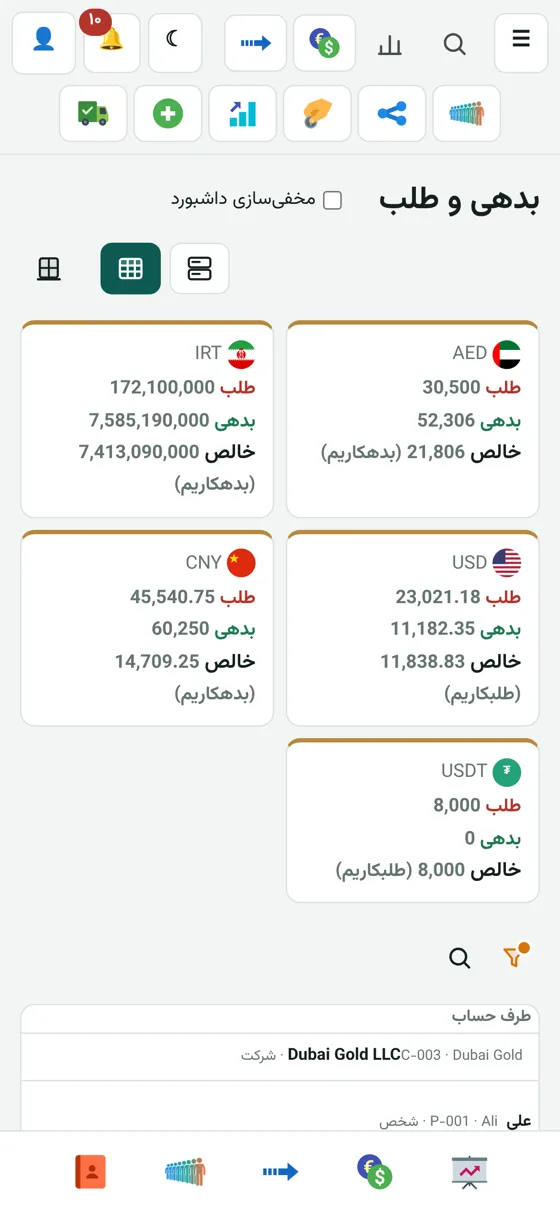
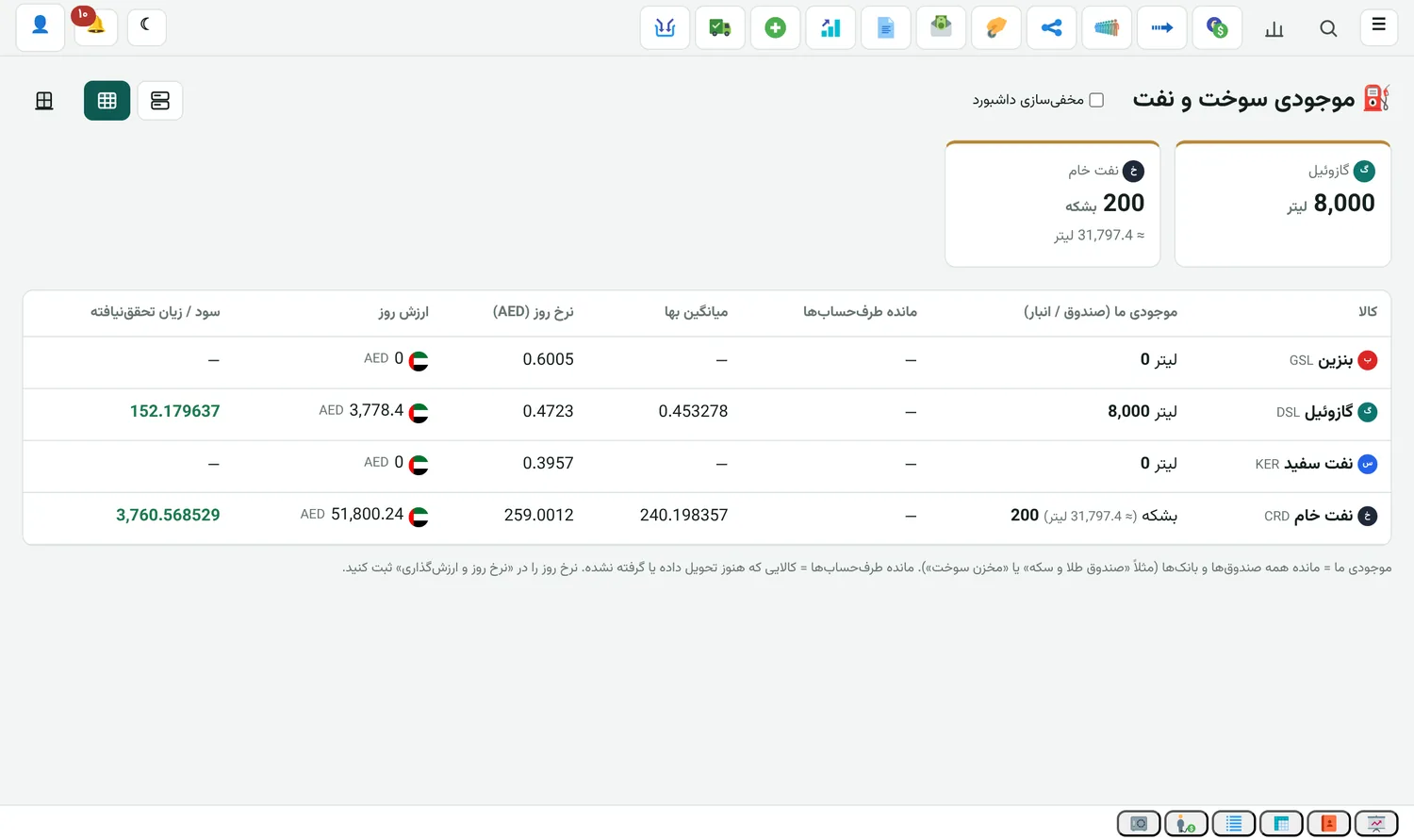
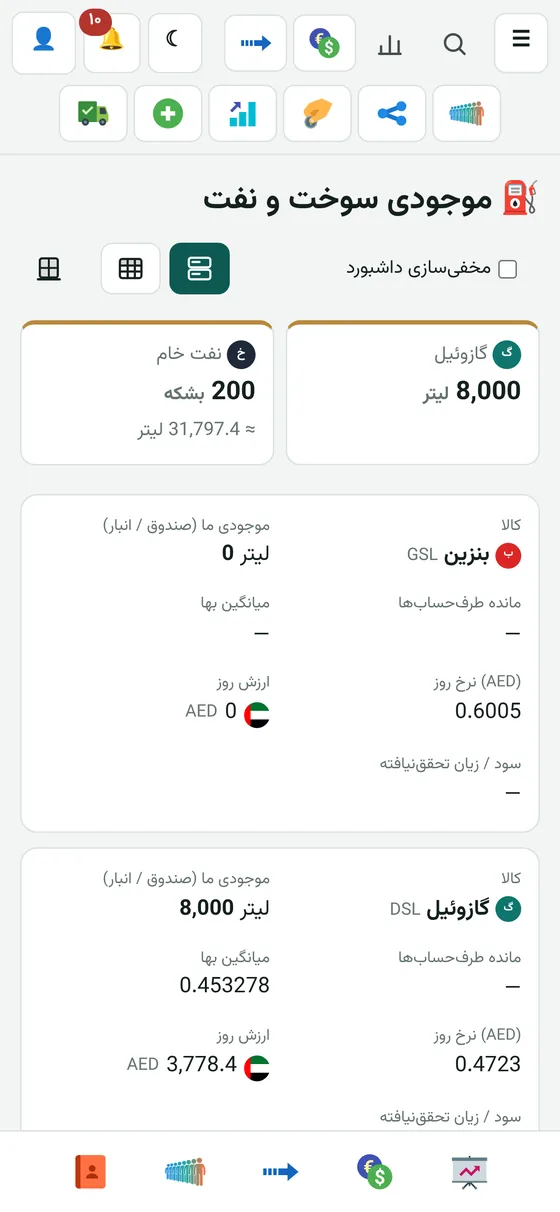
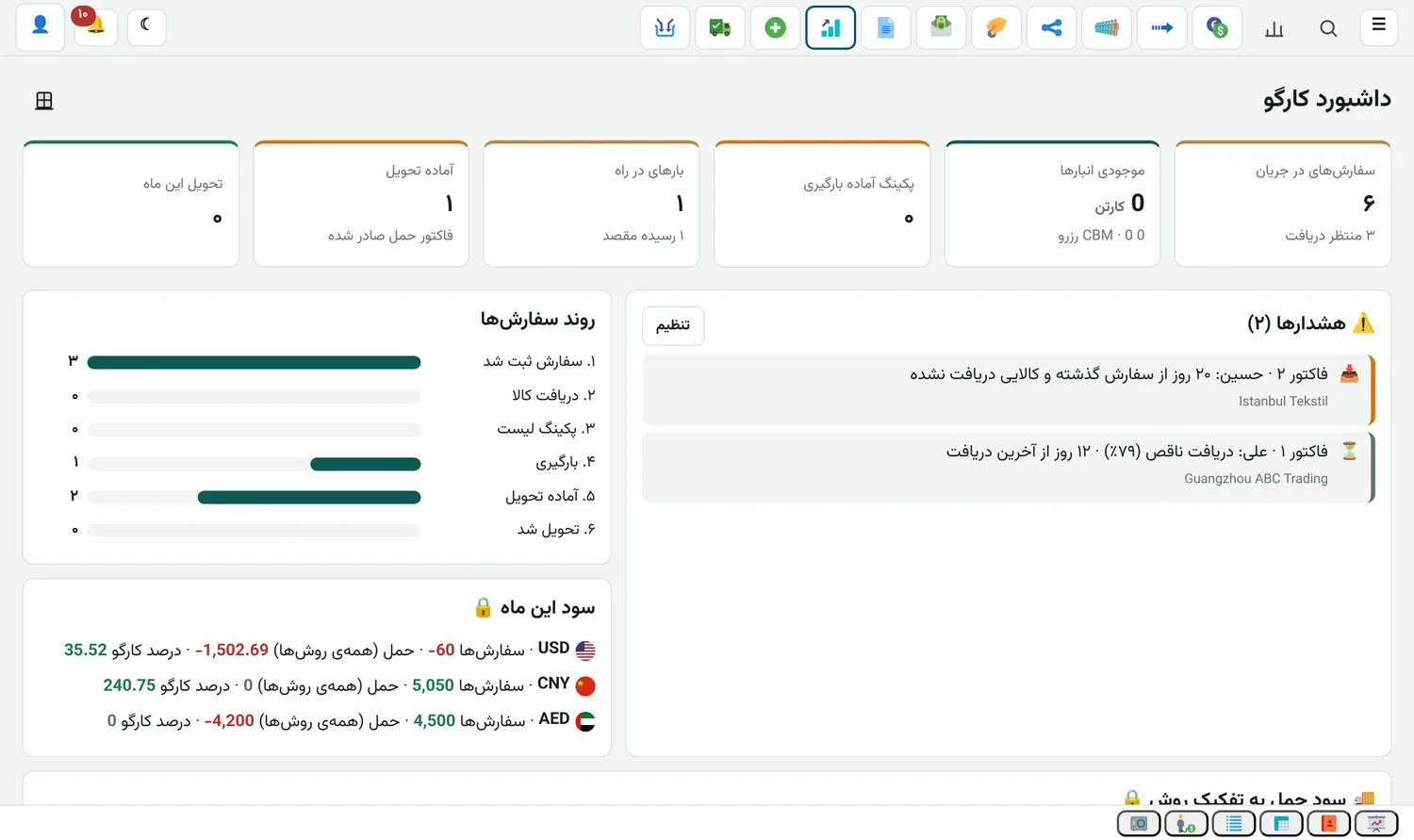
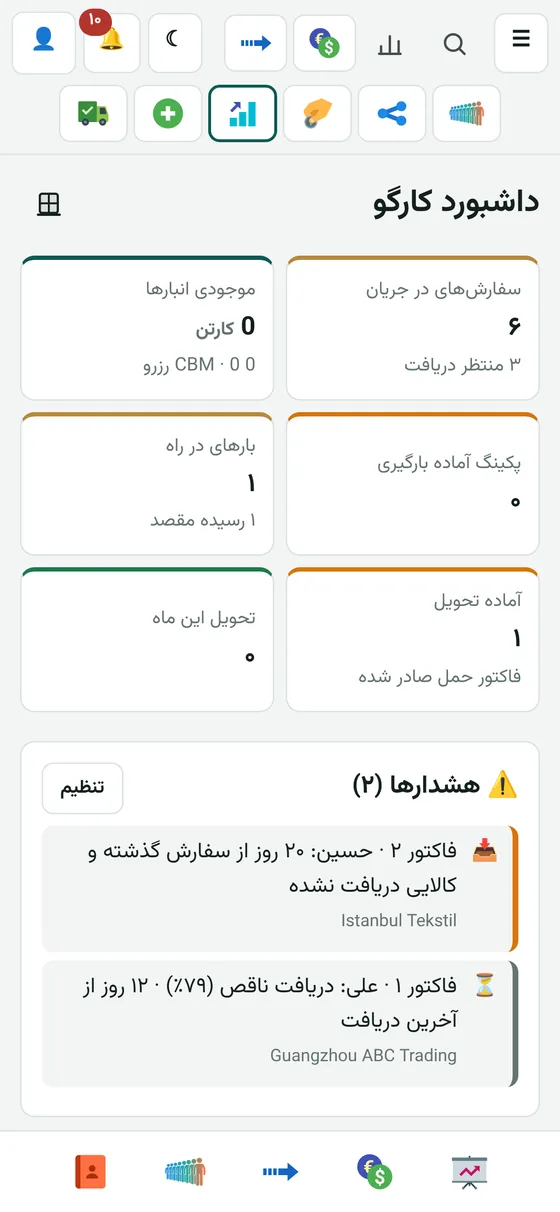
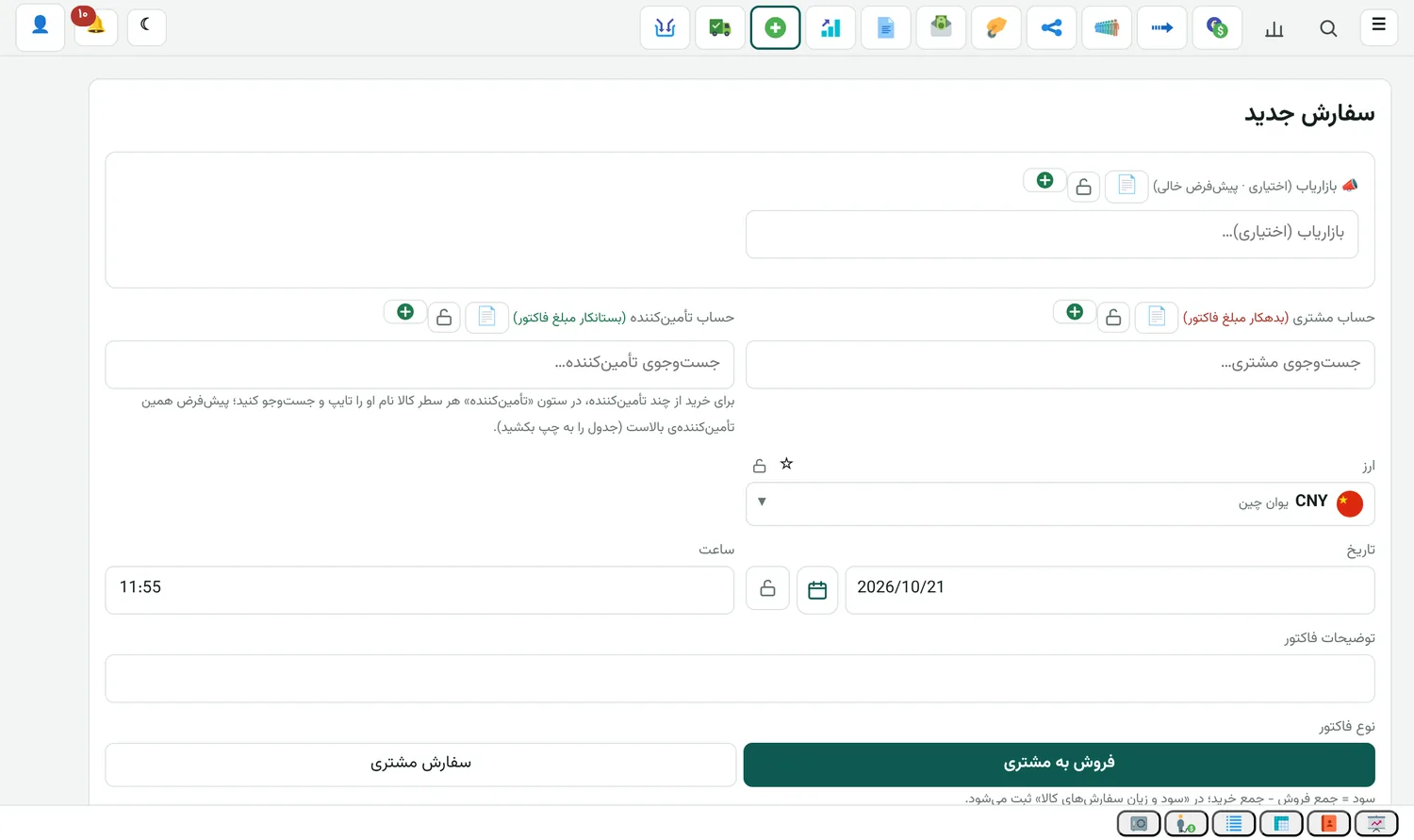
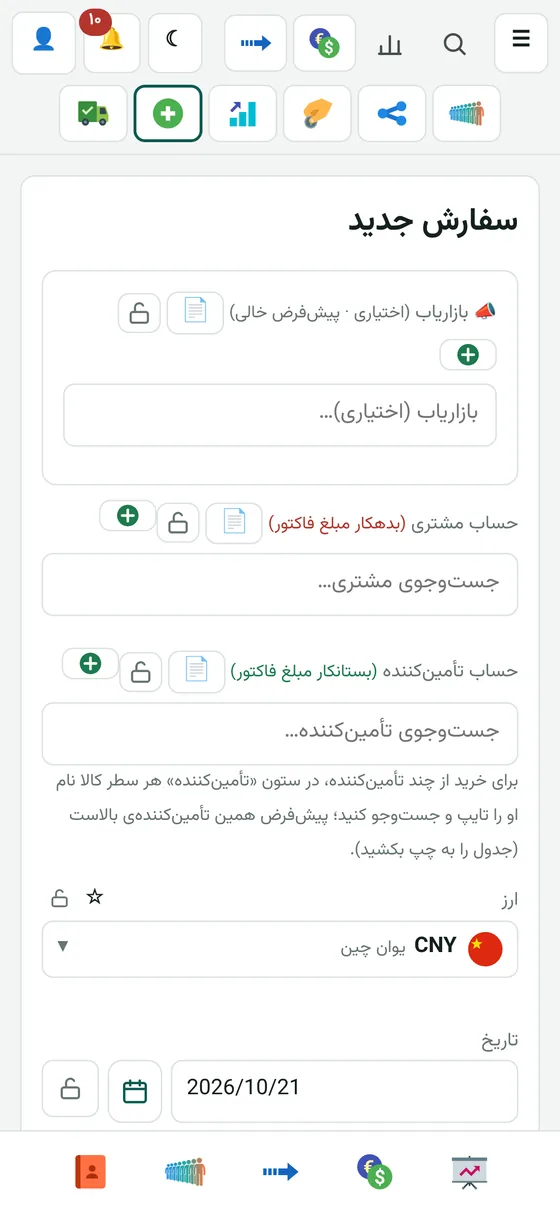
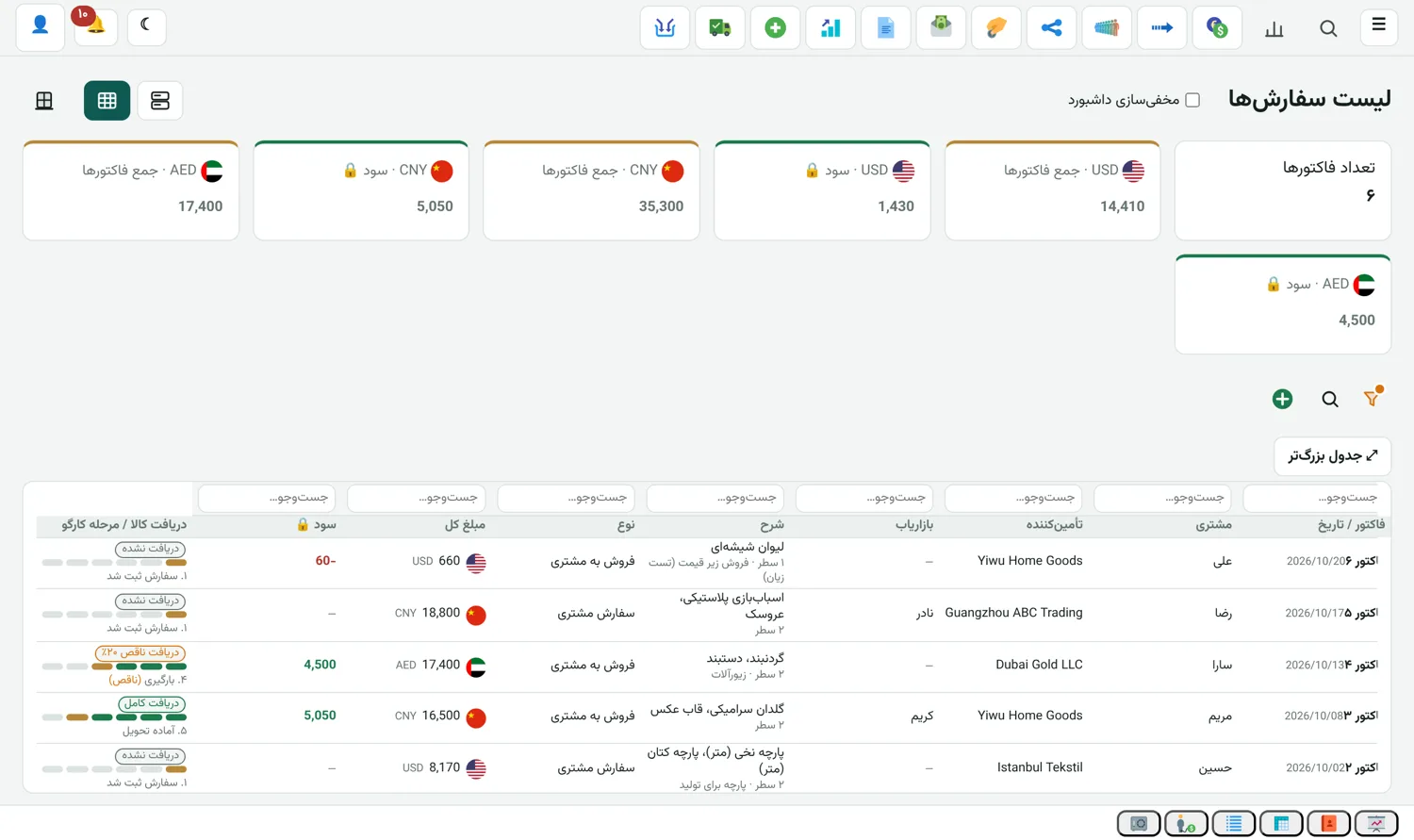
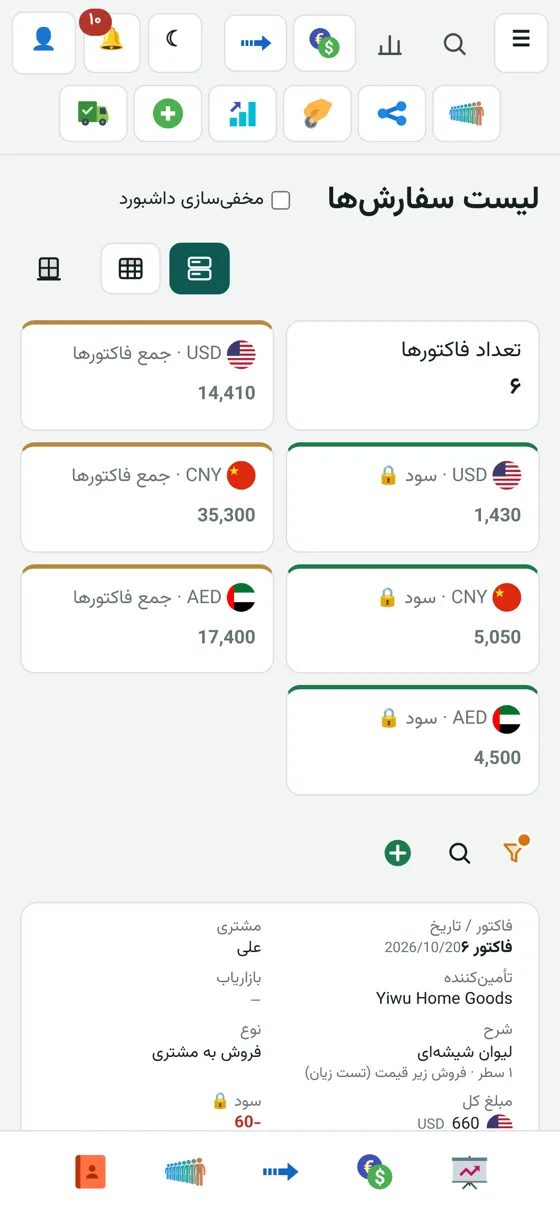
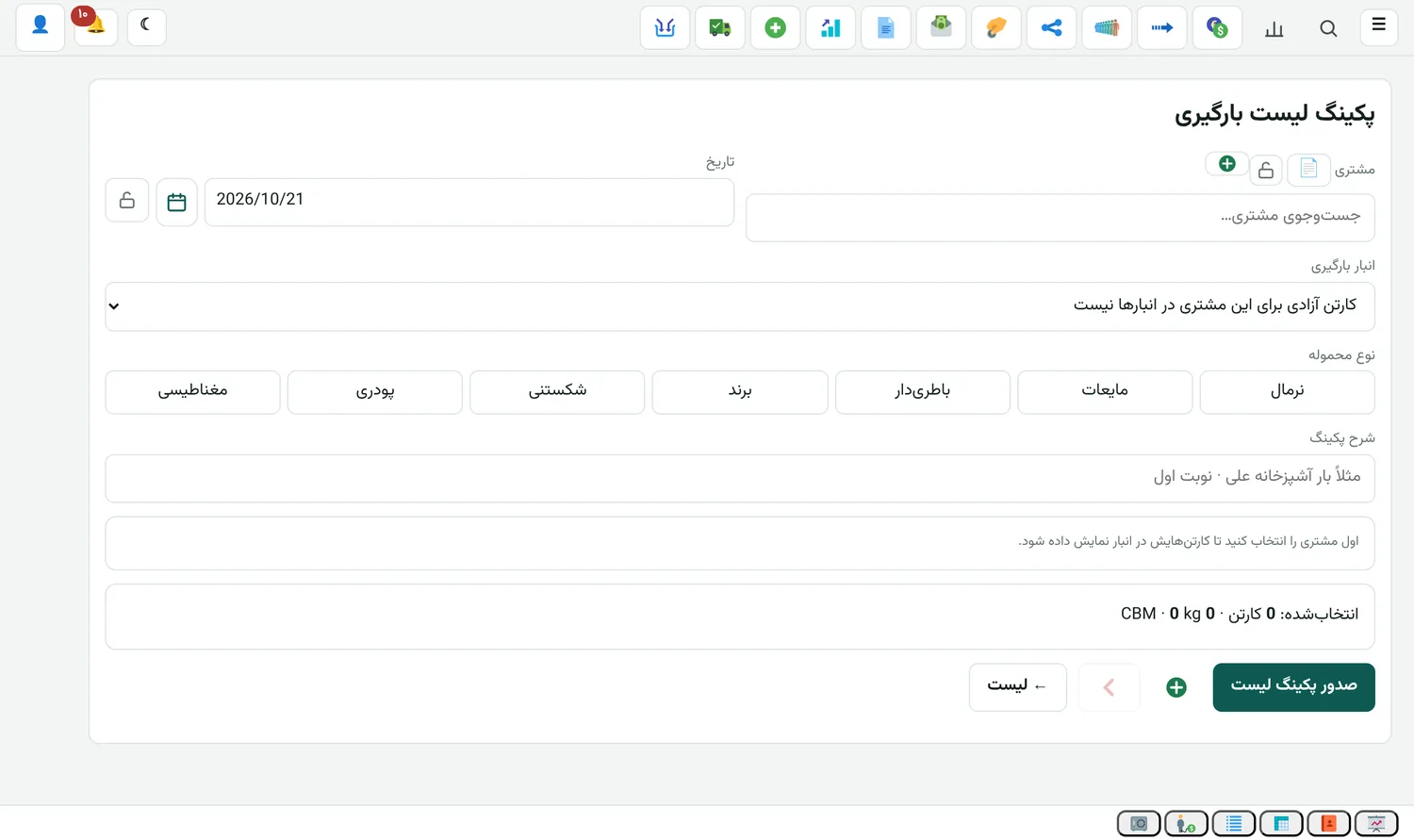
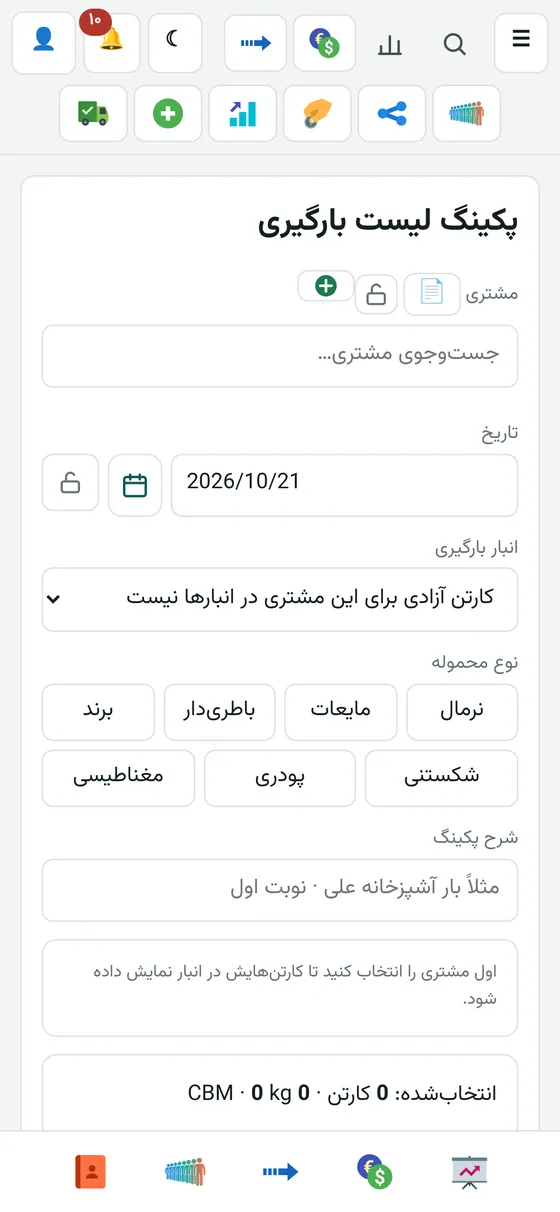
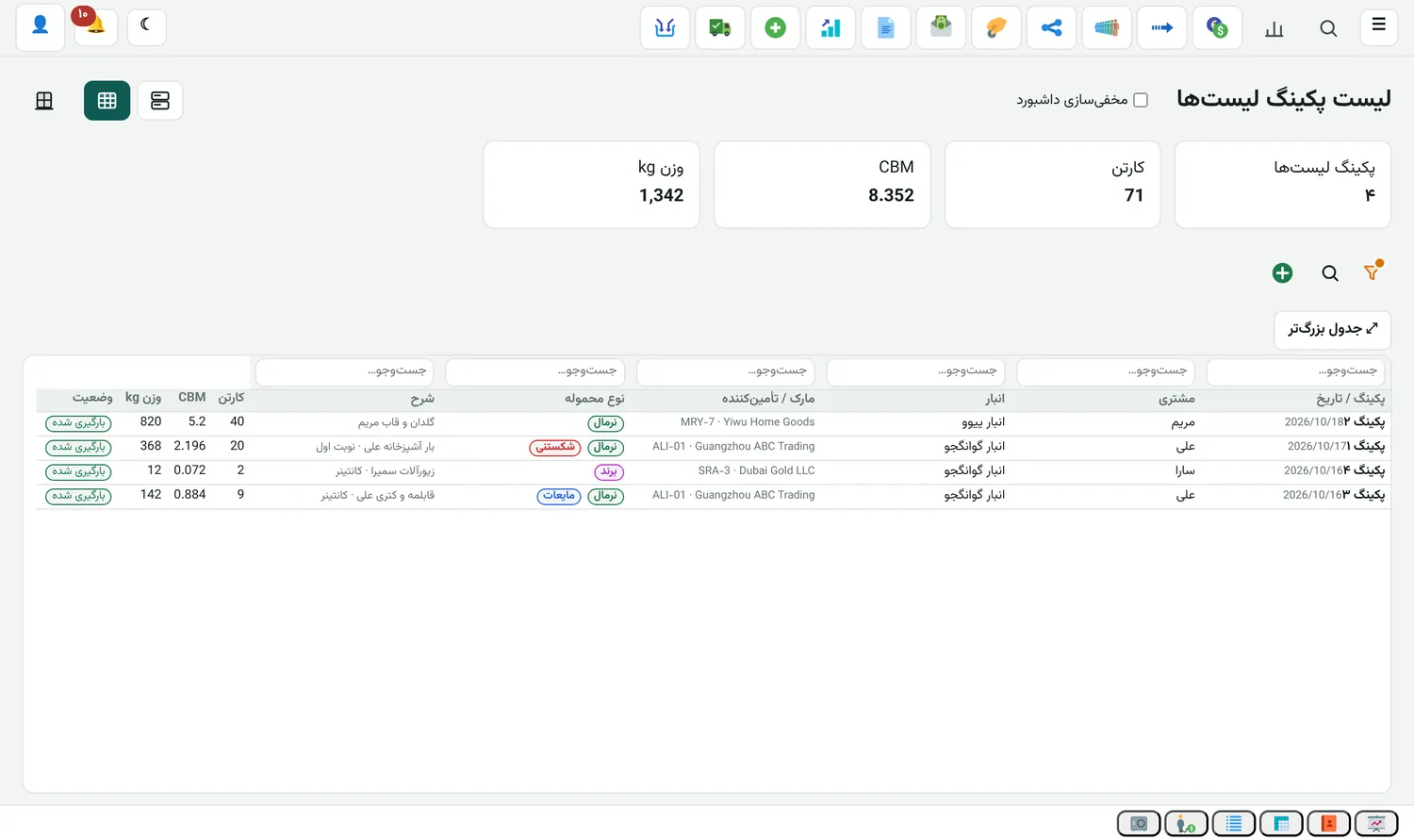
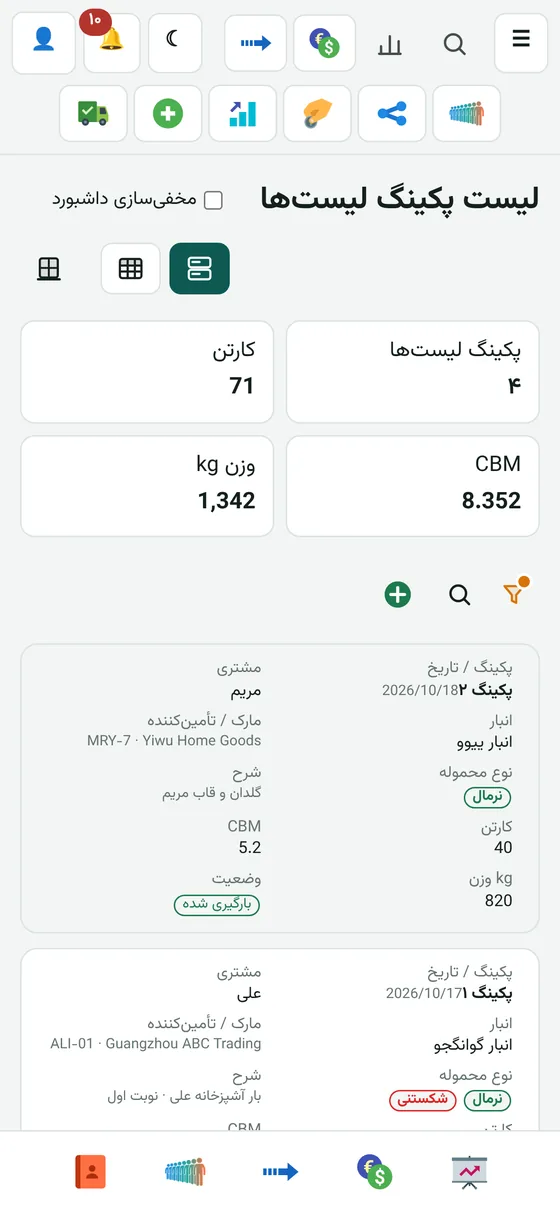
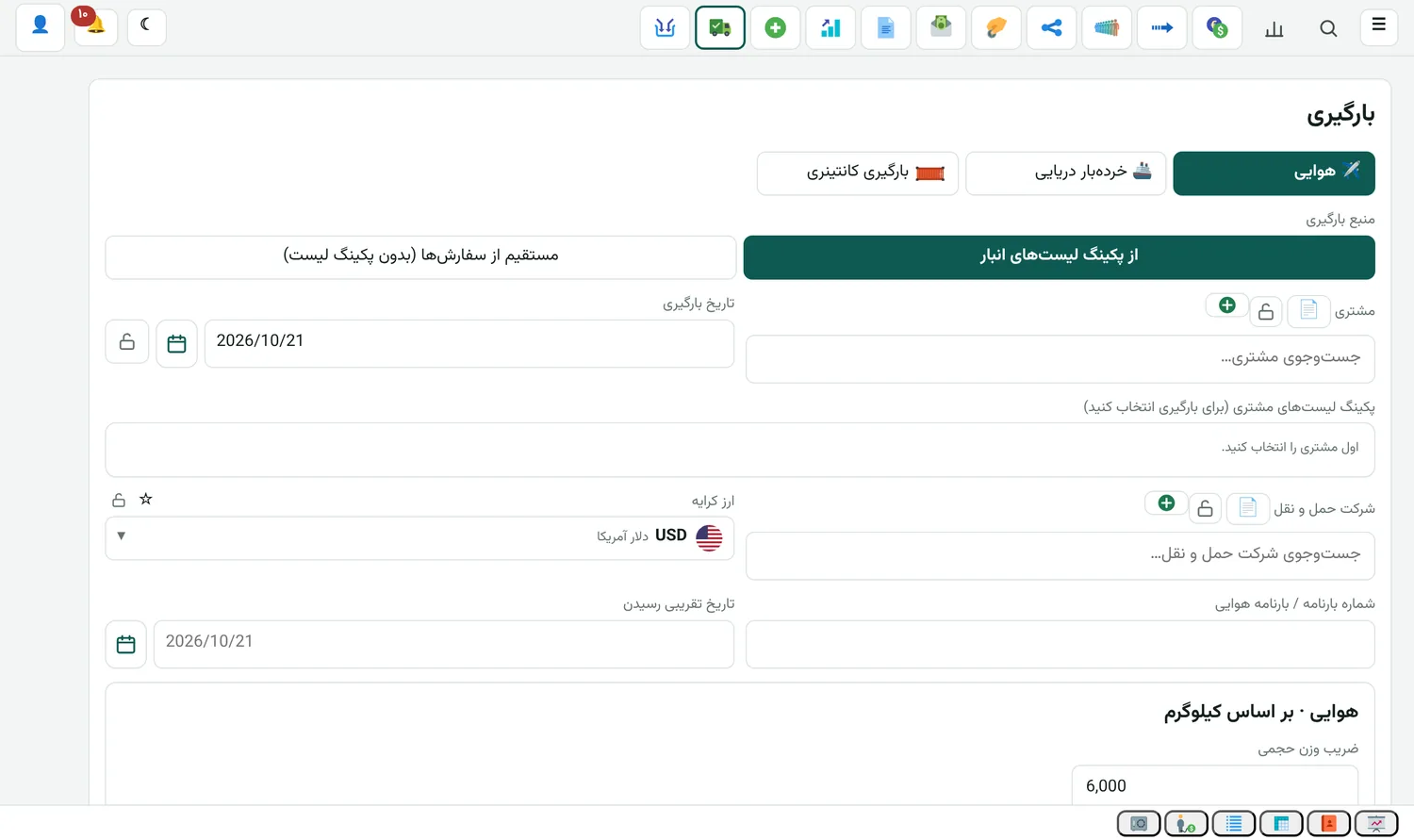
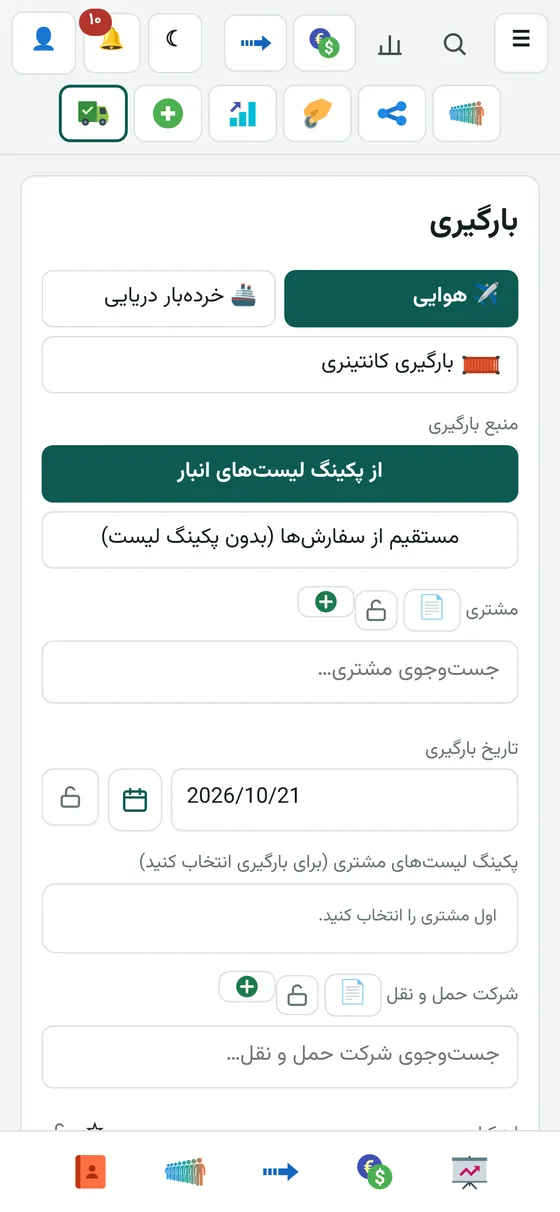
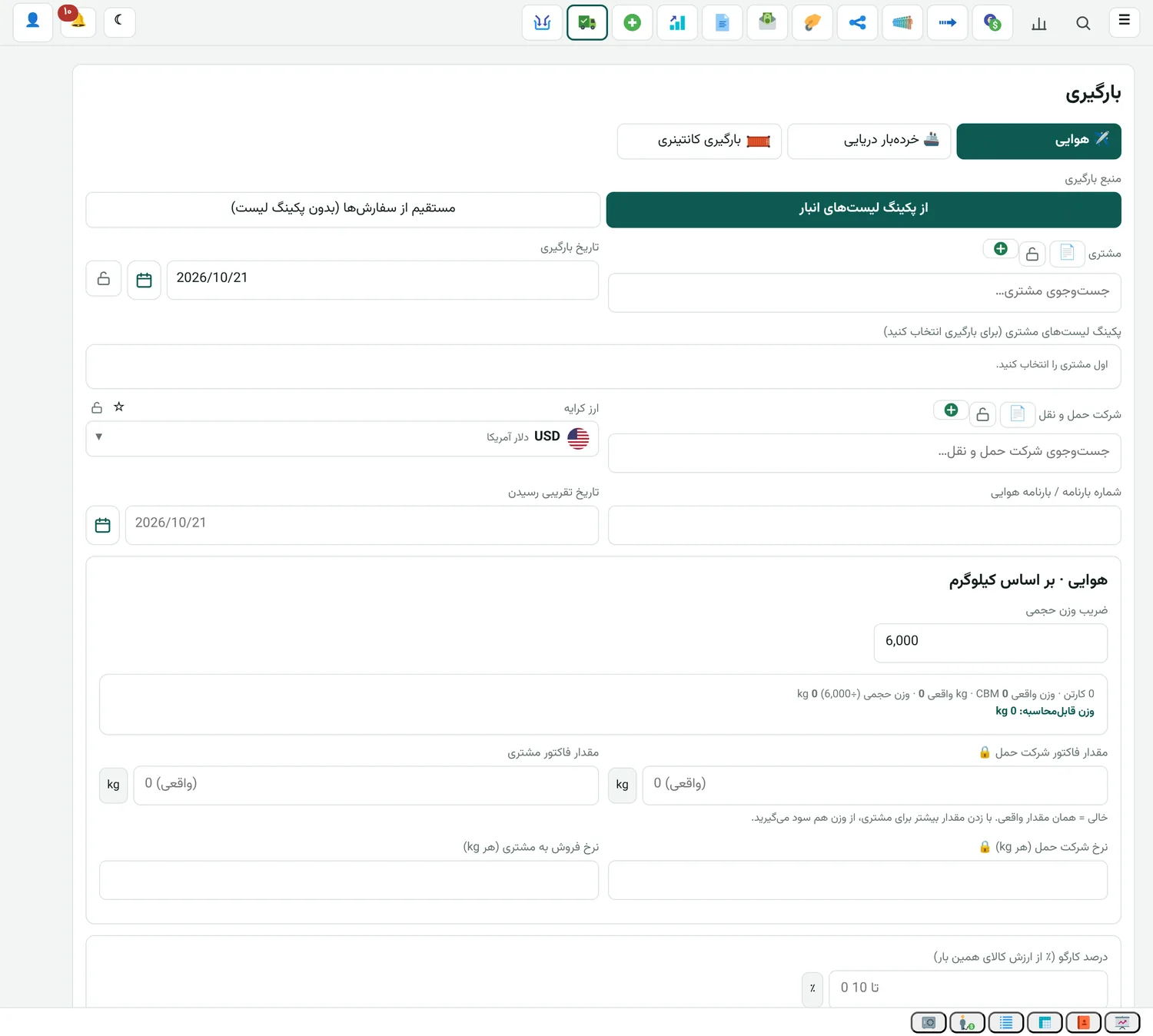
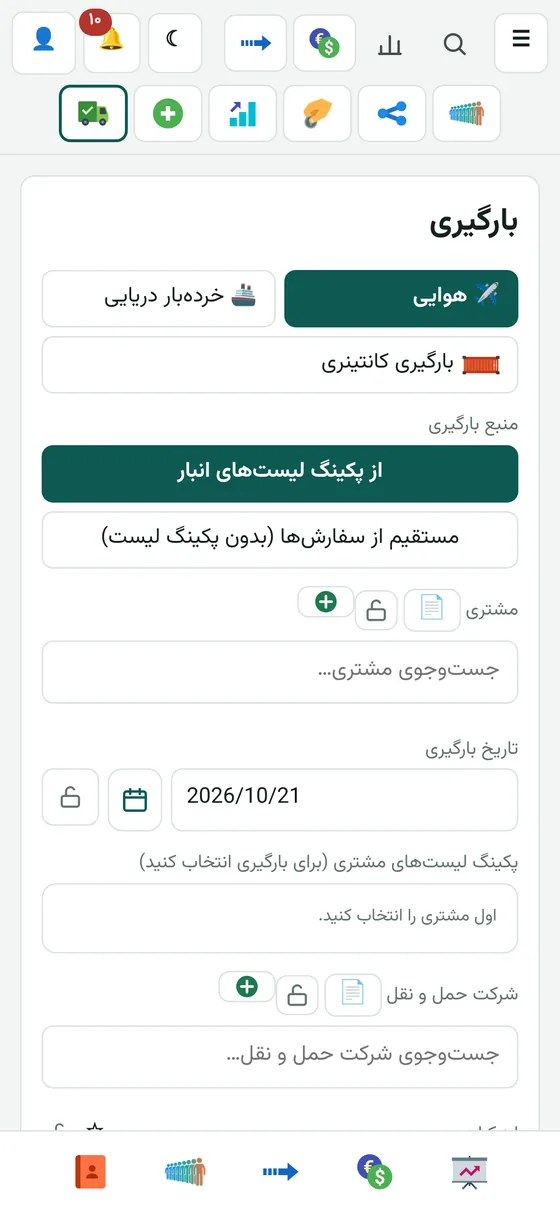
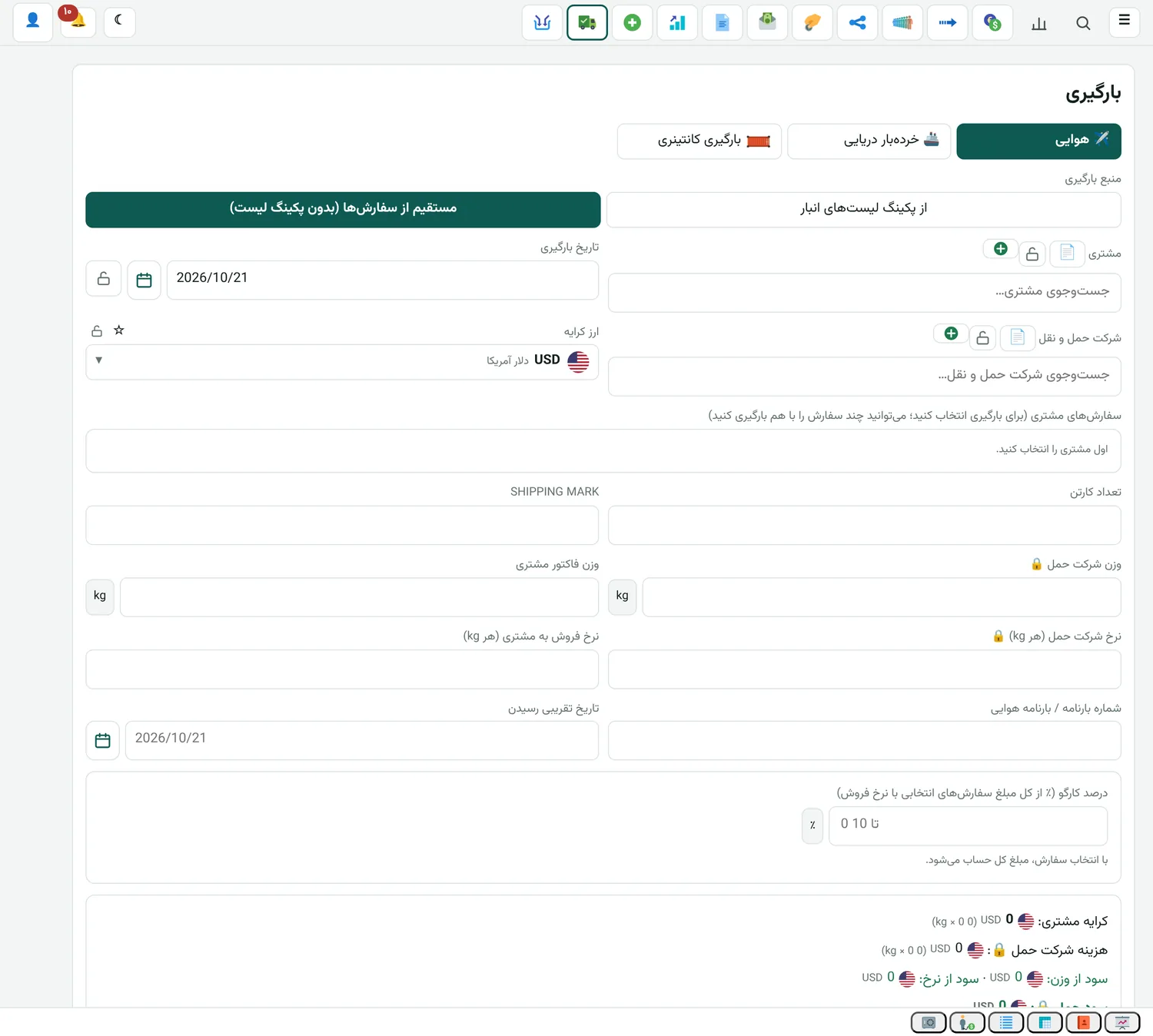
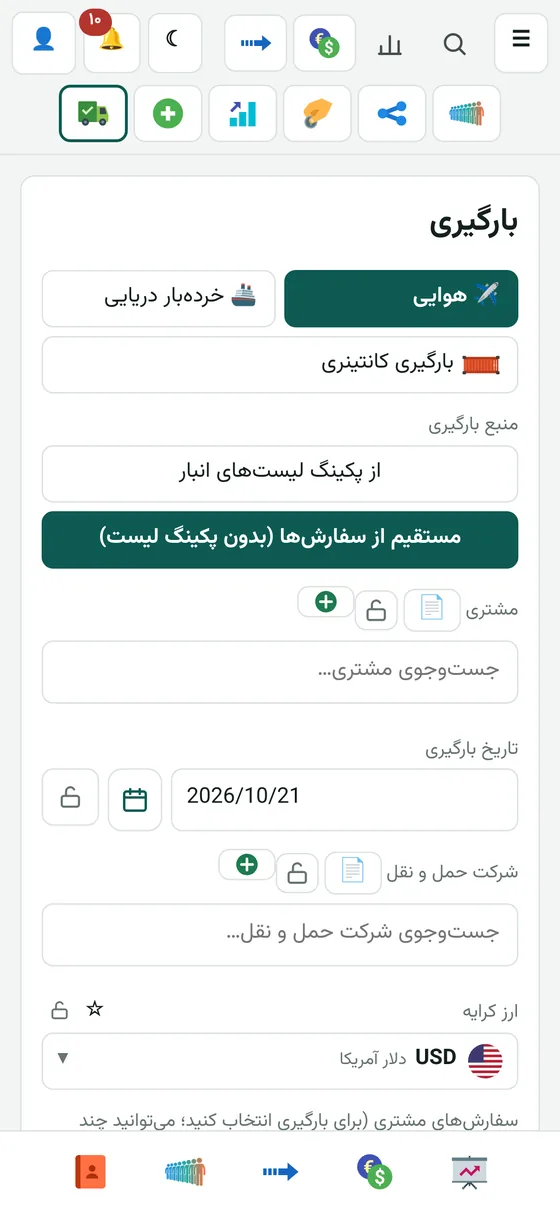
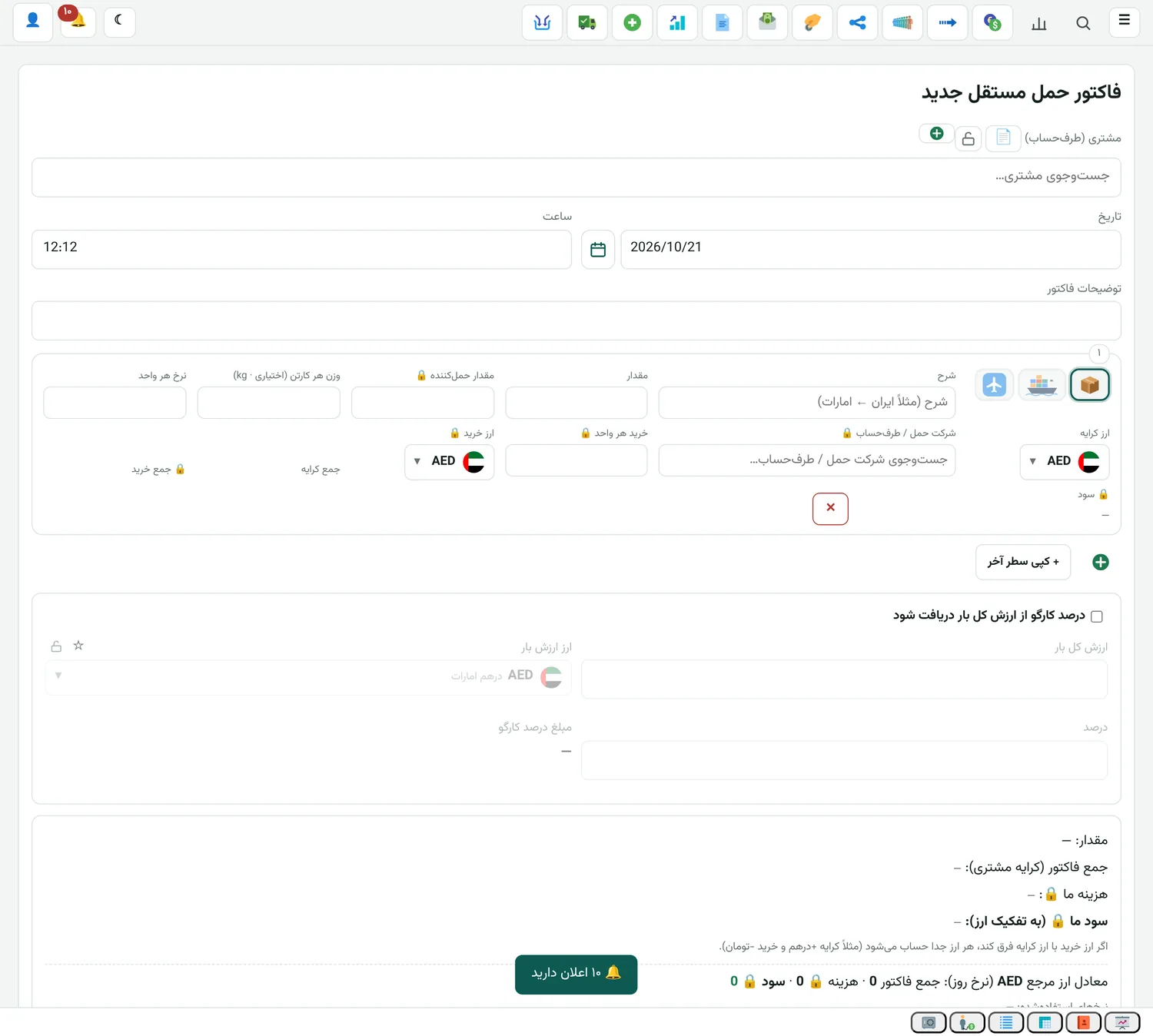
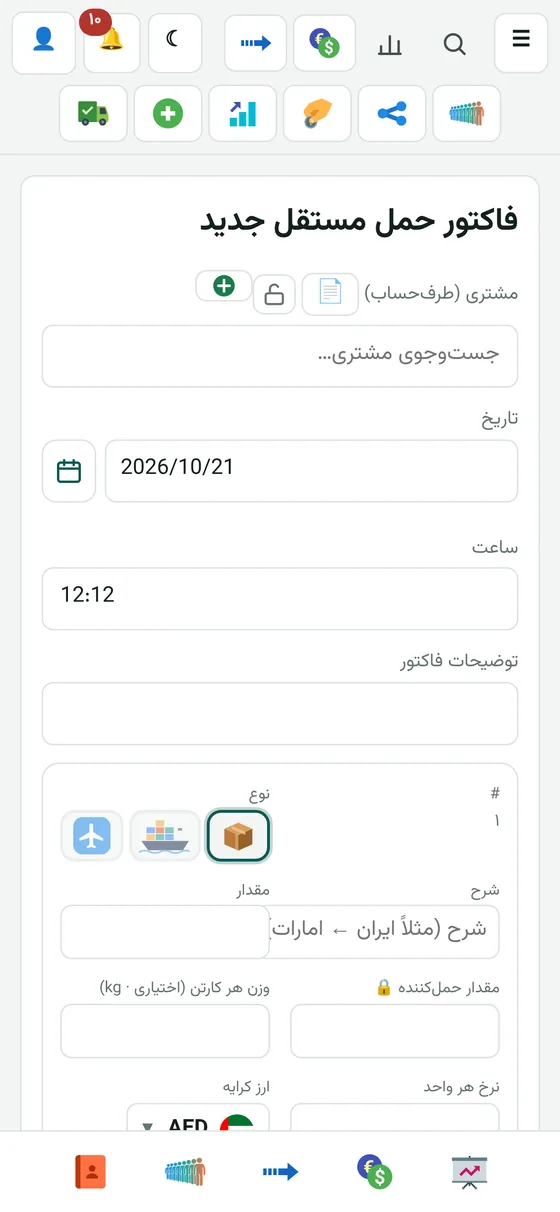
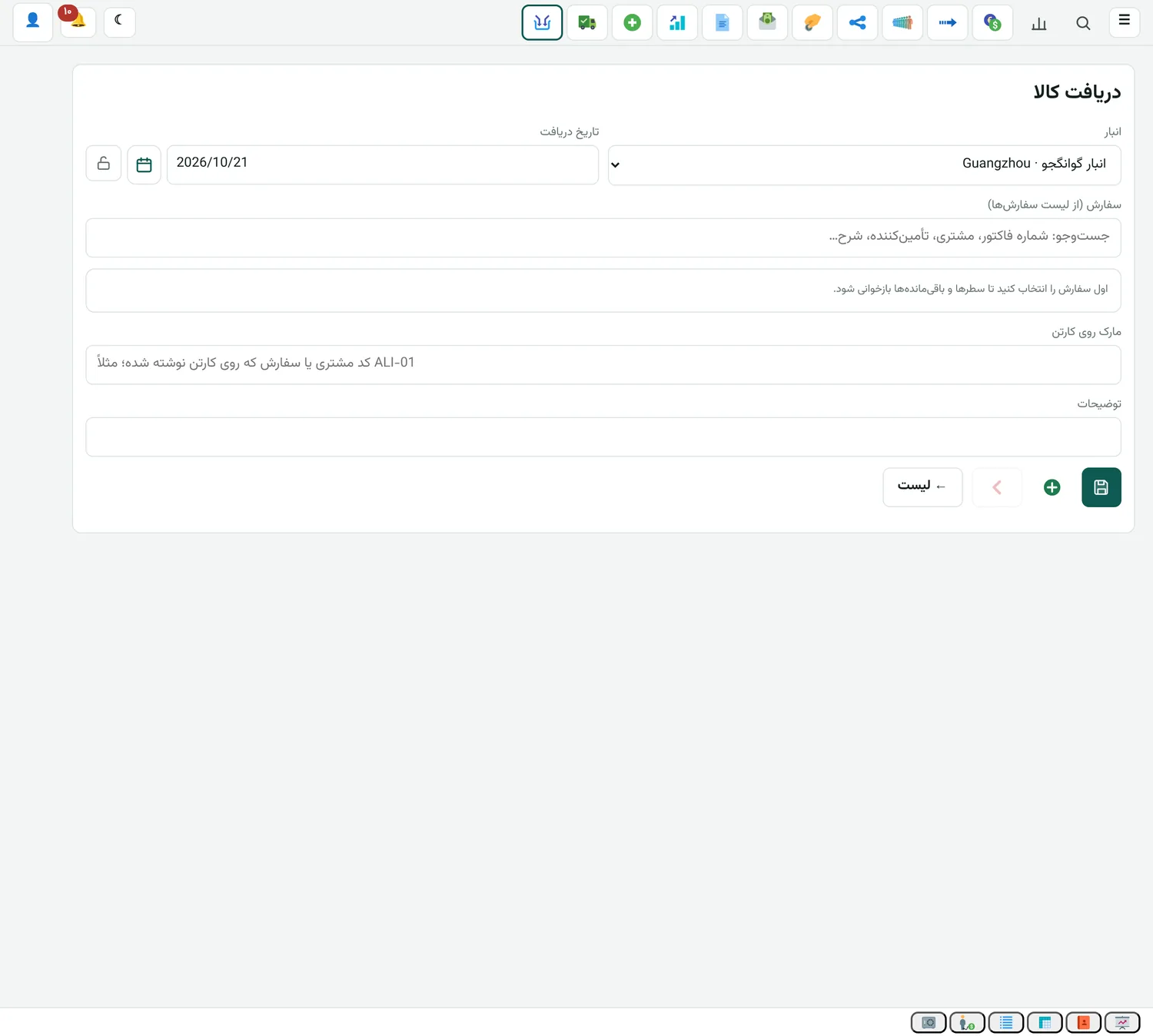
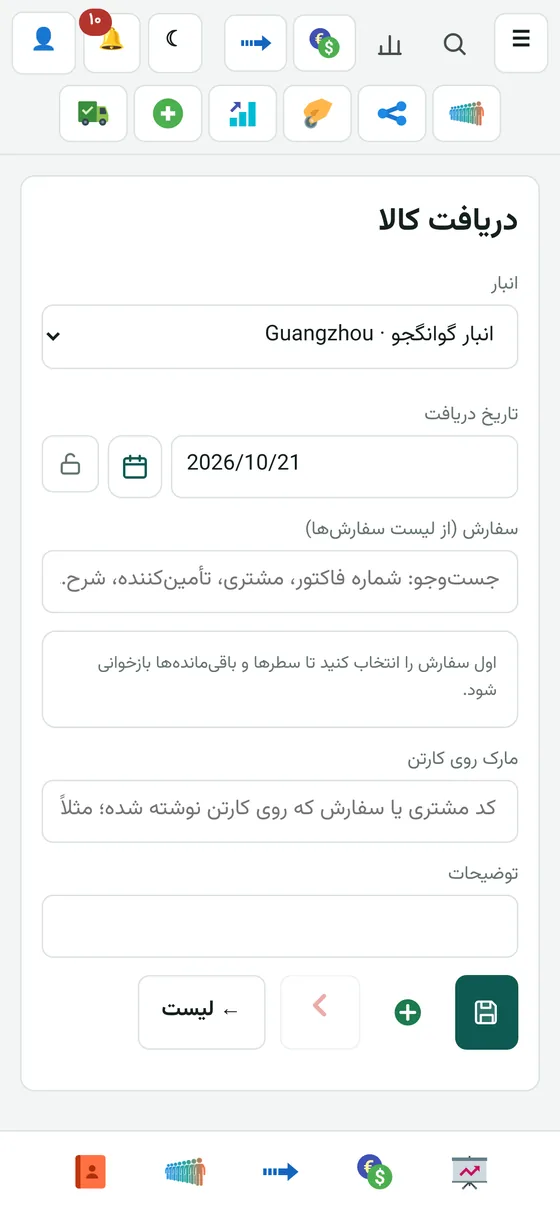
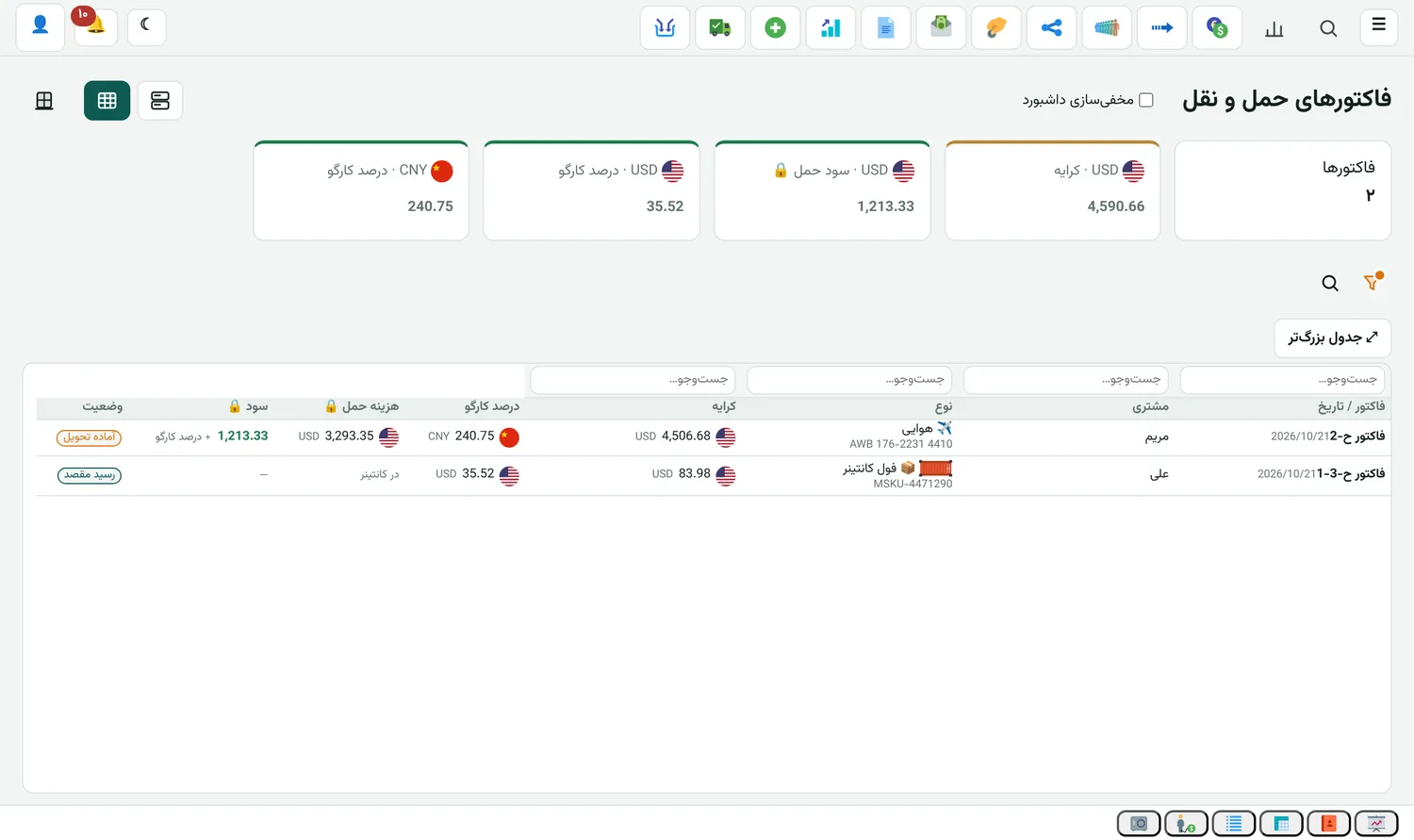
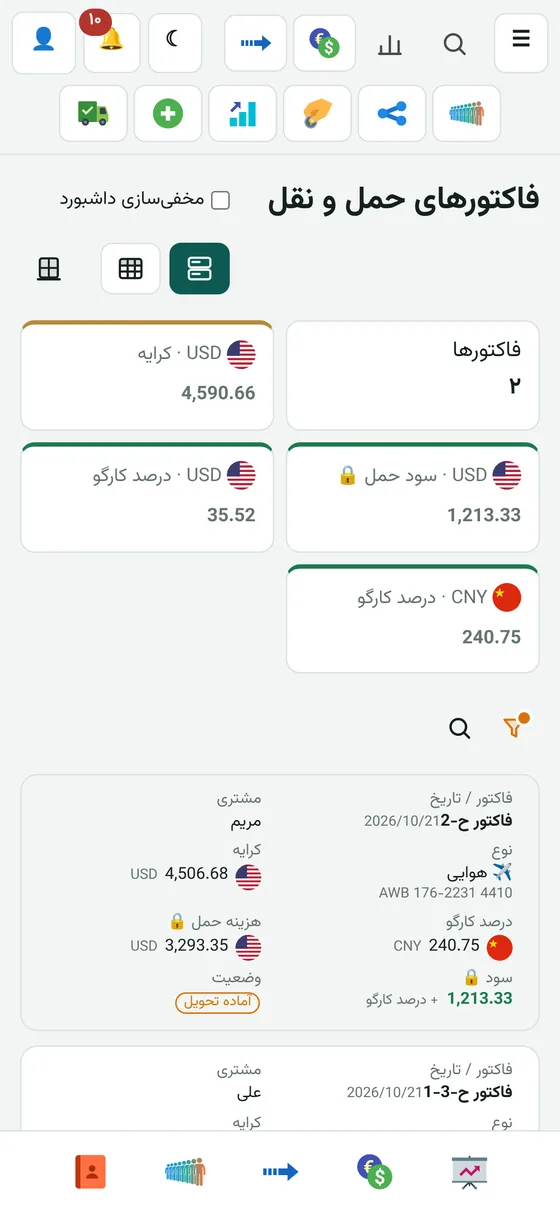
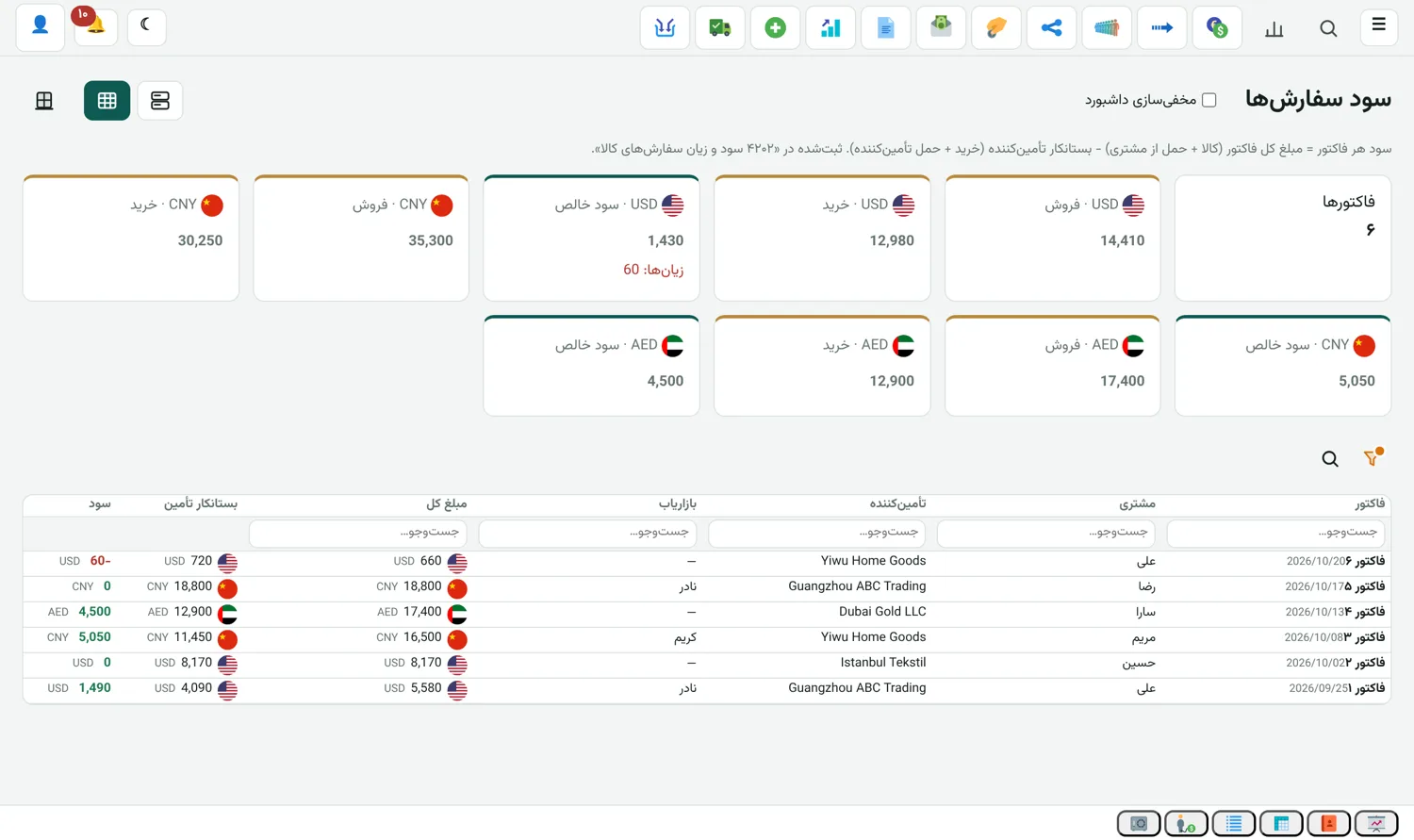
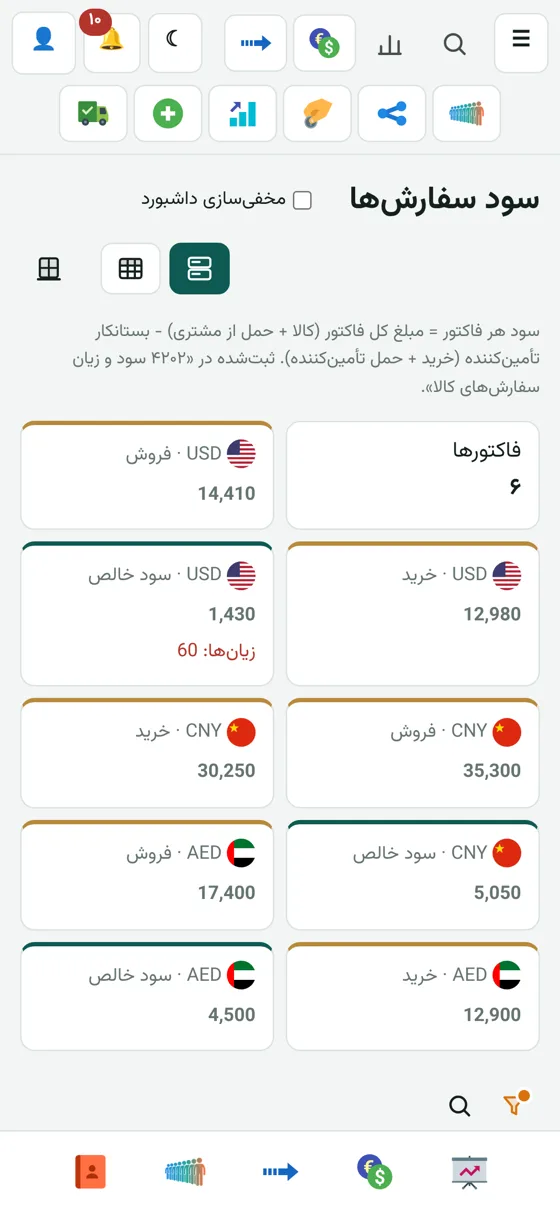
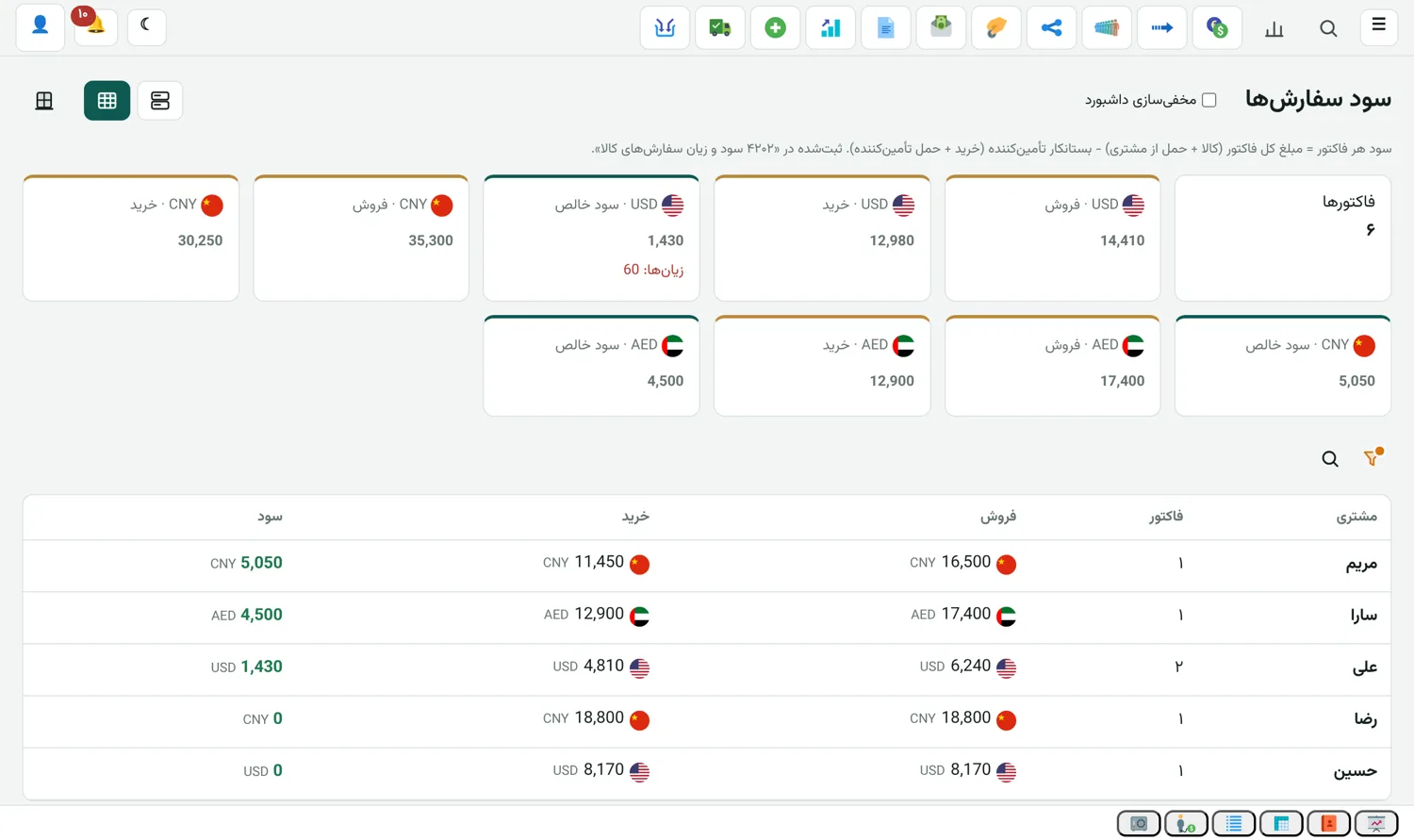
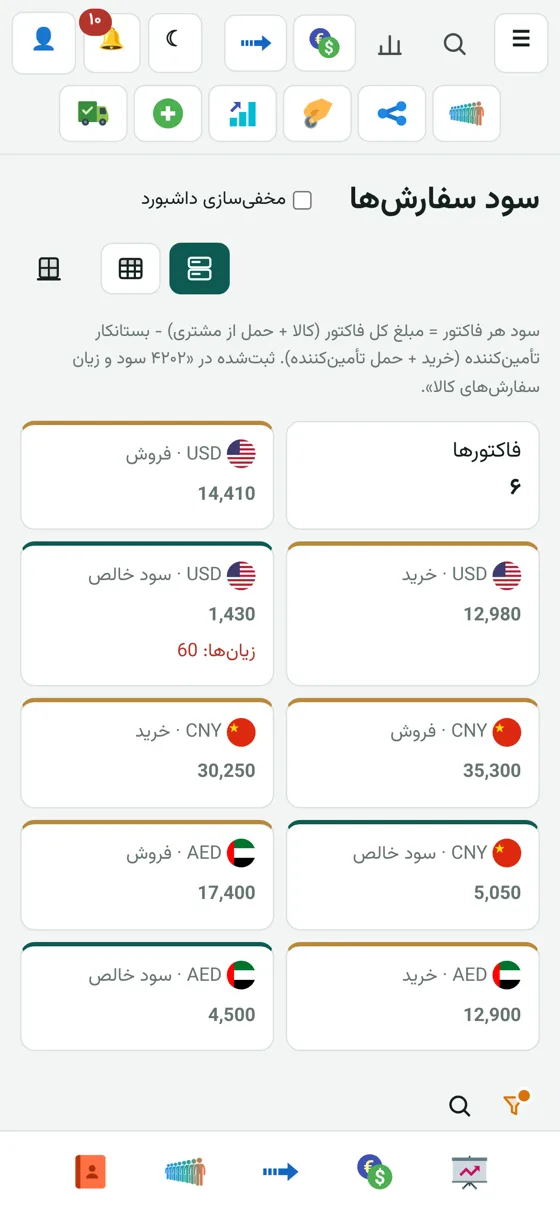
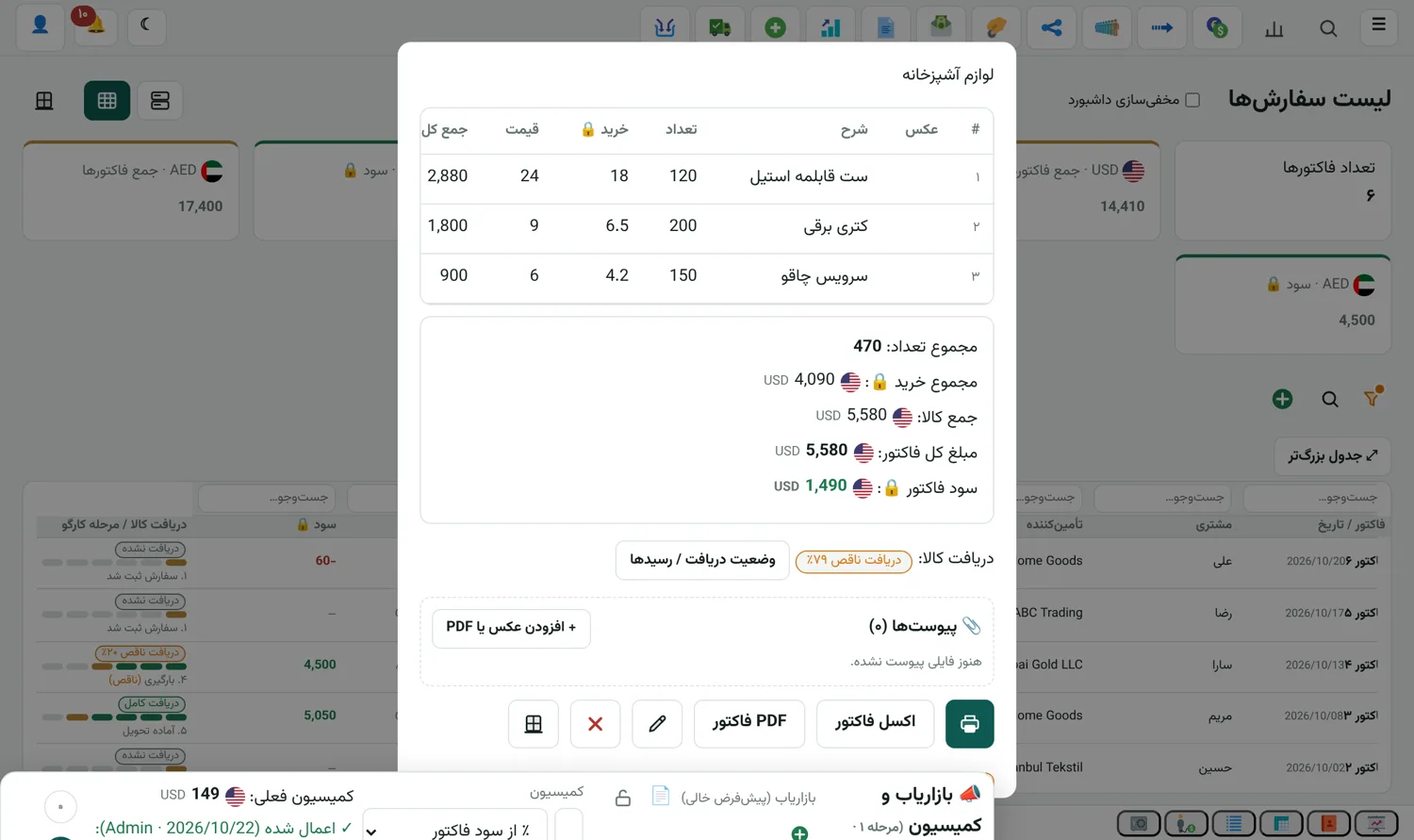
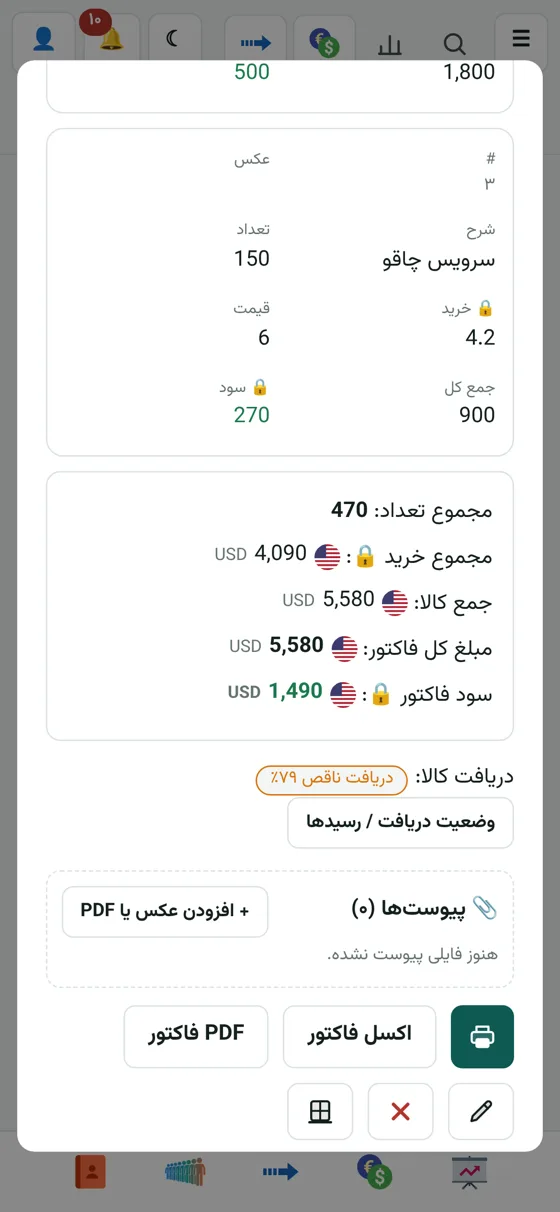
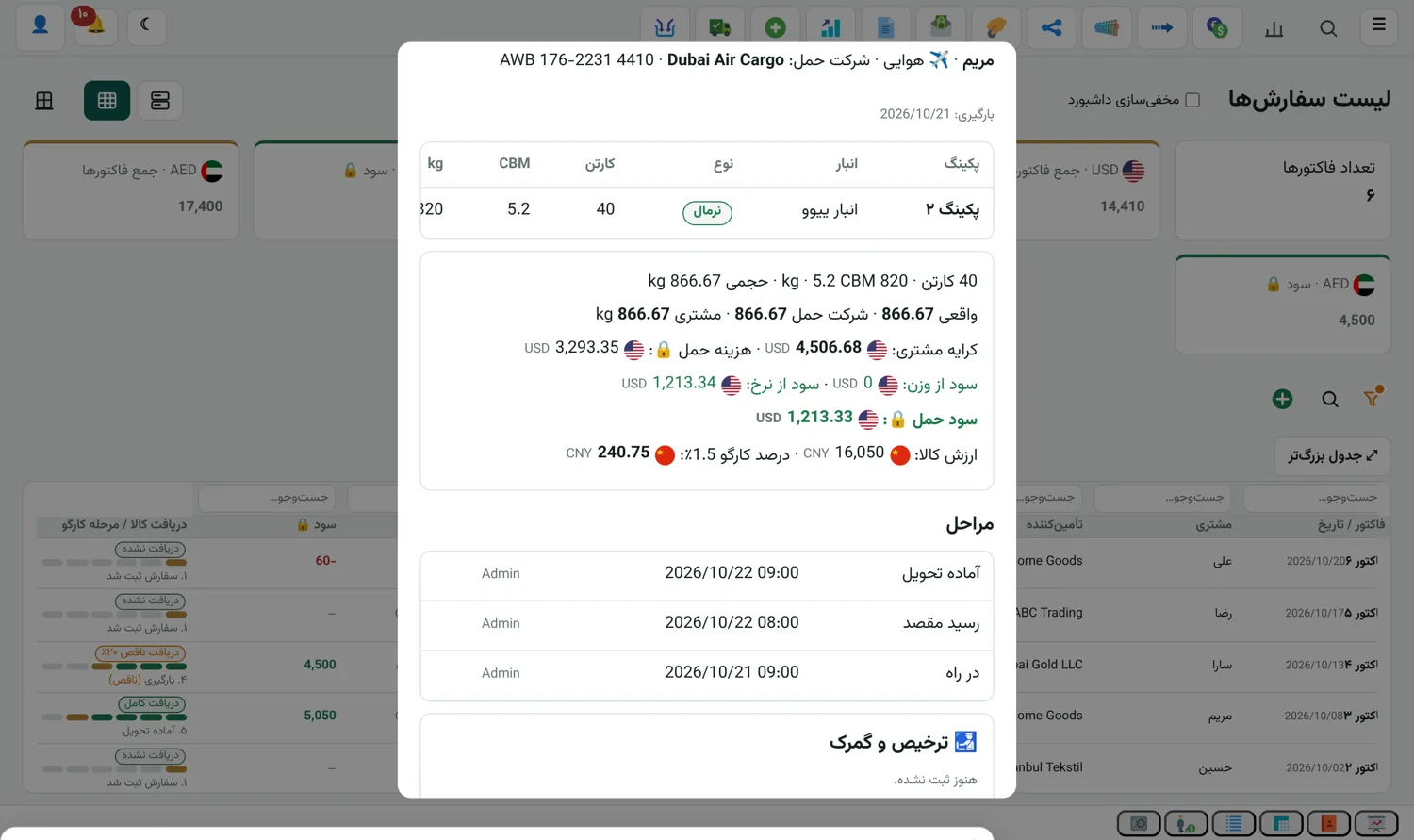
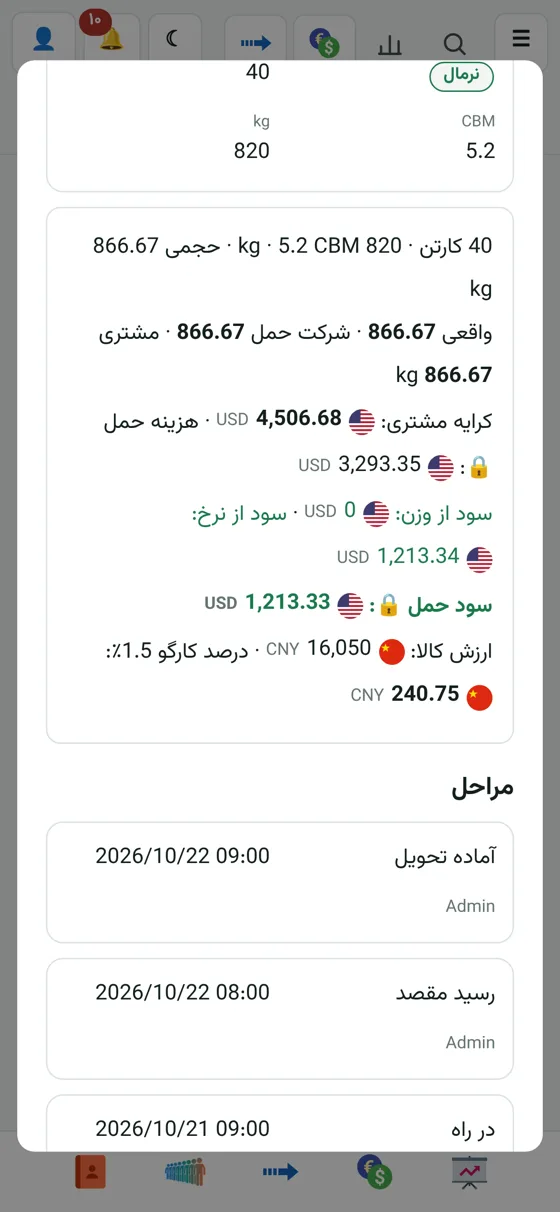
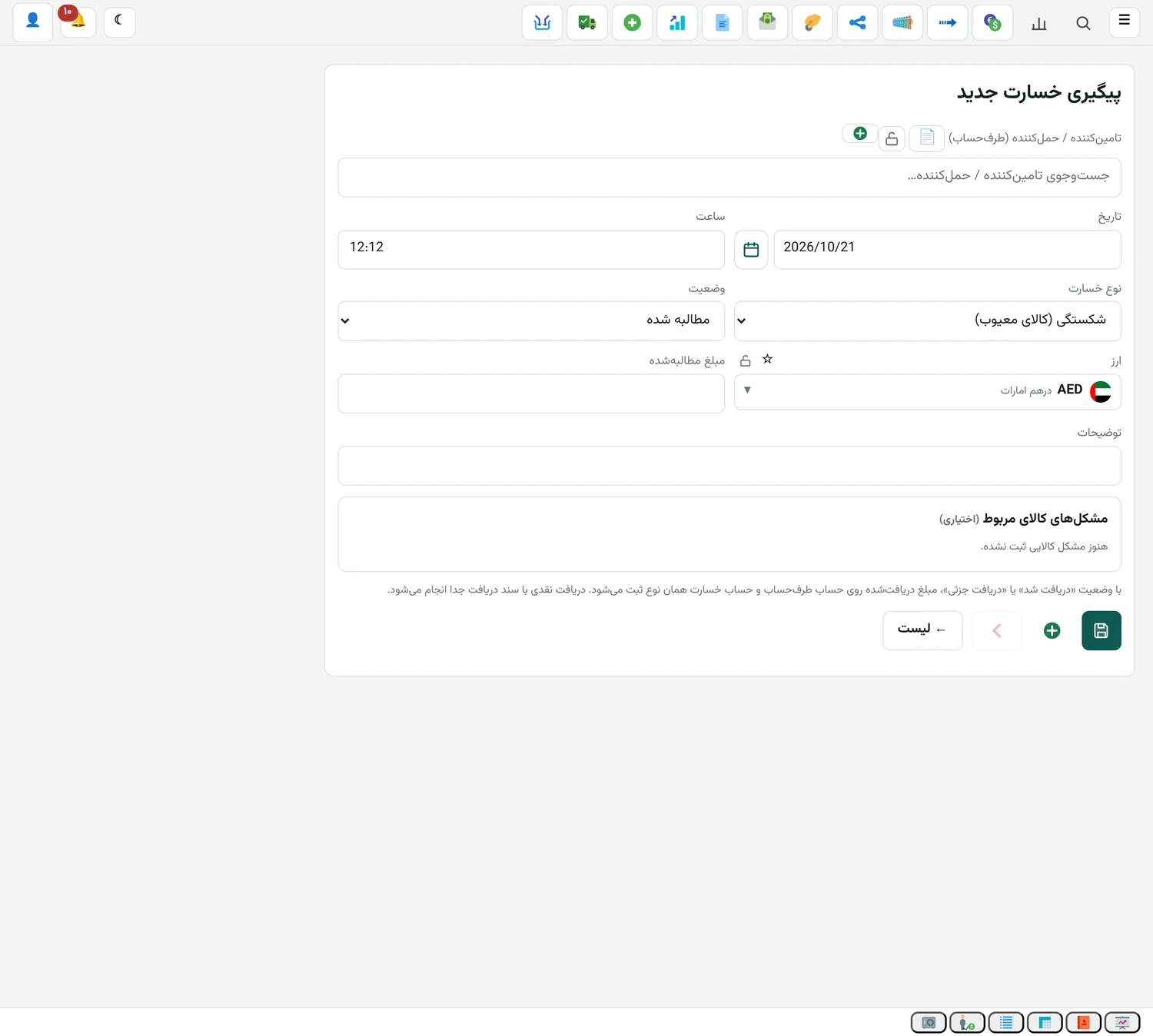
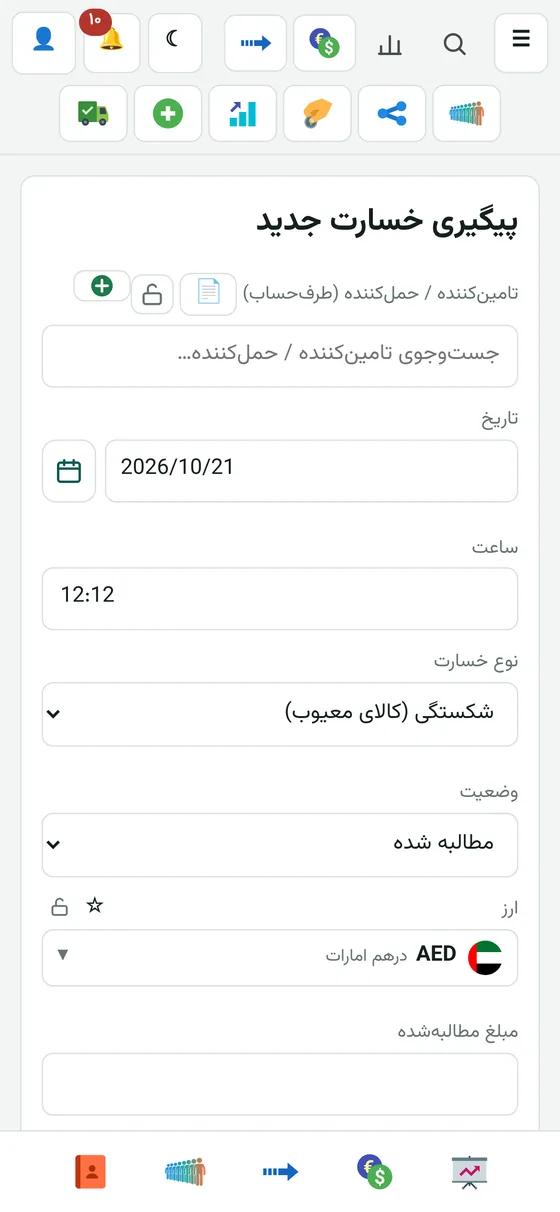
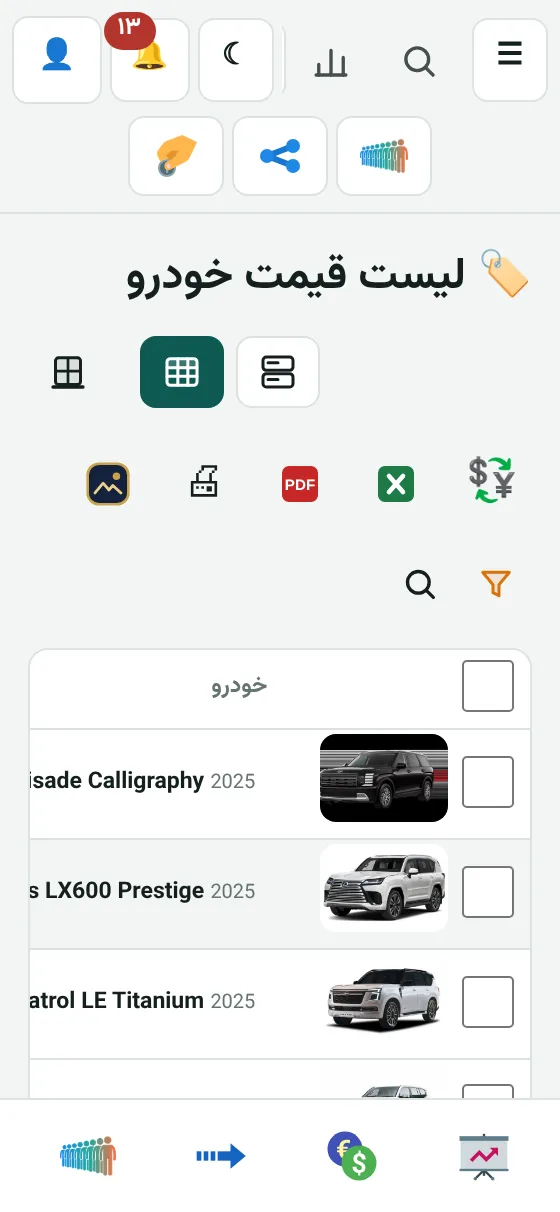
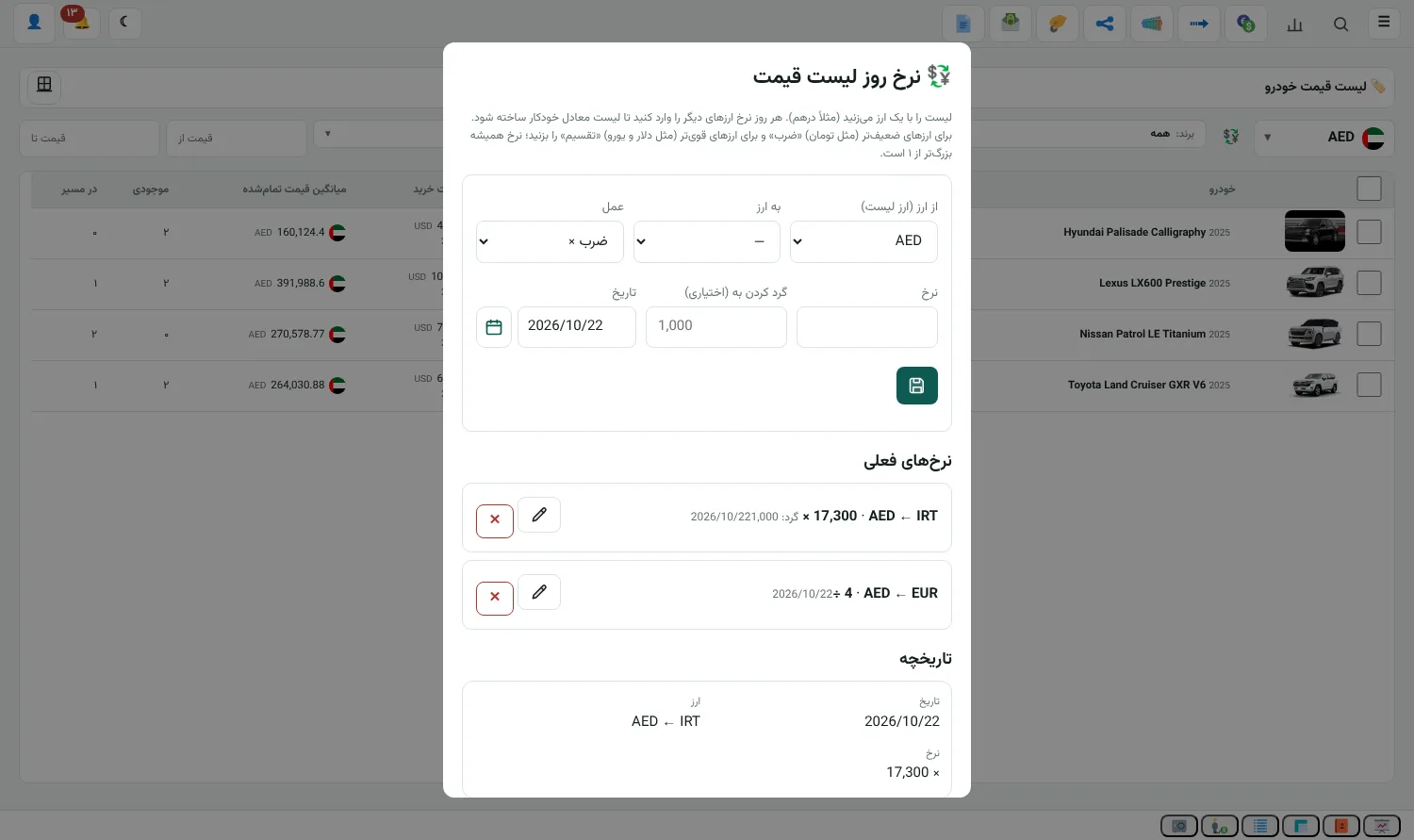
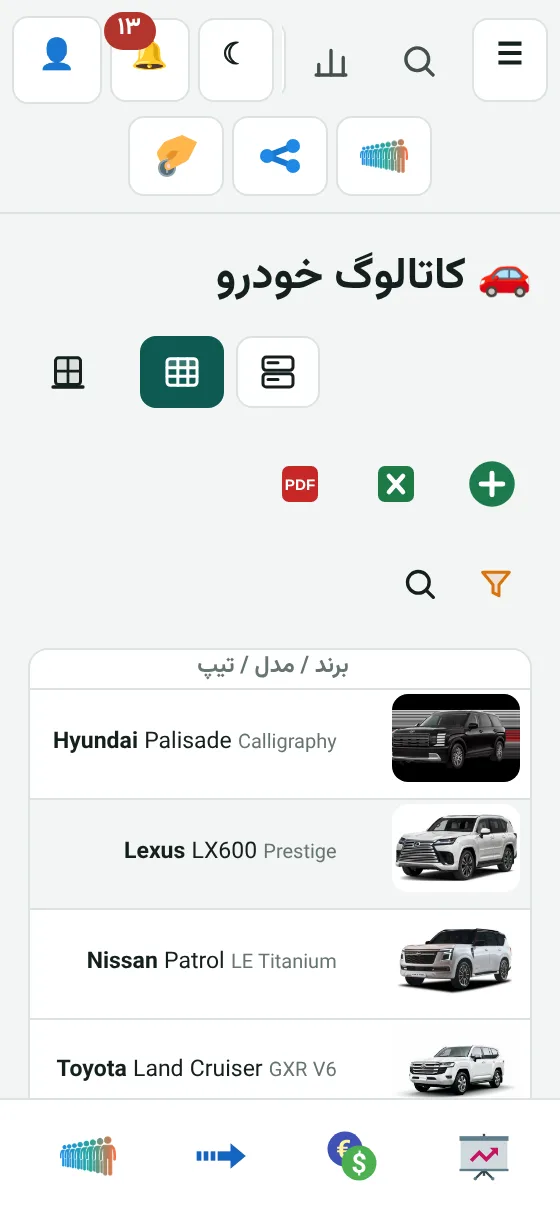
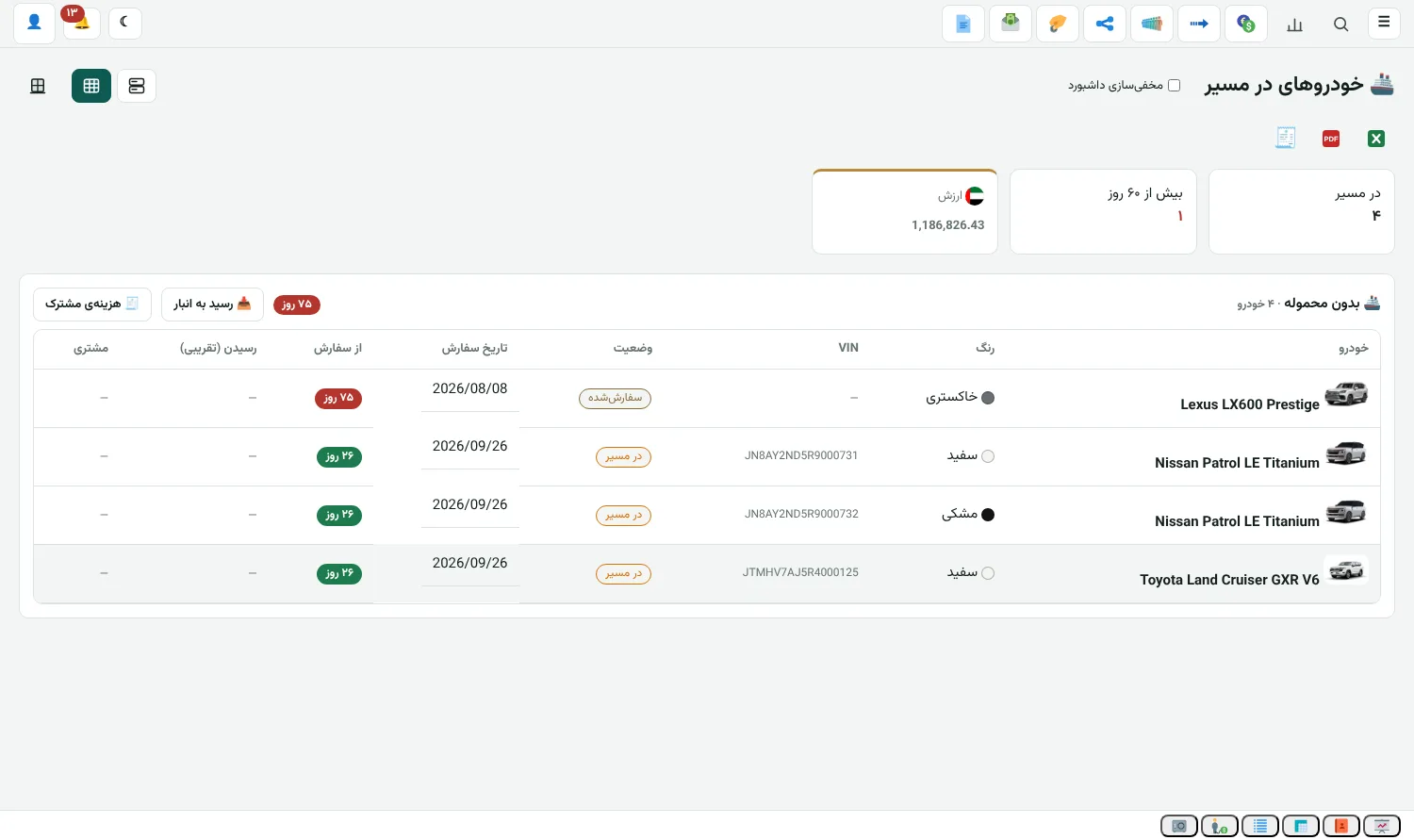
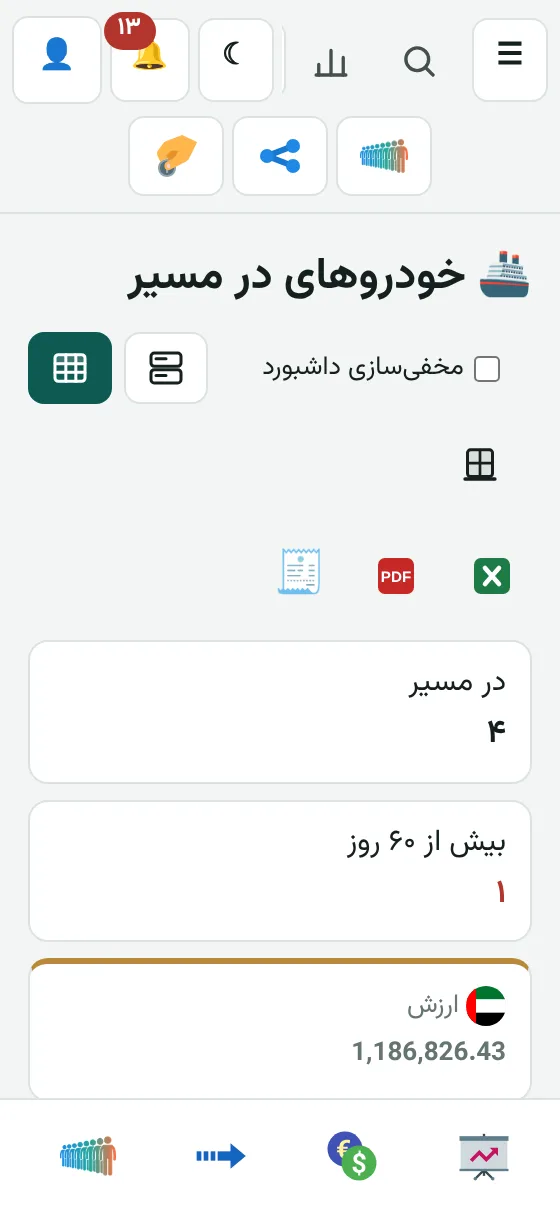
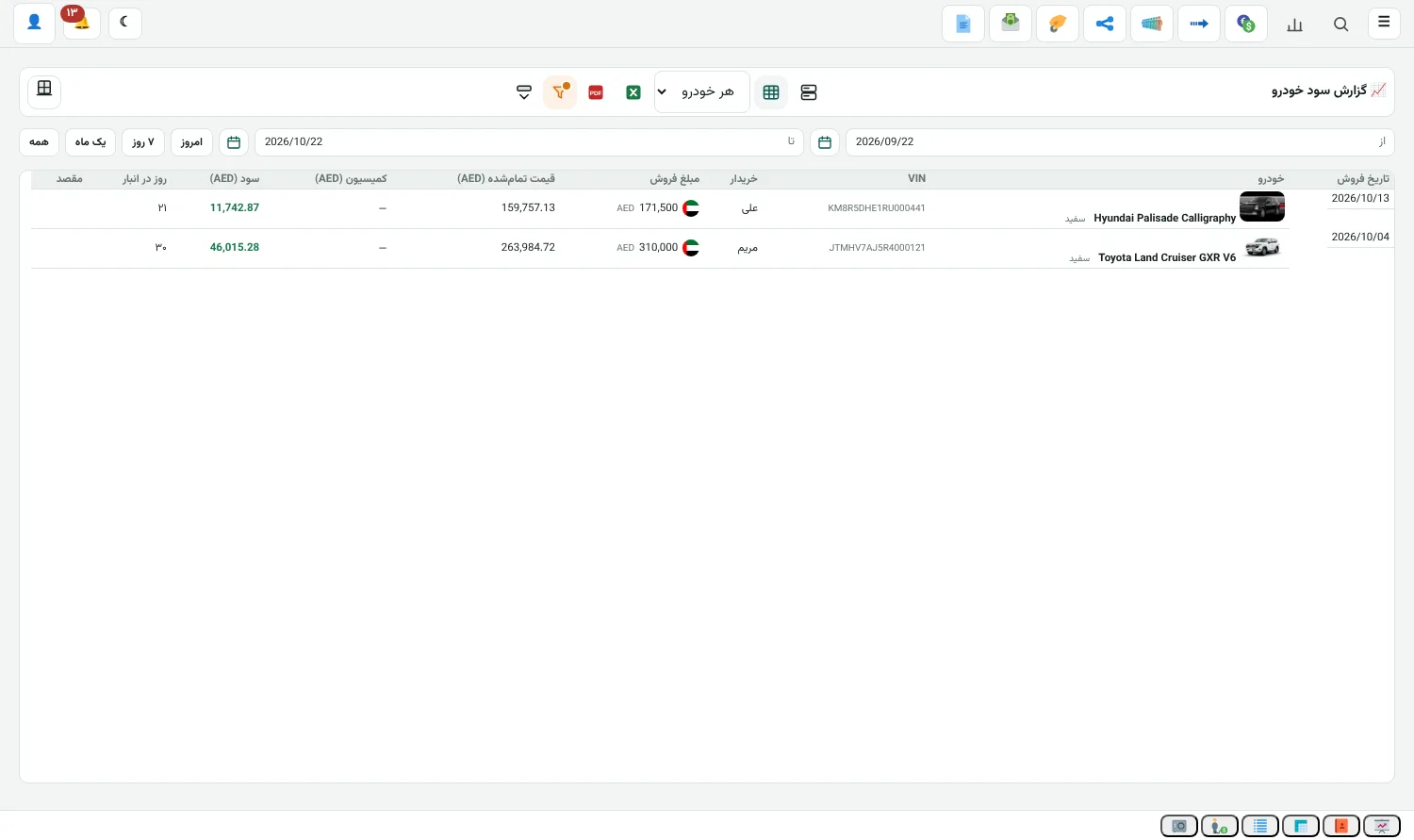
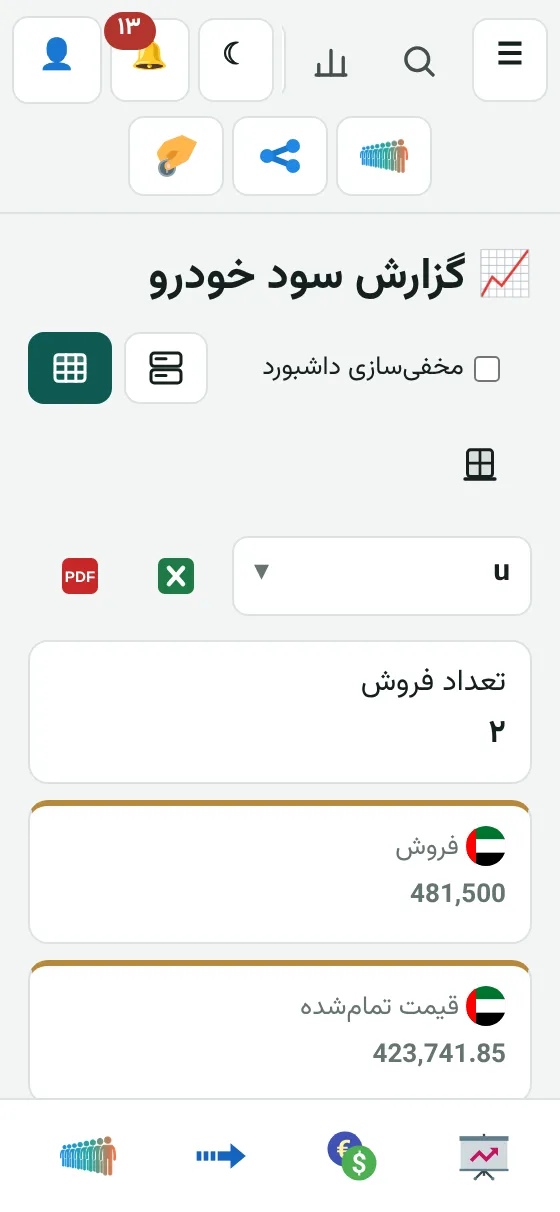
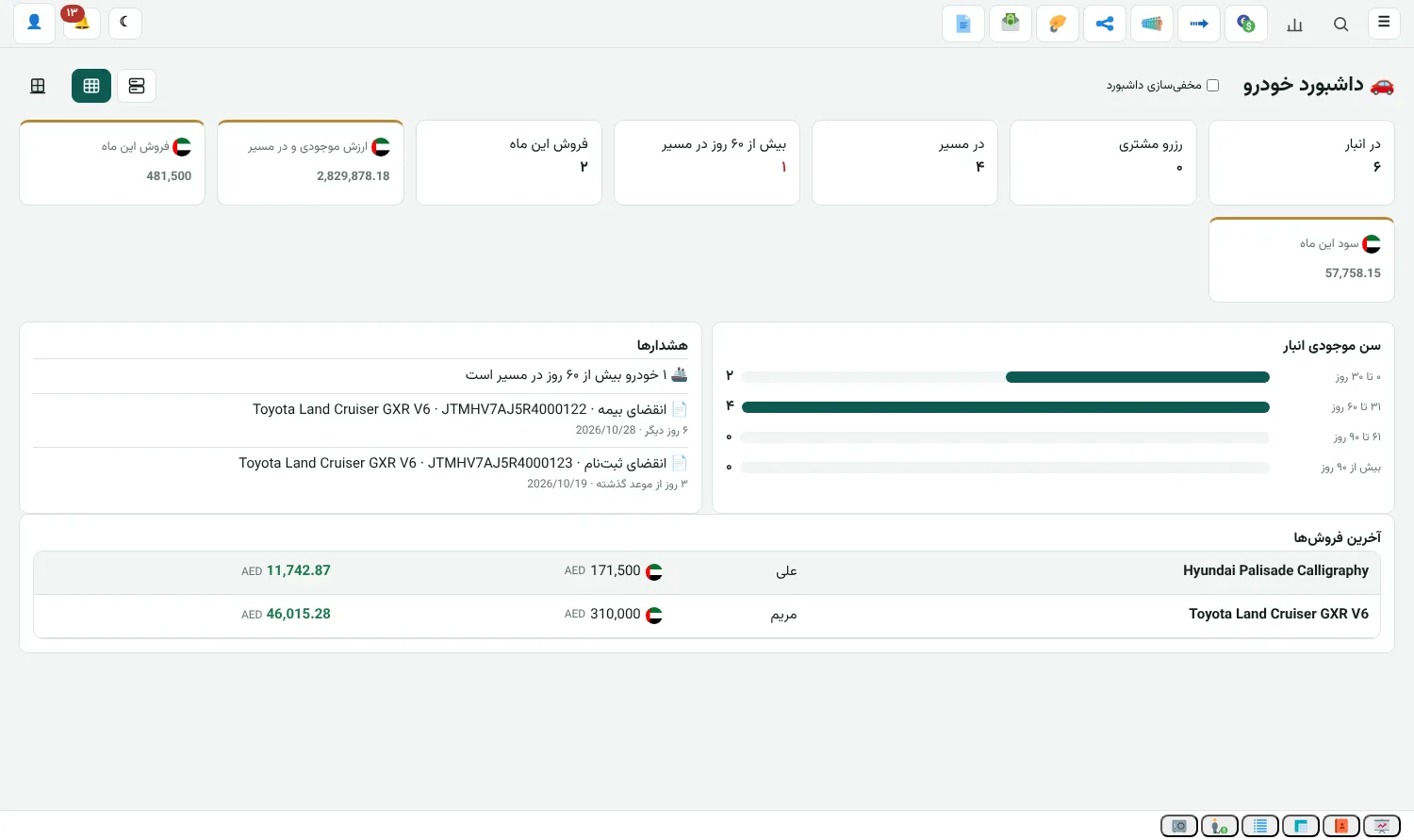
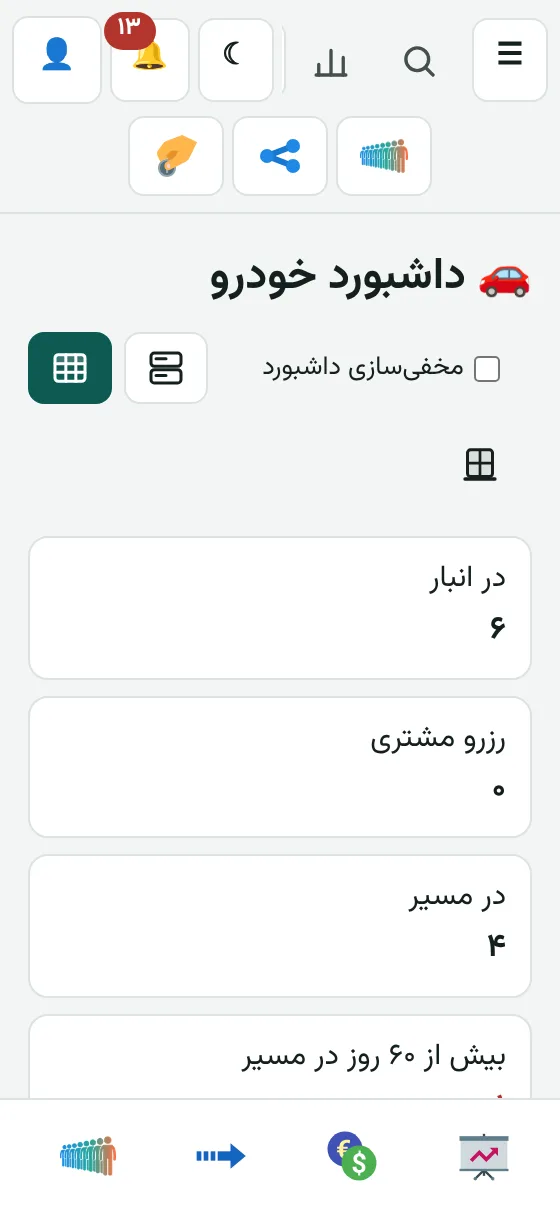
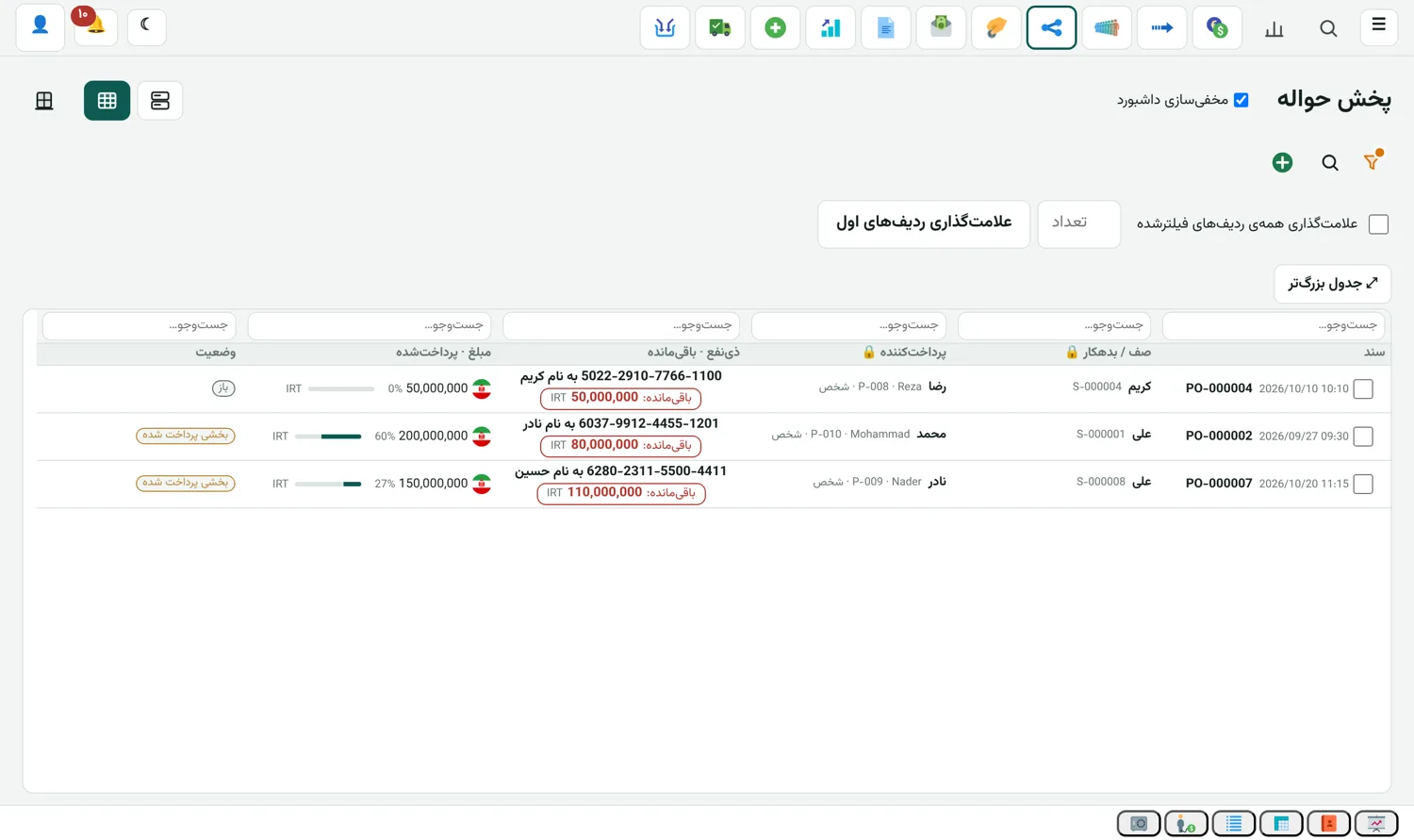
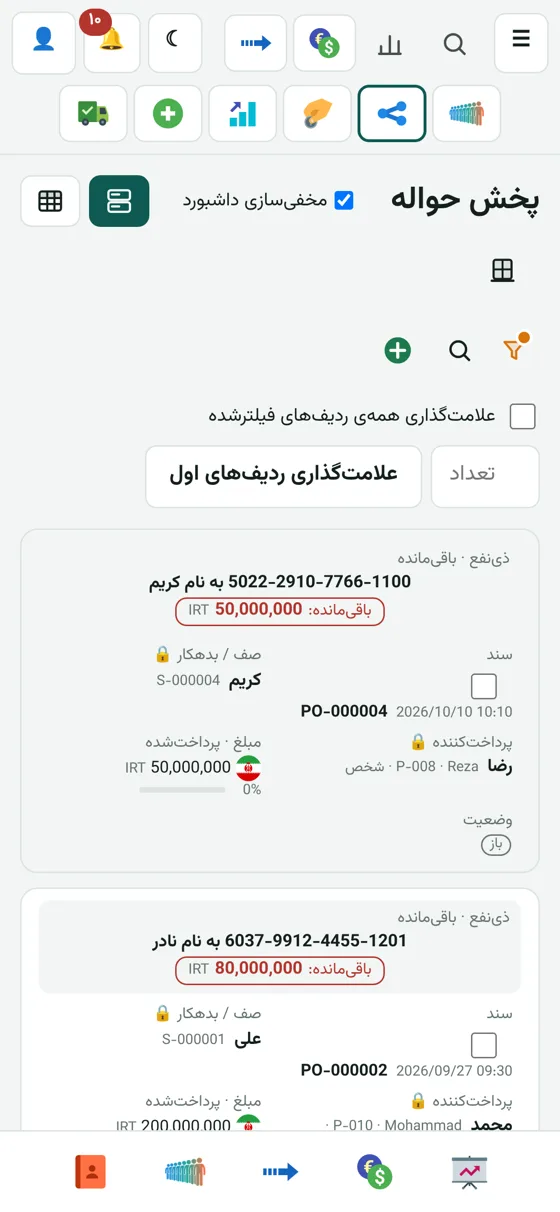
These are real screens from the app (sample data). The big frame is the computer, the small one is the same page on a phone. The screens show the Persian interface; the app itself runs in 7 languages.

Deals and remittances are the heart of an exchange office.

All editions

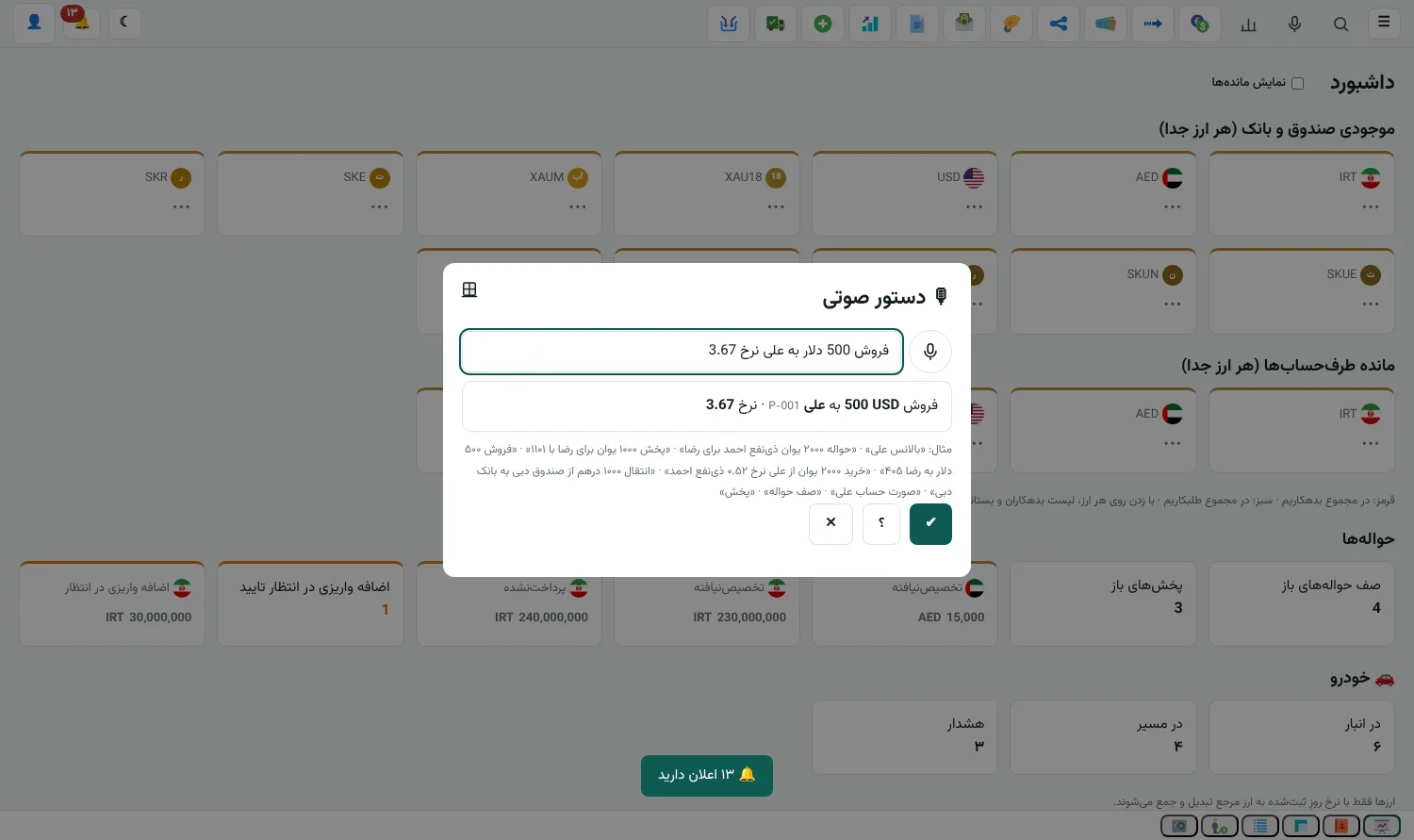
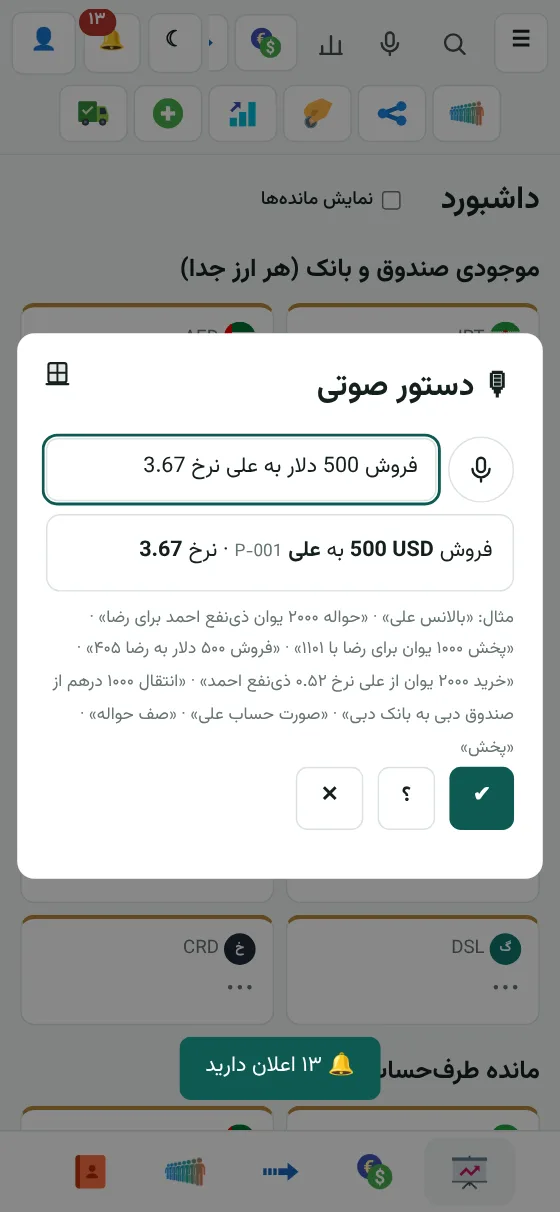
Voice and typed commands in the app

Tap the microphone and say: "Sell 500 dollars to Ali". The deal form fills in the account, currency and amount, and you do the final save yourself.

  • Deals, transfers, remittances, distribution, statements and balance
  • Balance as a picture with currency flags, ready to copy or save
  • Look up a card or IBAN and save it straight into your beneficiaries
  • Persian, English, Turkish, Chinese and Arabic; no typing
  • Nothing is ever recorded automatically
Voice command in the appVoice command in the app
All editions

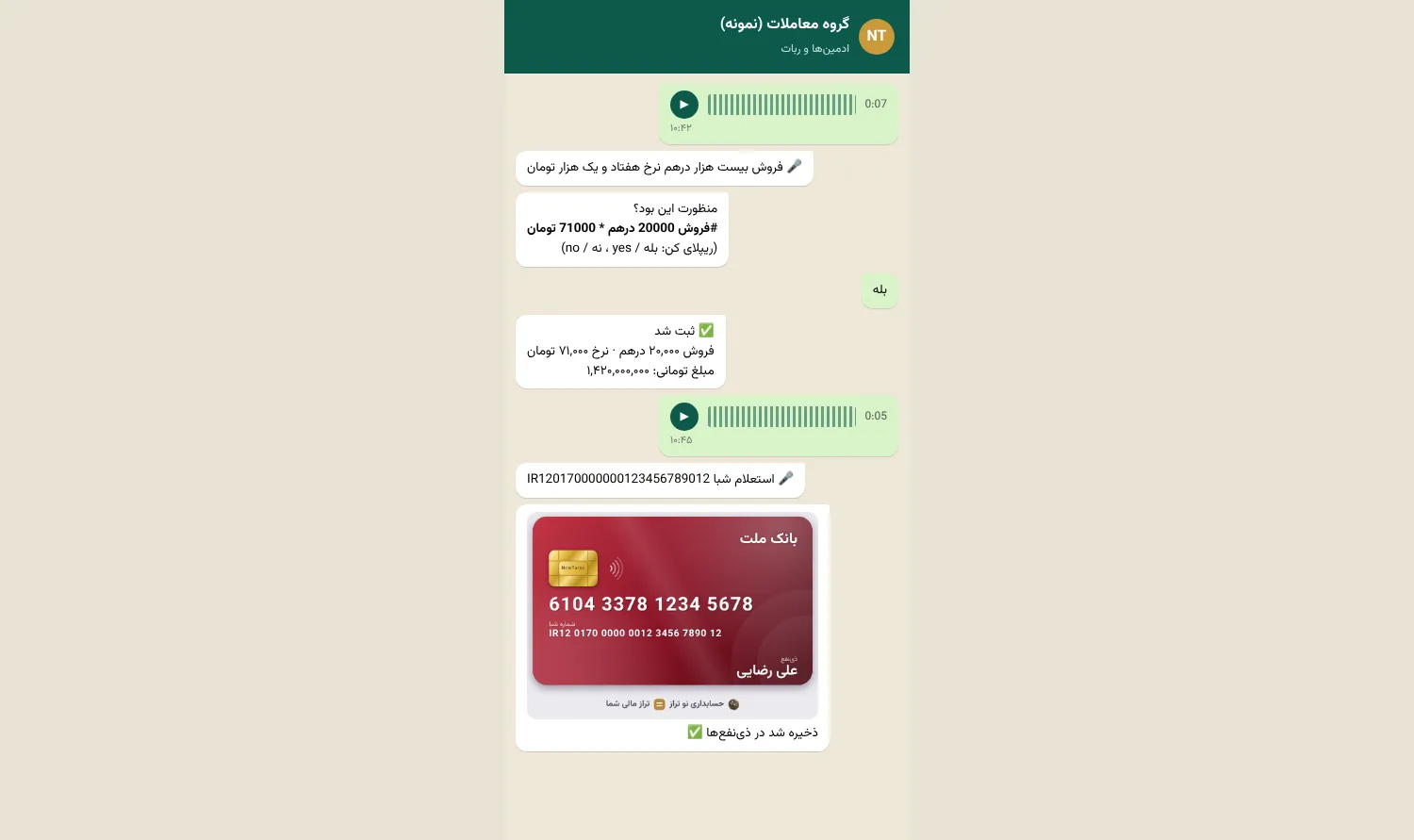
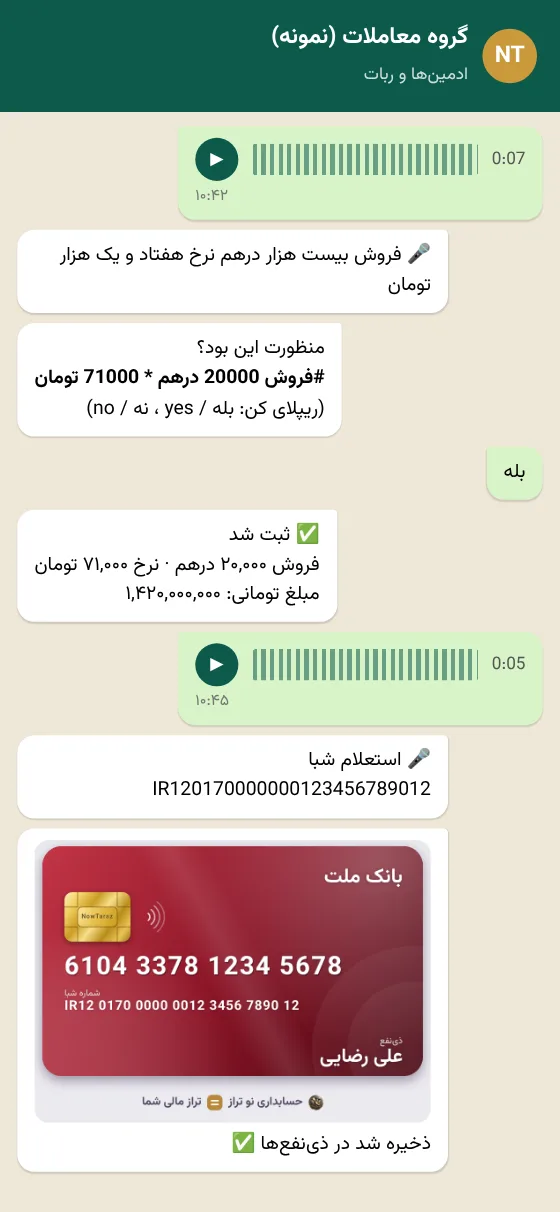
Voice commands in a WhatsApp group

An admin sends a voice message in the group. The bot writes it out, suggests the command, and only runs it after "بله / yes".

  • All the commands: deal, queue, distribution, "give me the account", balance, statement
  • Card and IBAN lookup: a bank card photo shows up in the group right away and is saved to your beneficiaries
  • Switch it on or off for each group separately
  • Only voice messages from admin numbers are accepted
  • “بله”, “آره”, “اوکی”, yes and ok confirm; “نه” and no cancel
Sample voice command in a WhatsApp groupSample voice command in a WhatsApp group
All editions

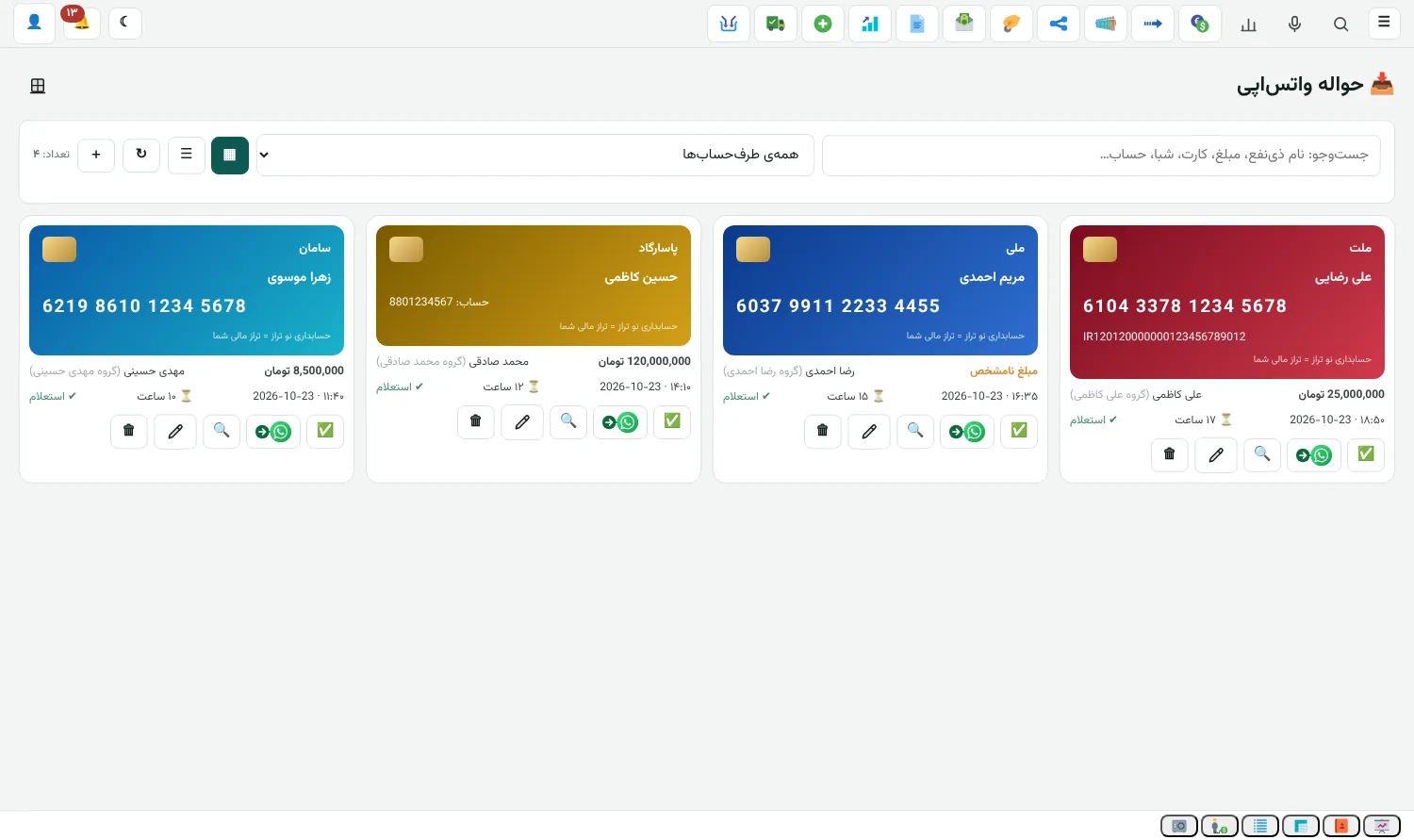
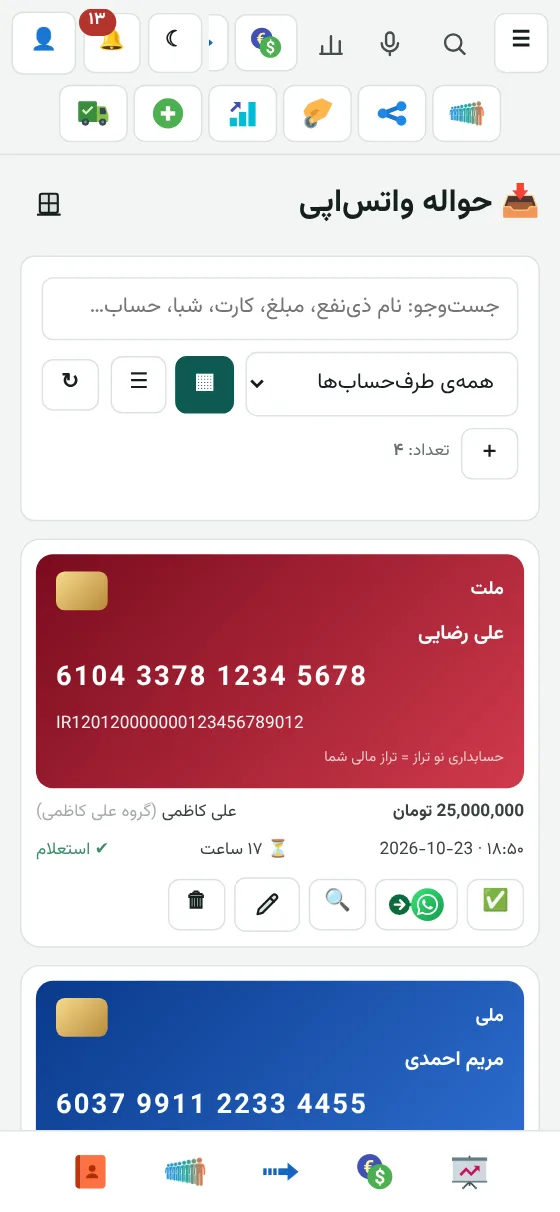
WhatsApp remittances

Any photo or text with a card, IBAN or account that a customer posts in the group is saved on a gold card automatically. Confirm it and it goes into the remittance queue.

  • A card alone is looked up automatically and the name, bank and IBAN are filled in; the same goes for an account with its bank
  • The amount is read from the same line, the next line or the caption under the photo; the default currency is toman
  • Card view and table view, search in every column, and split by counterparty
  • Confirm in the app or in the WhatsApp group; whichever you use, it is recorded in both places
  • One button passes the whole amount to someone else and the bot sends the card, text and amount to their group
  • Items nobody reacts to are cleared after 18 hours
WhatsApp remittancesWhatsApp remittances
All editions

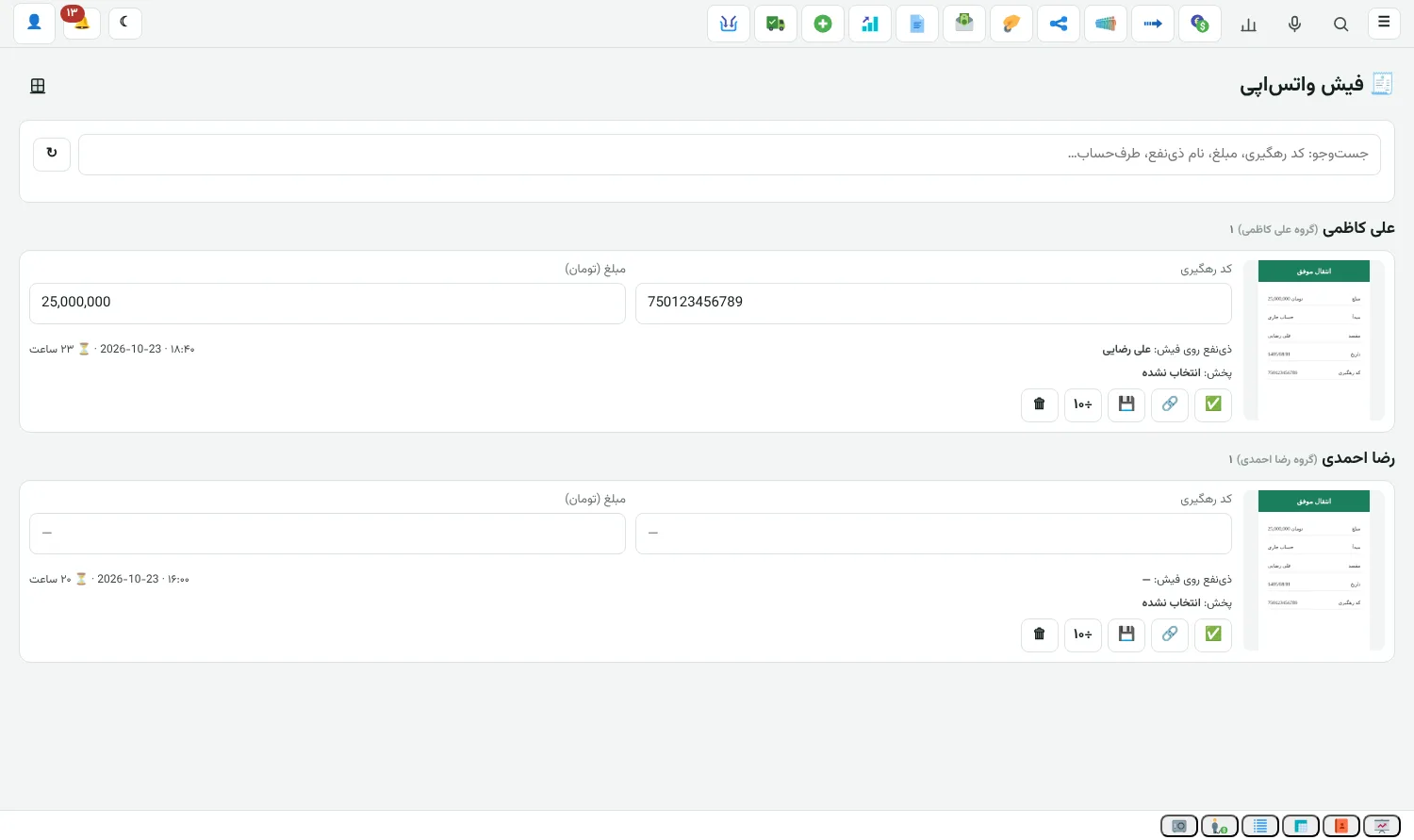
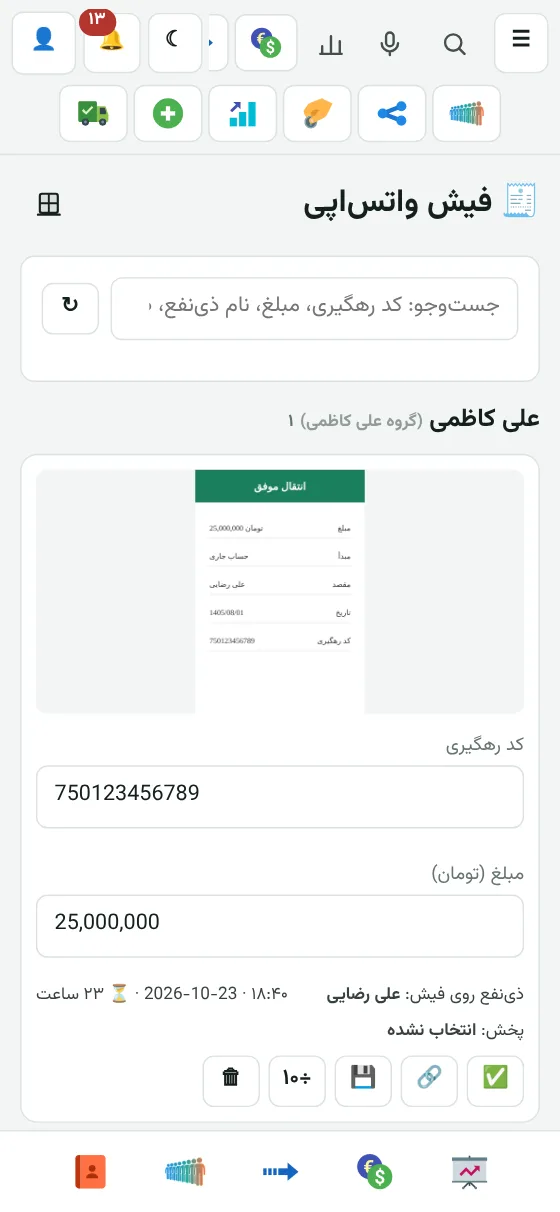
WhatsApp payment slips

Payment slips that customers send to the group are listed by group with the photo, tracking code and amount, so you can confirm them.

  • Rial is converted to toman automatically
  • If a slip is only partly read, it stays in the list and you type the tracking code and amount yourself
  • Search and pick the matching distribution; if only one has the same amount, it is suggested for you
  • After you confirm, the slip and tracking code are sent to the debtor's group automatically
  • Unconfirmed slips are cleared after 24 hours
WhatsApp payment slipsWhatsApp payment slips
All editions

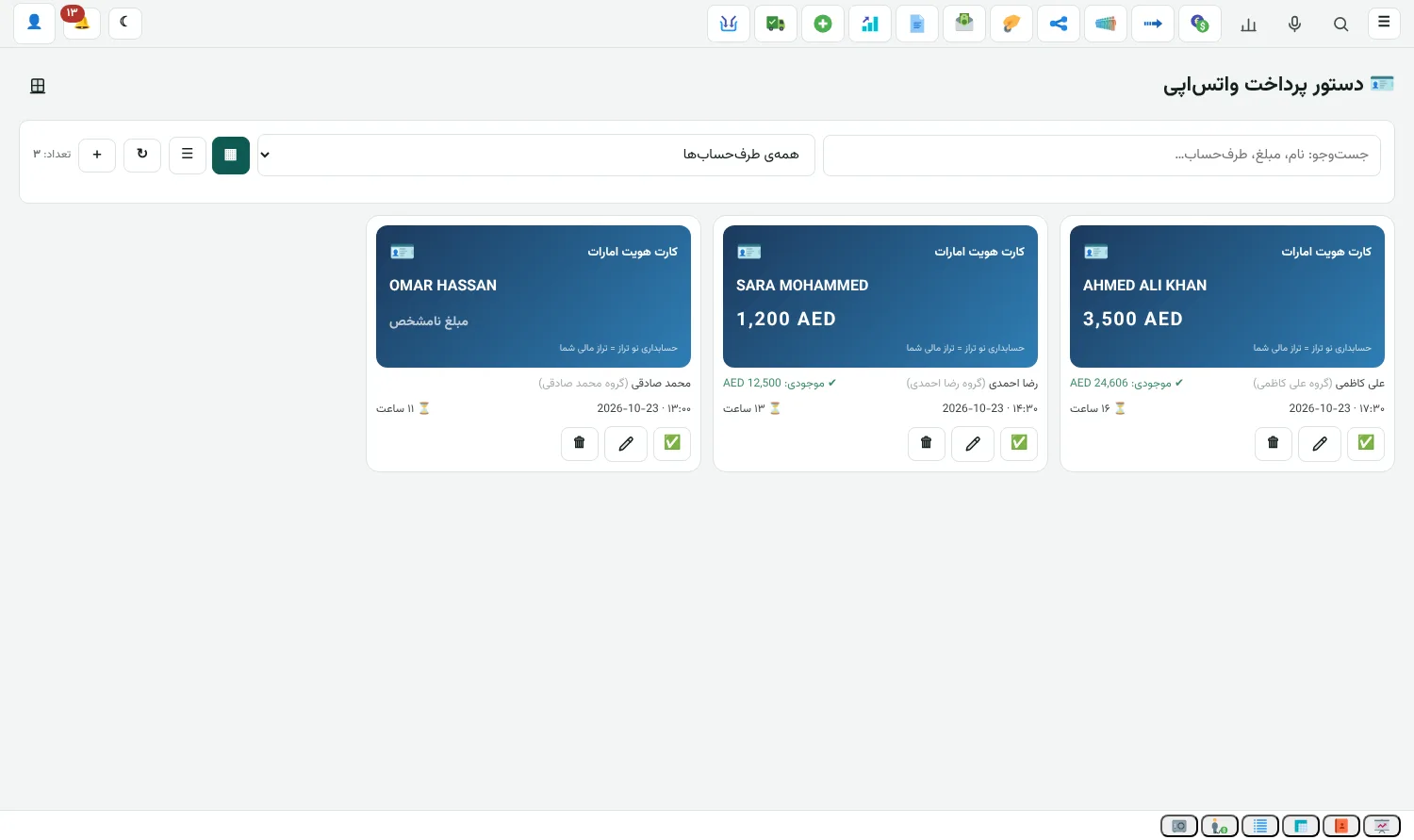
WhatsApp payment orders

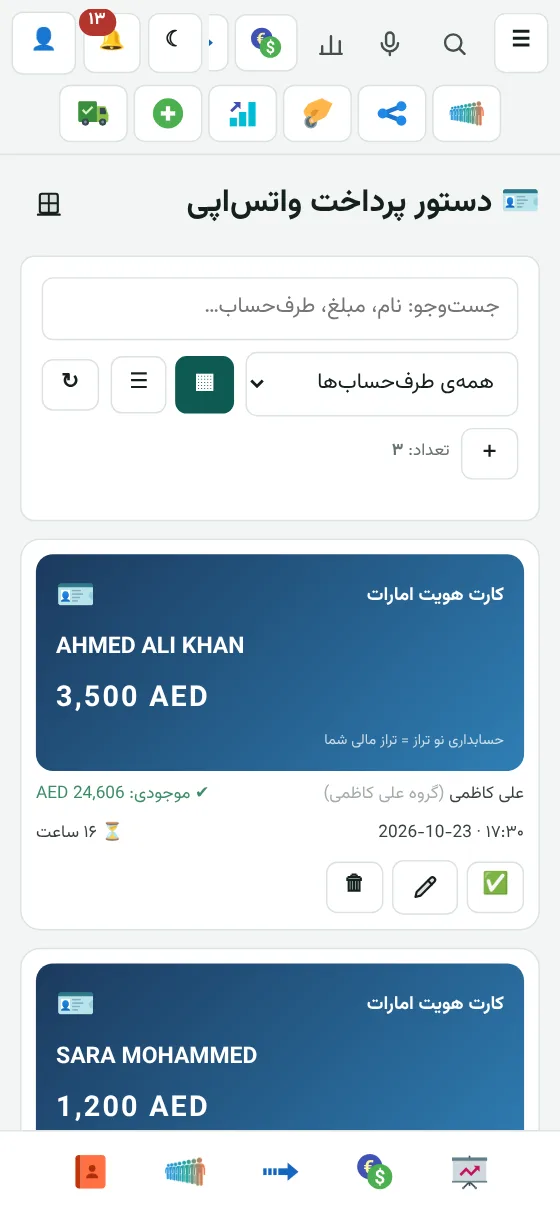
When a customer sends a photo of an Emirates ID in the group, the name and amount appear here, and when you confirm, a cash payment order is issued.

  • The customer's currency balance shows next to each item, so you see a shortfall before you confirm
  • Confirm in the app, or in the WhatsApp group with "بله / yes"
  • Card and table view, with search in every column
  • Items nobody reacts to are cleared after 18 hours
WhatsApp payment ordersWhatsApp payment orders
All editions

Dashboard

The balance of every currency and every customer, first thing in the morning.

  • Cash and bank balances by currency
  • Counterparty balances
Exchange

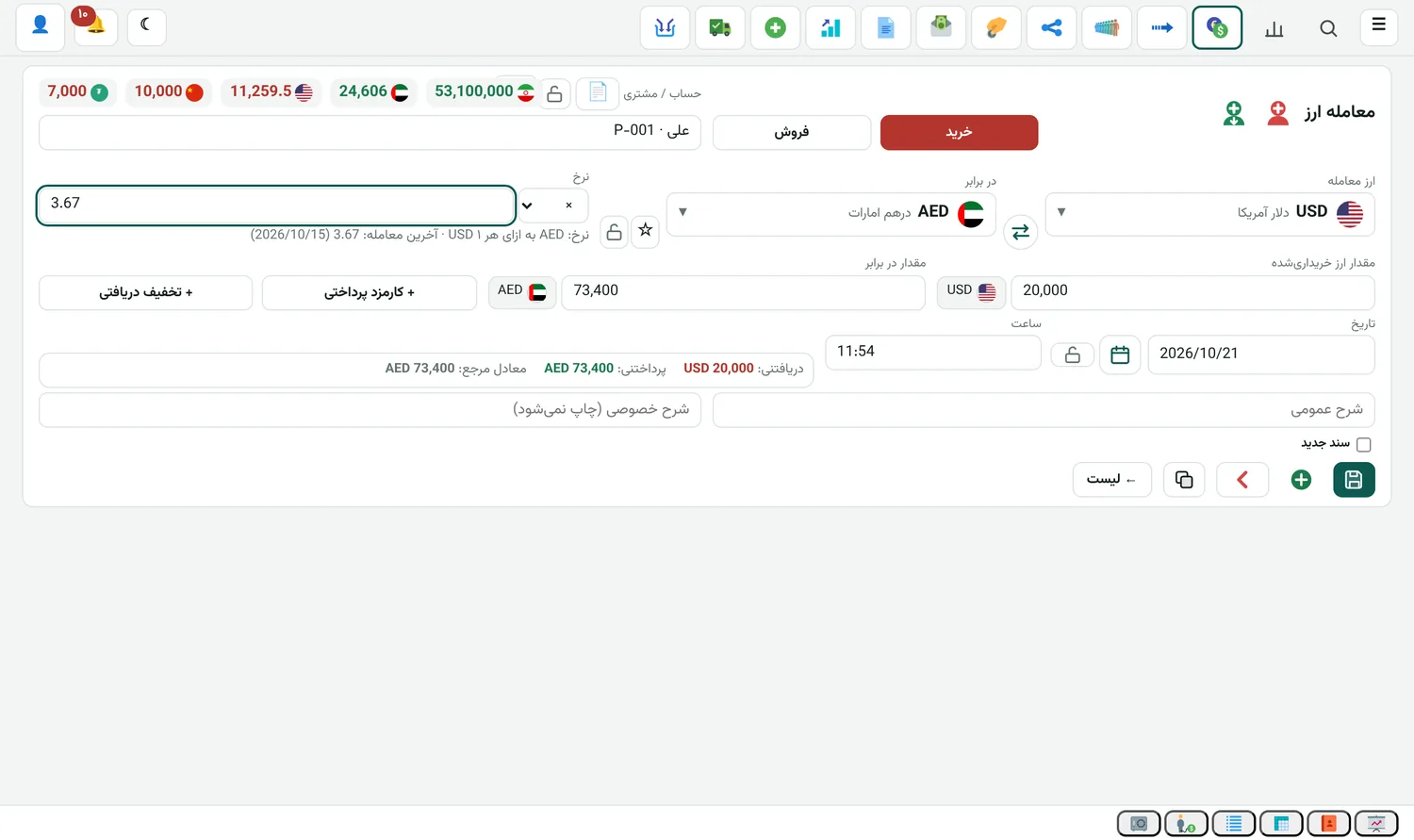
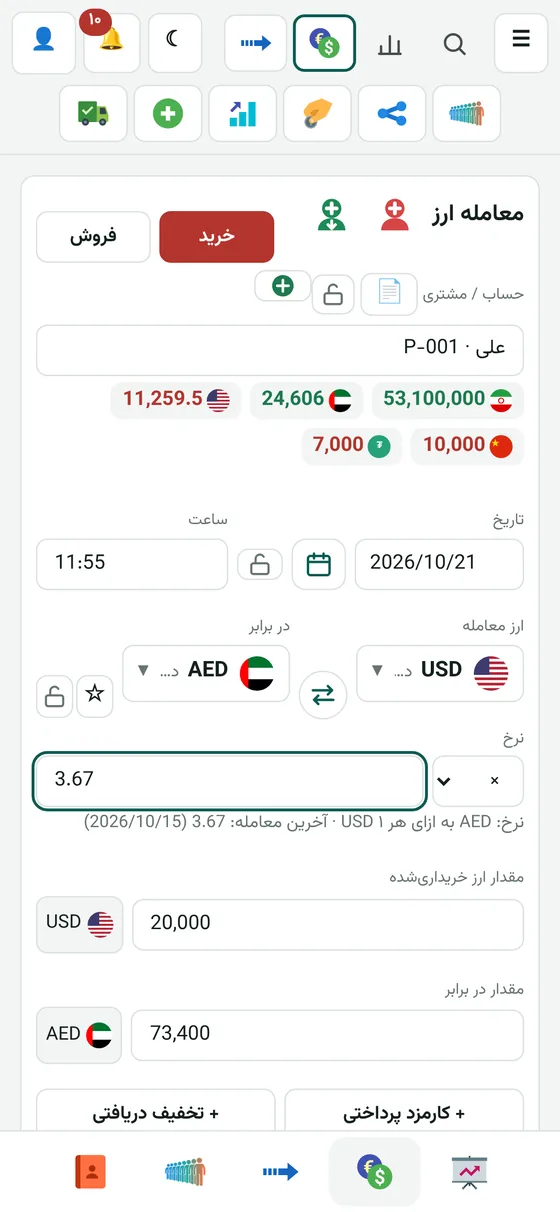
Recording currency deals

Pick the customer, currency, amount and rate. The counter-amount works itself out.

  • Rate by multiplying or dividing
  • The latest rate for that currency shows under the form
  • Fee and discount on every deal
Exchange

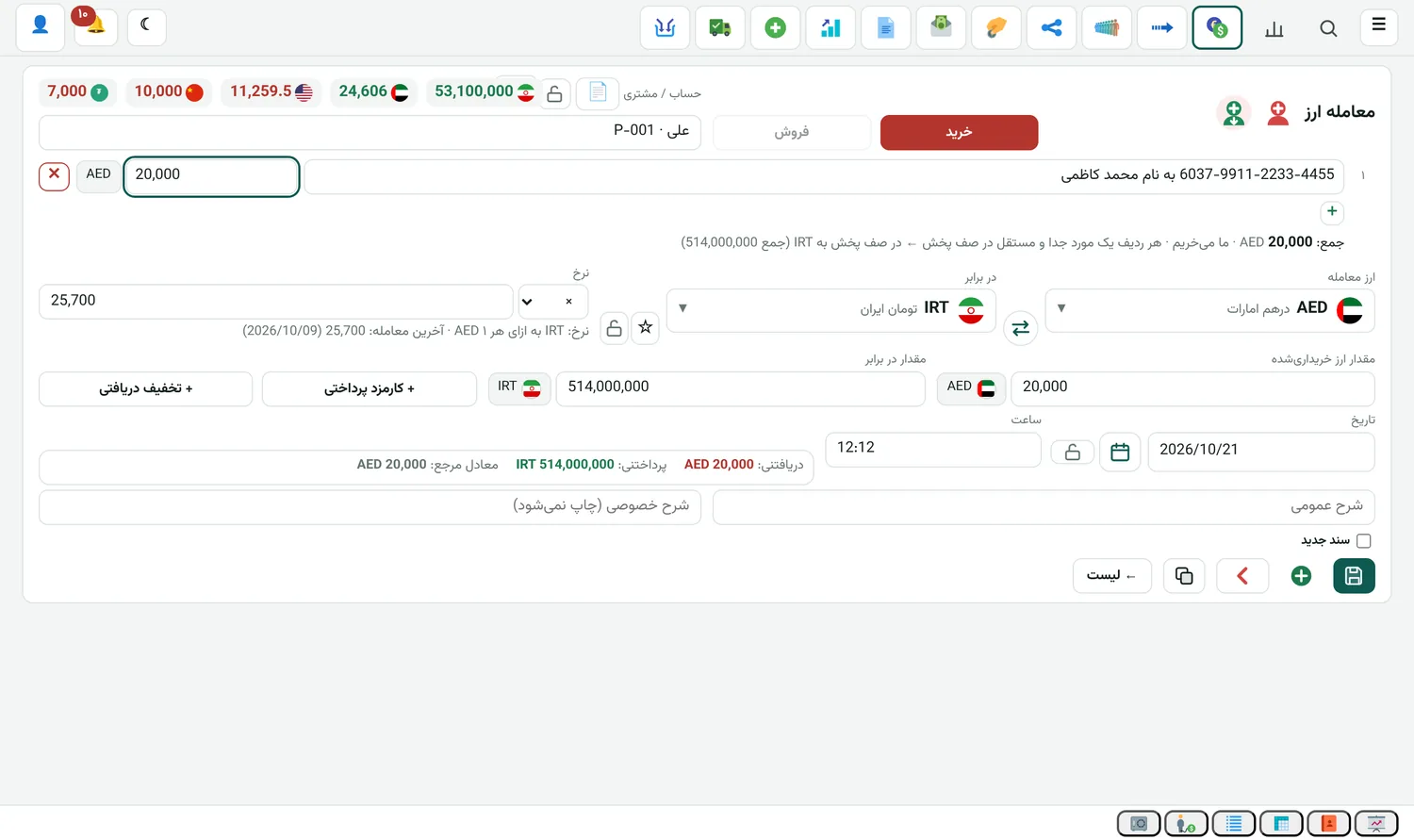
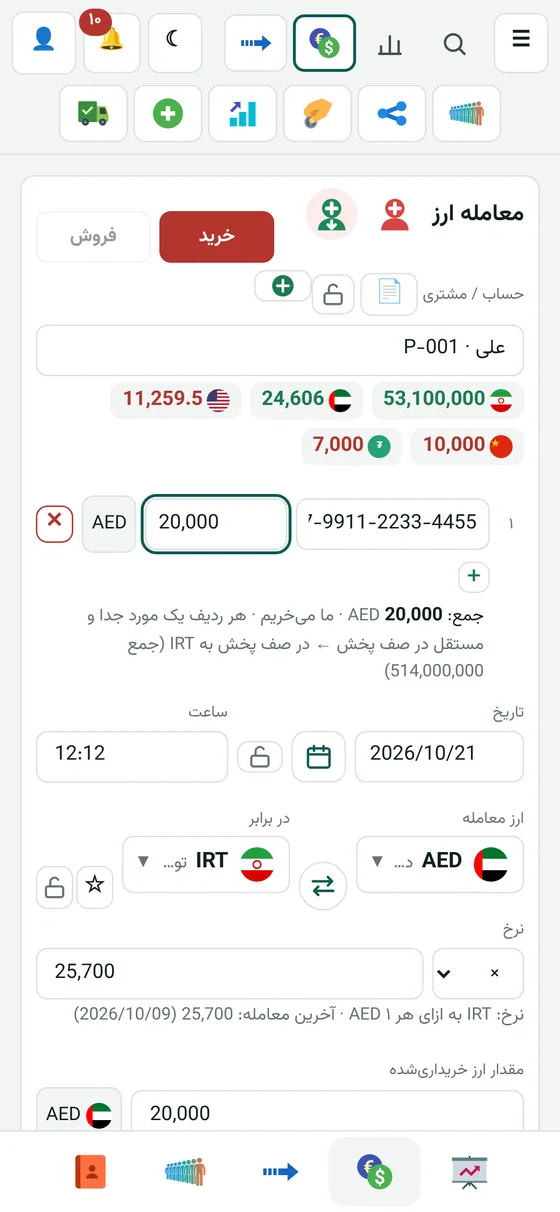
Buying: beneficiaries right in the deal

When you buy currency and have to pay the money to several beneficiaries, you add them right there in the deal form. Each row has its own amount.

  • Each row's amount is entered in the deal currency
  • In the remittance queue it lands in the counter currency at the deal rate
  • Each row is a separate item in the distribution queue
Exchange

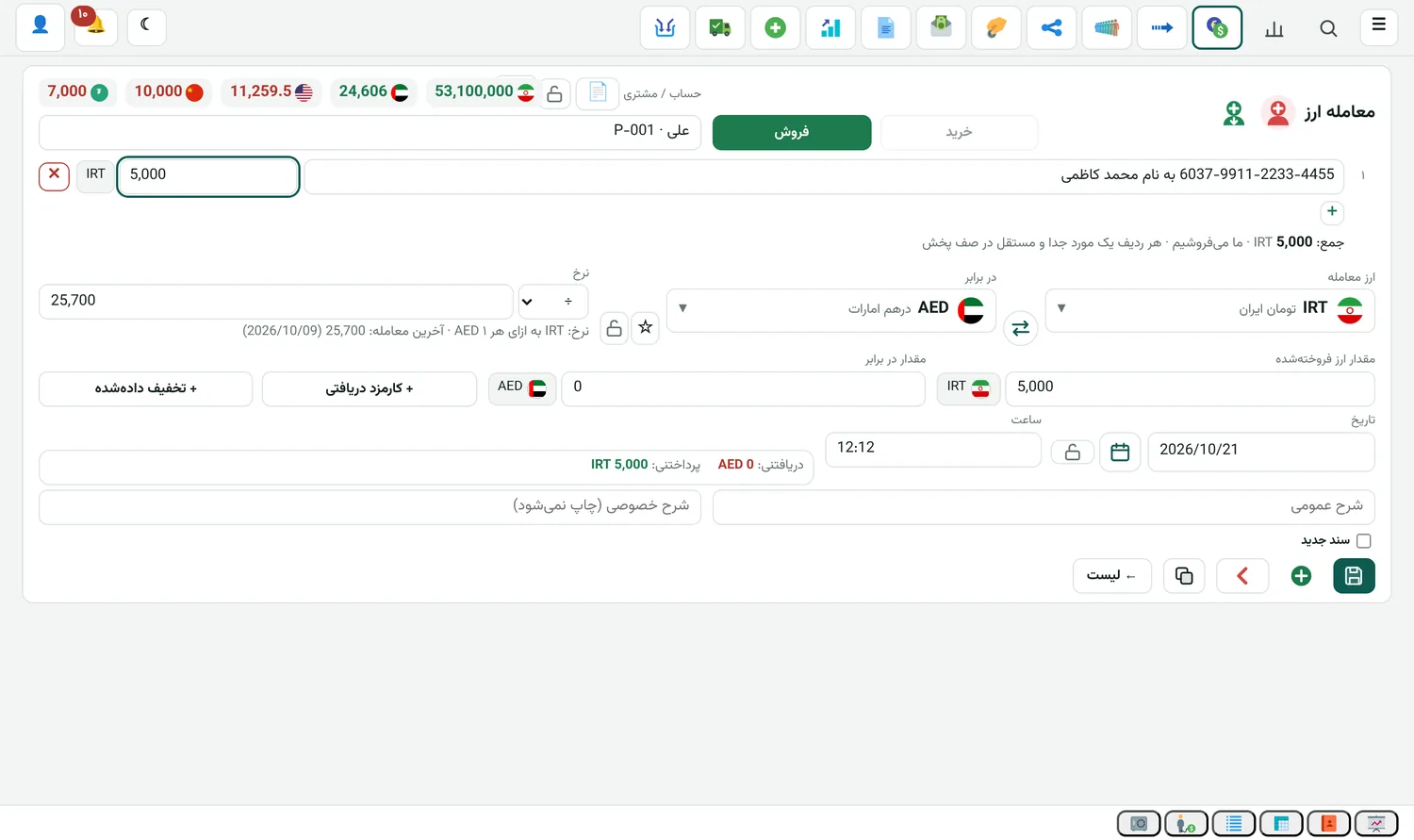
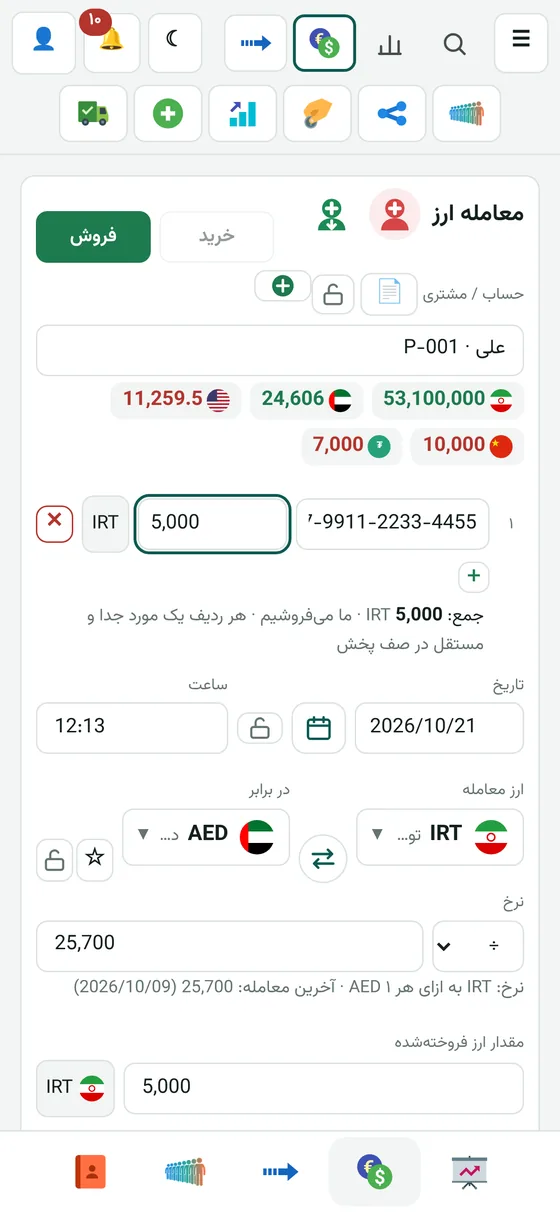
Selling: beneficiaries right in the deal

When you sell currency and have to send the money to beneficiaries, you do the same thing in sell mode.

  • Amounts are in the deal currency
  • Each beneficiary is a separate item in the remittance queue
Exchange

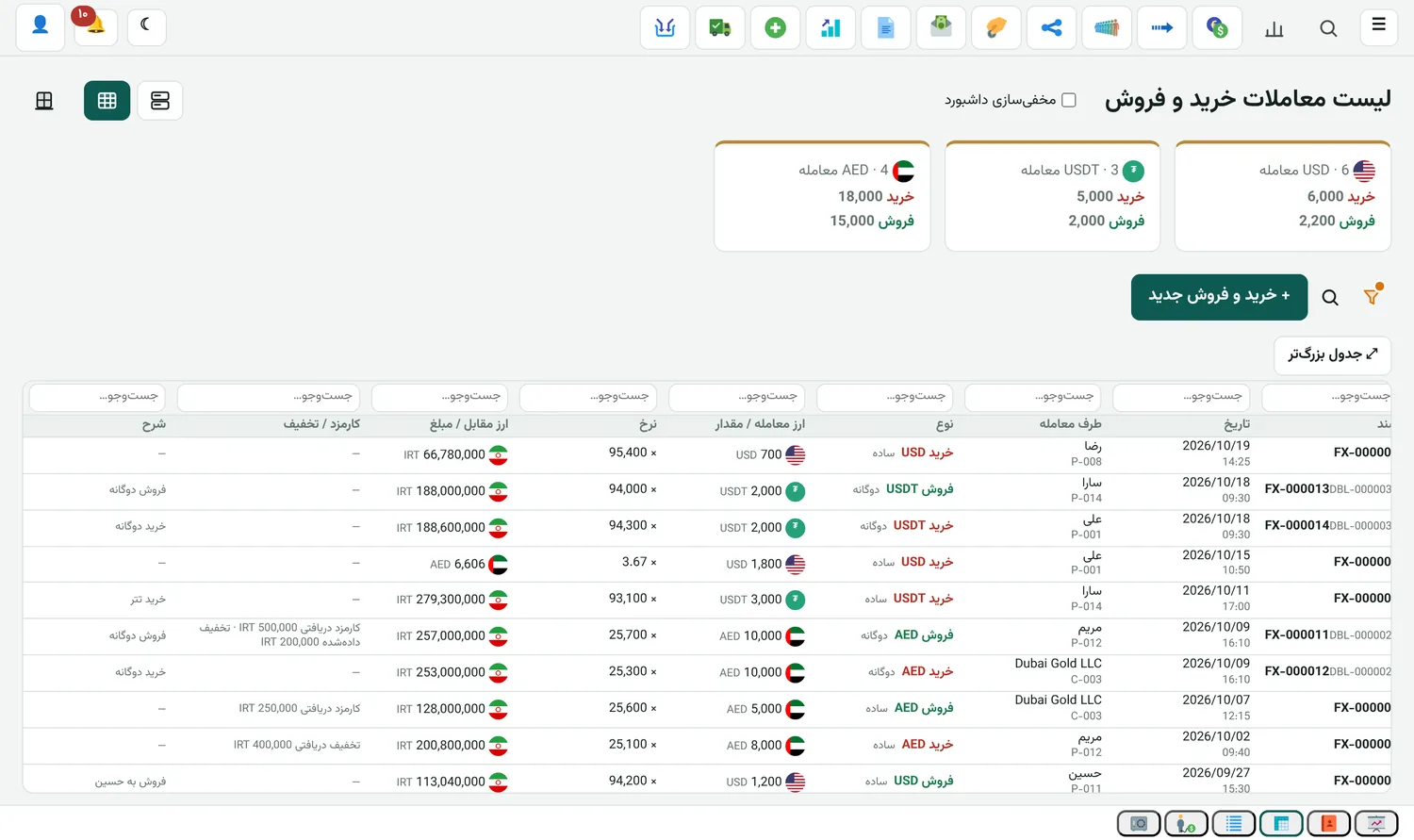
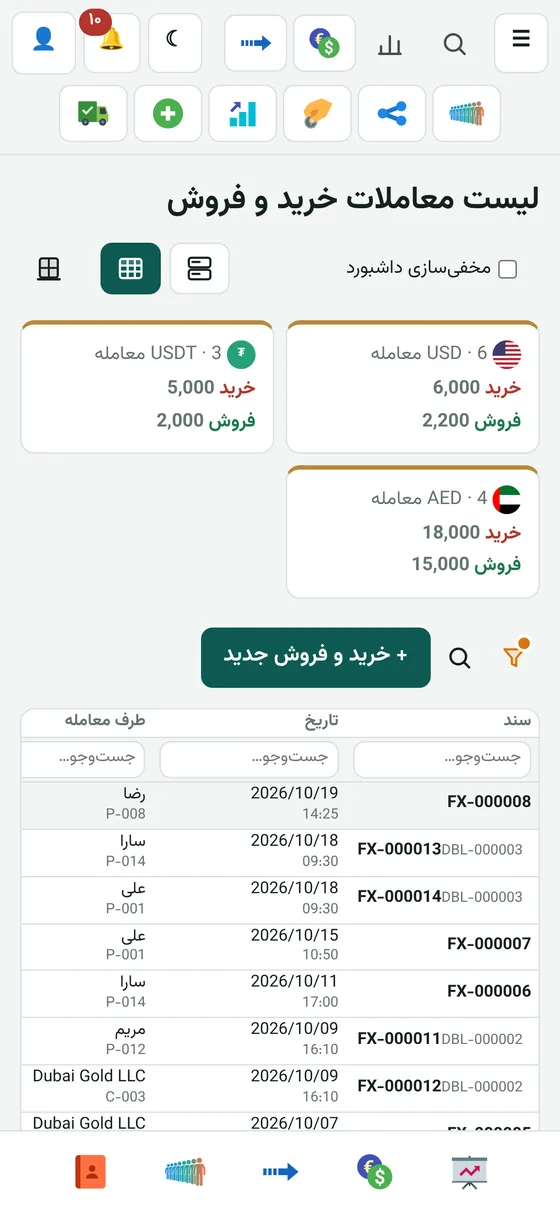
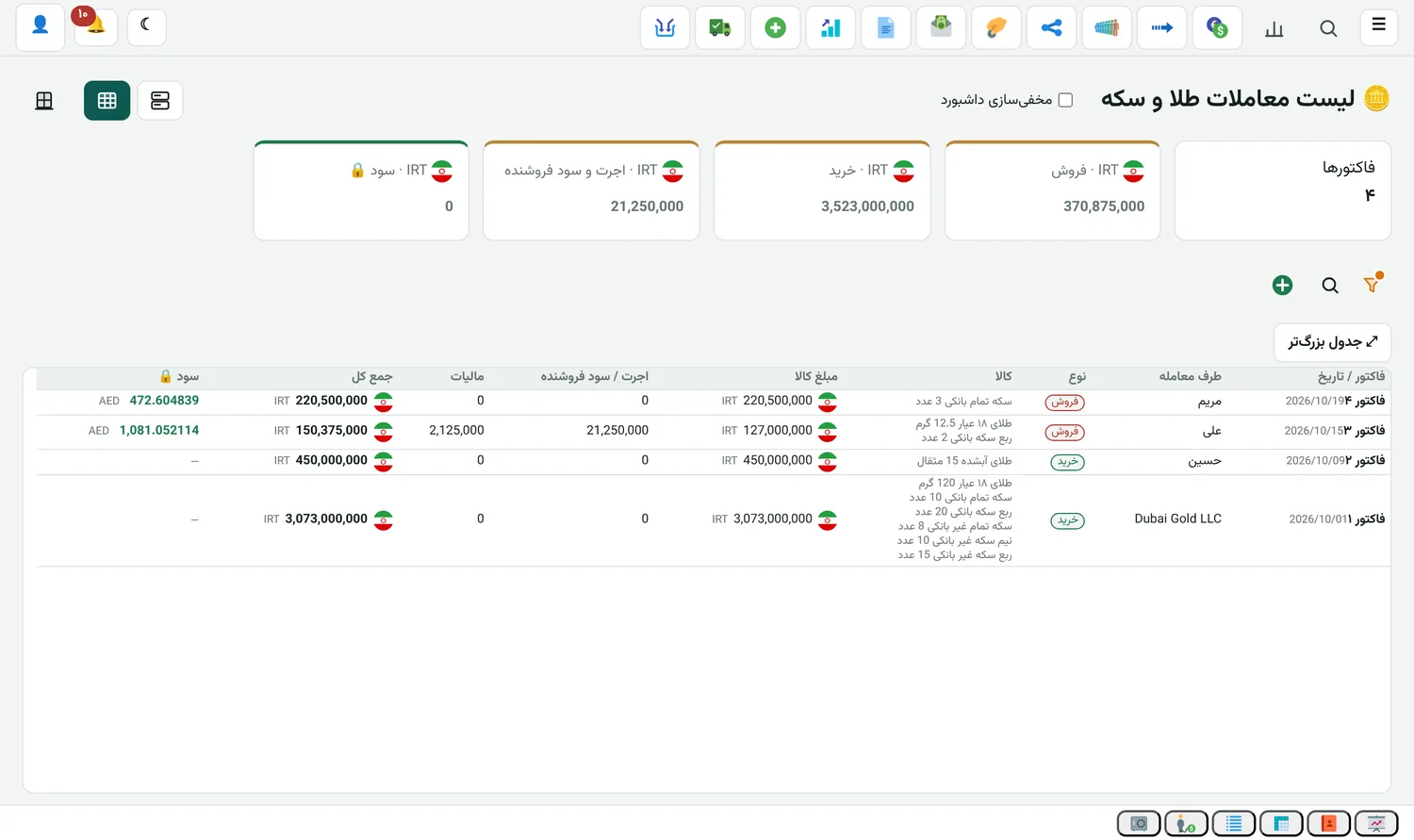
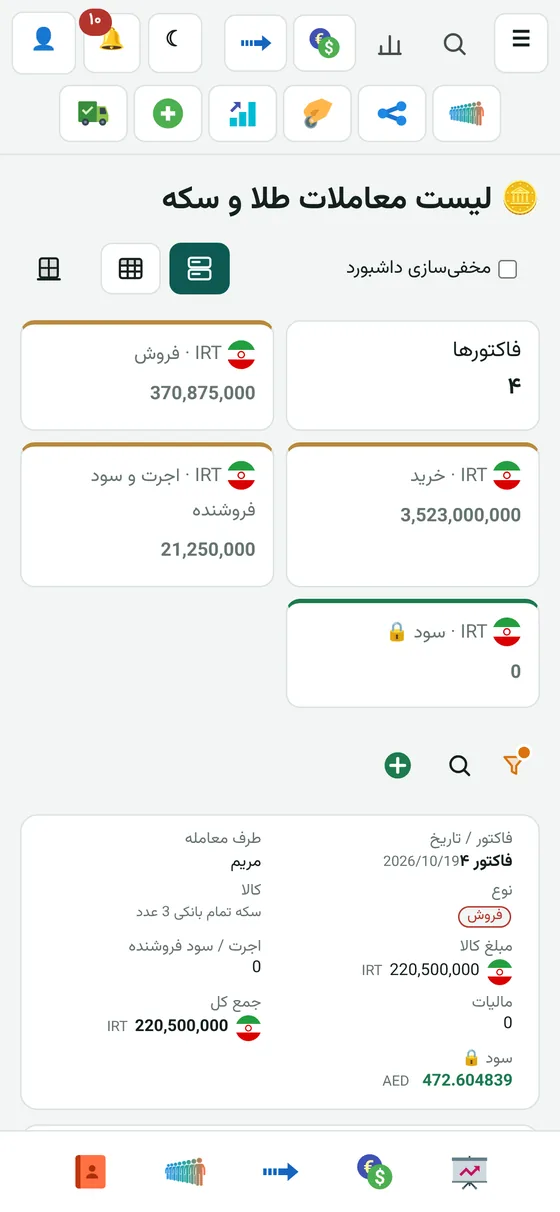
Deal list

Every buy and sell, with the total per currency at the top of the list.

  • Filter and search
  • Dual deals and our average price
Exchange

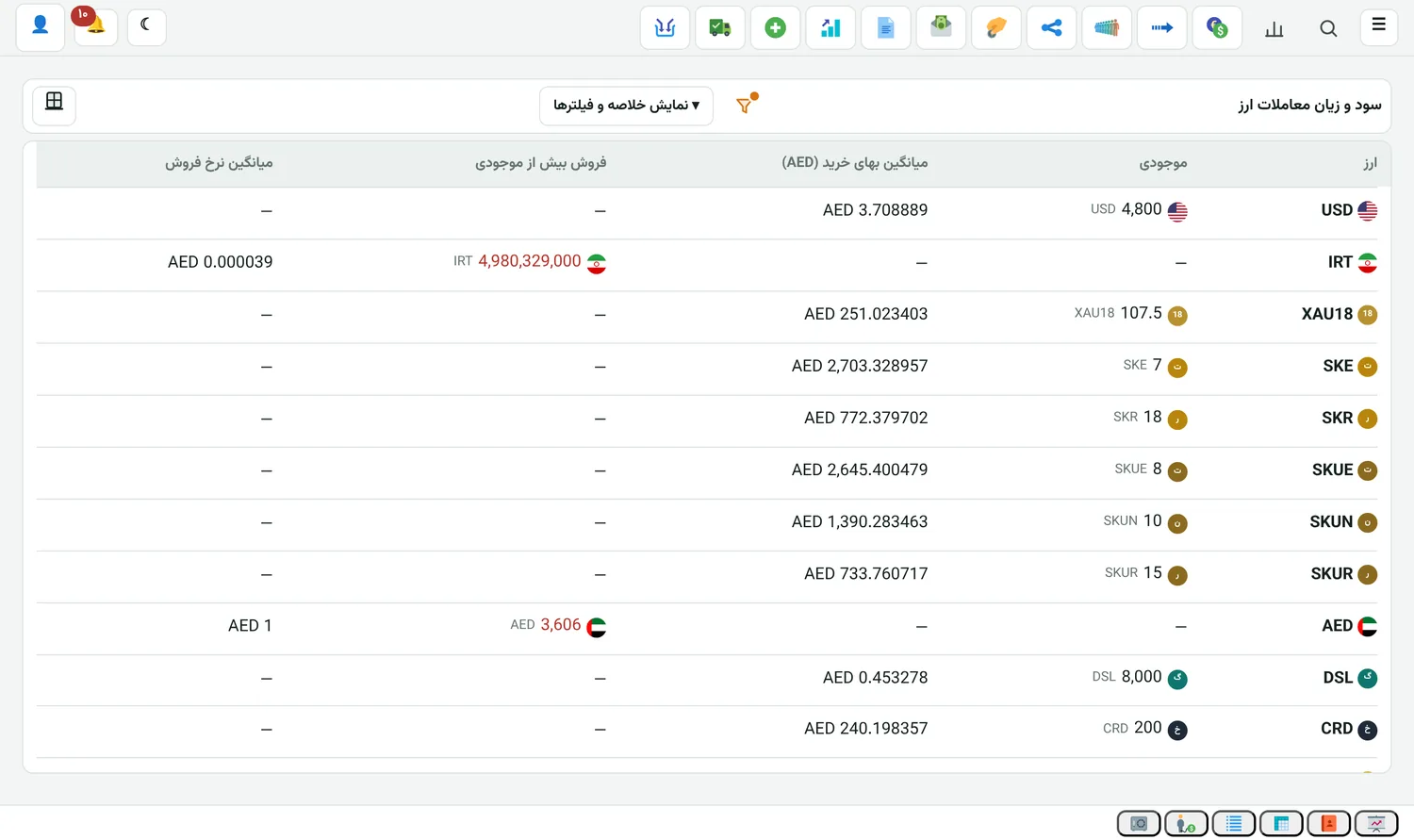
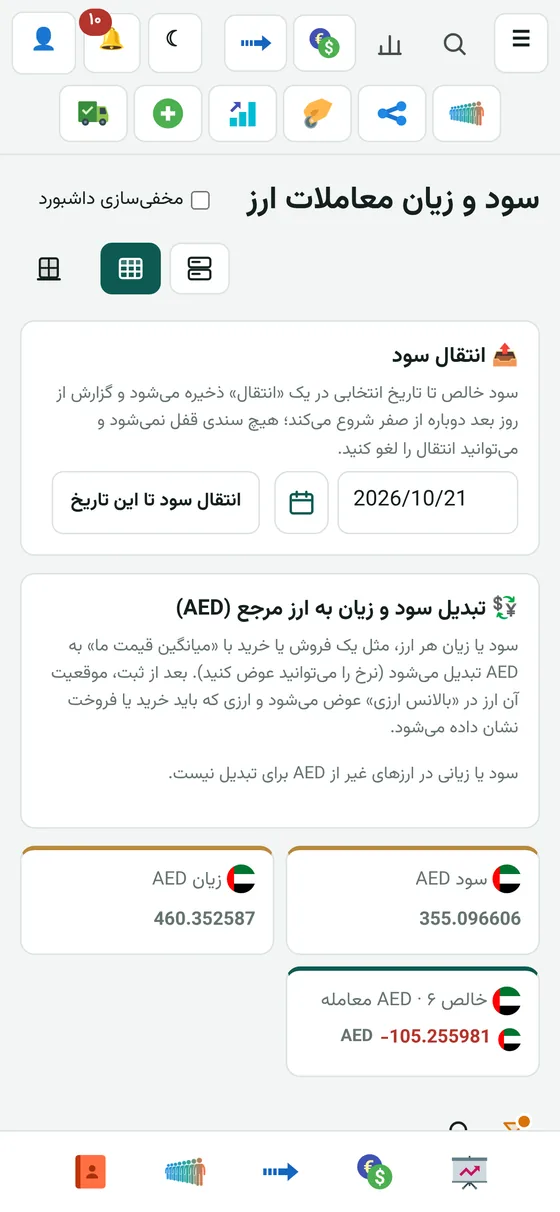
Currency profit and loss

Profit for each currency, based on your own average price.

Exchange

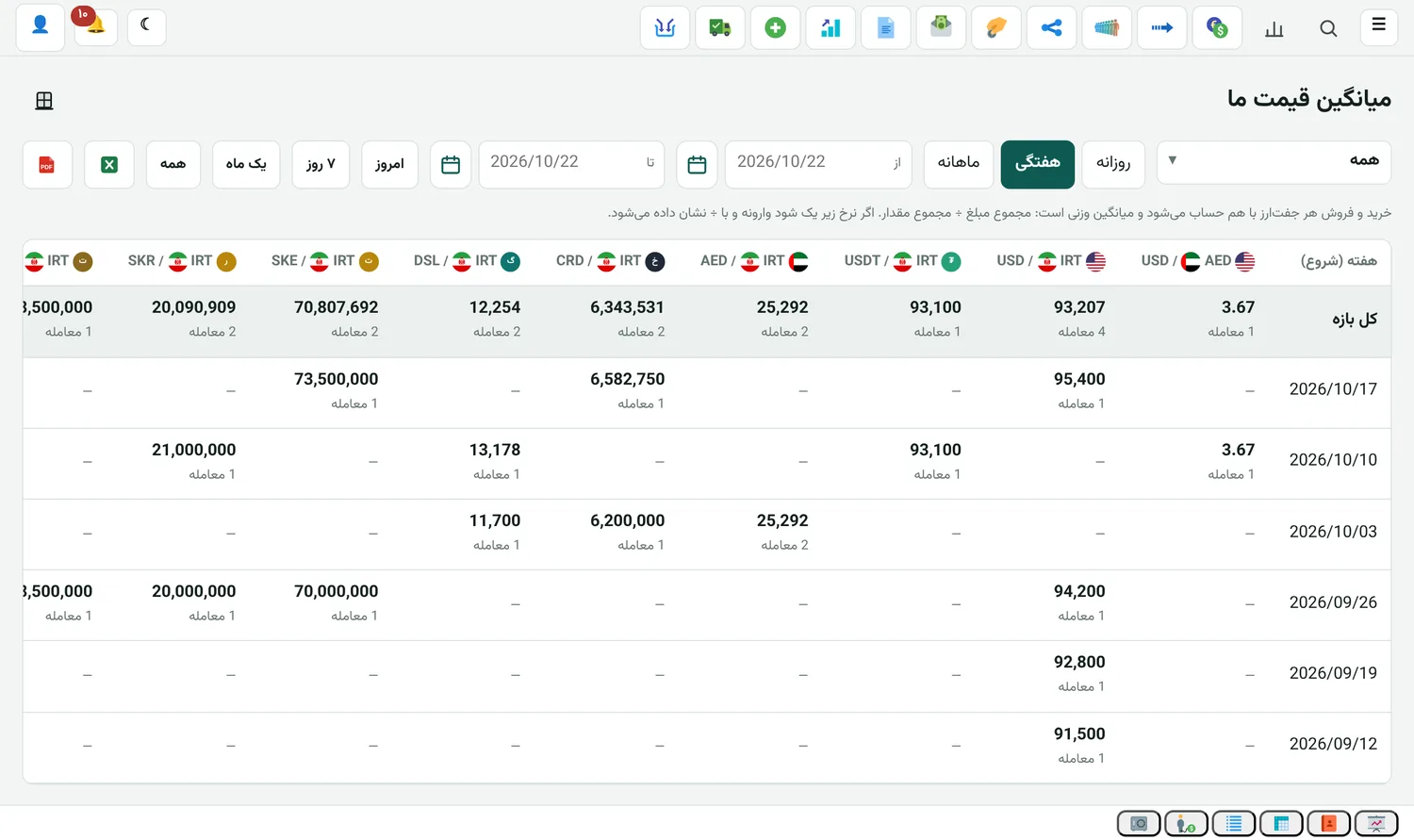
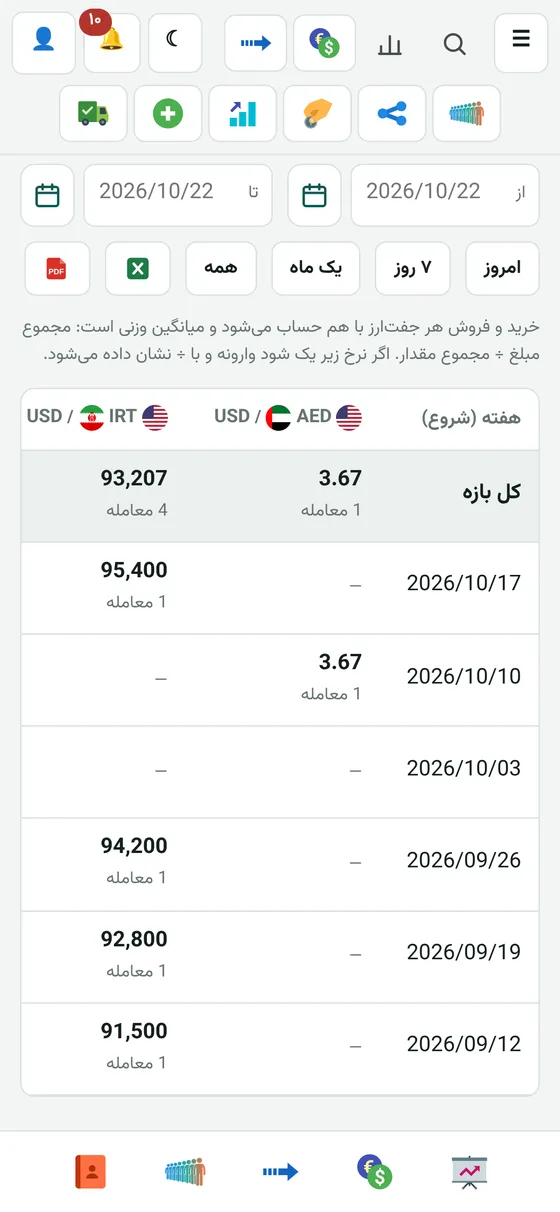
Our average price

The average price of every currency pair in one table, over time.

  • Daily, weekly, monthly or any dates you choose
  • Buys and sells of each pair together, as one weighted average
  • Rates below one are flipped and shown with ÷
  • Excel and PDF export
Remittance

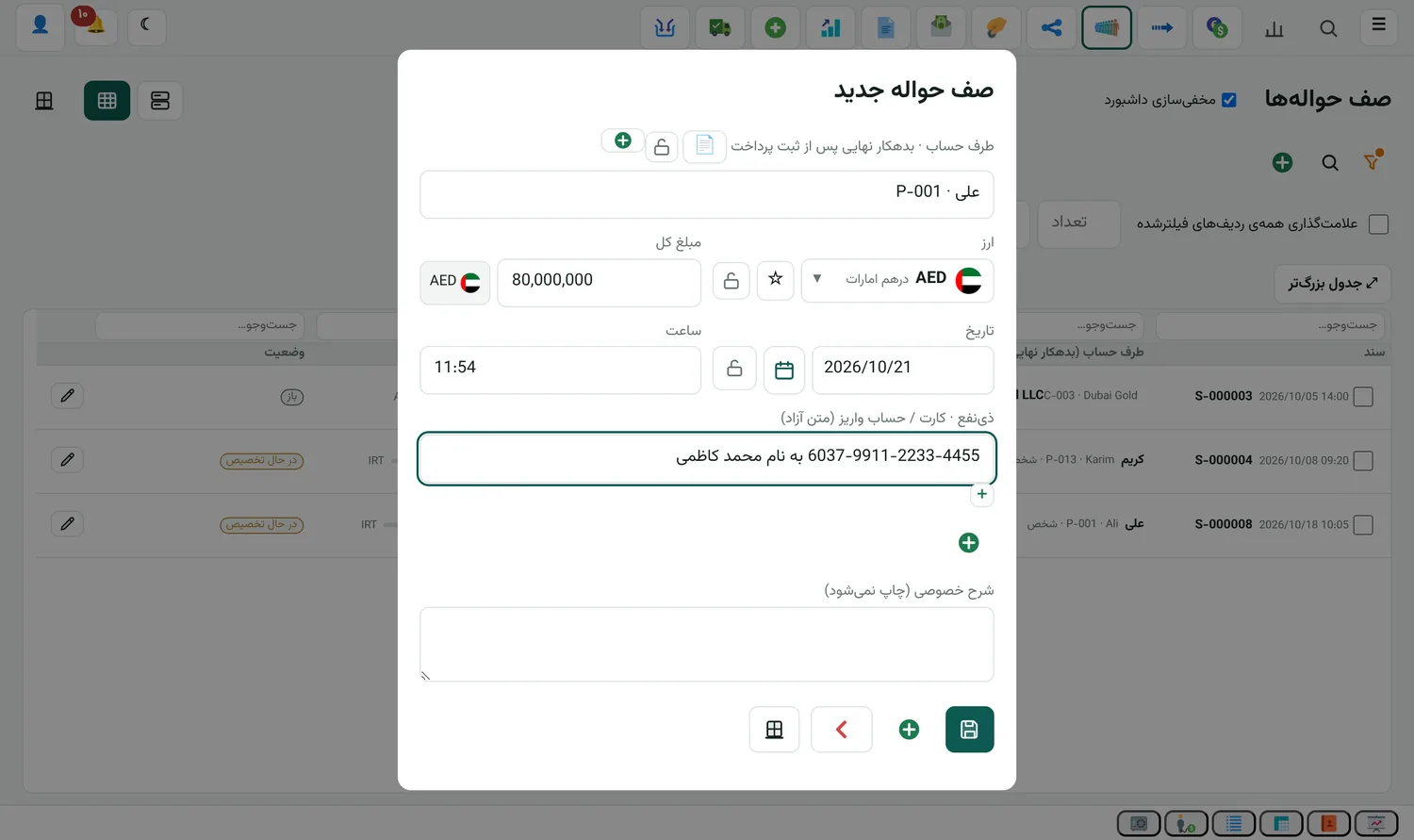
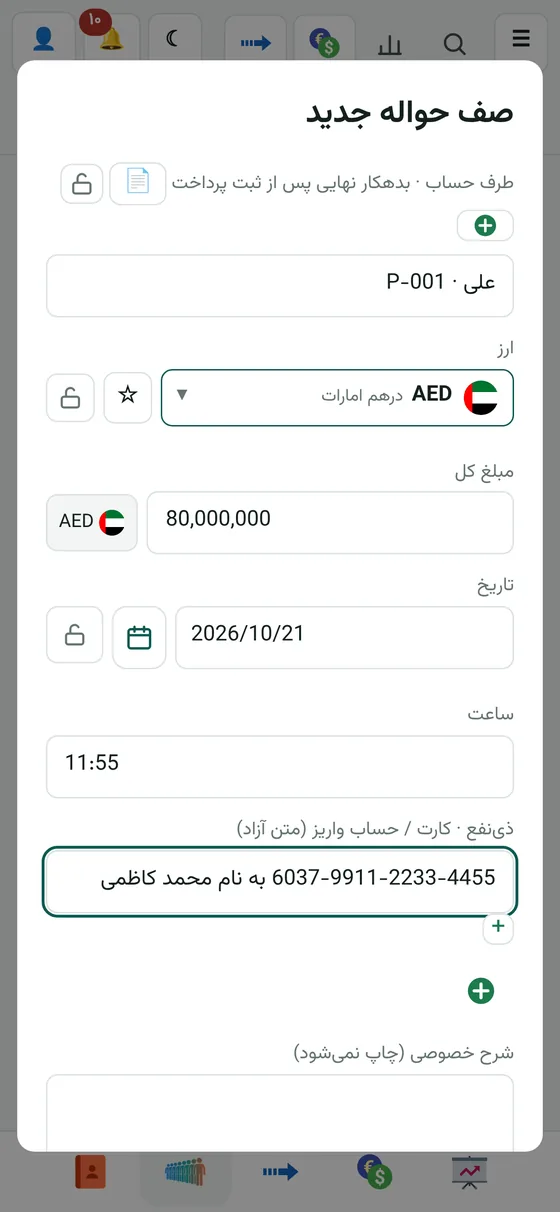
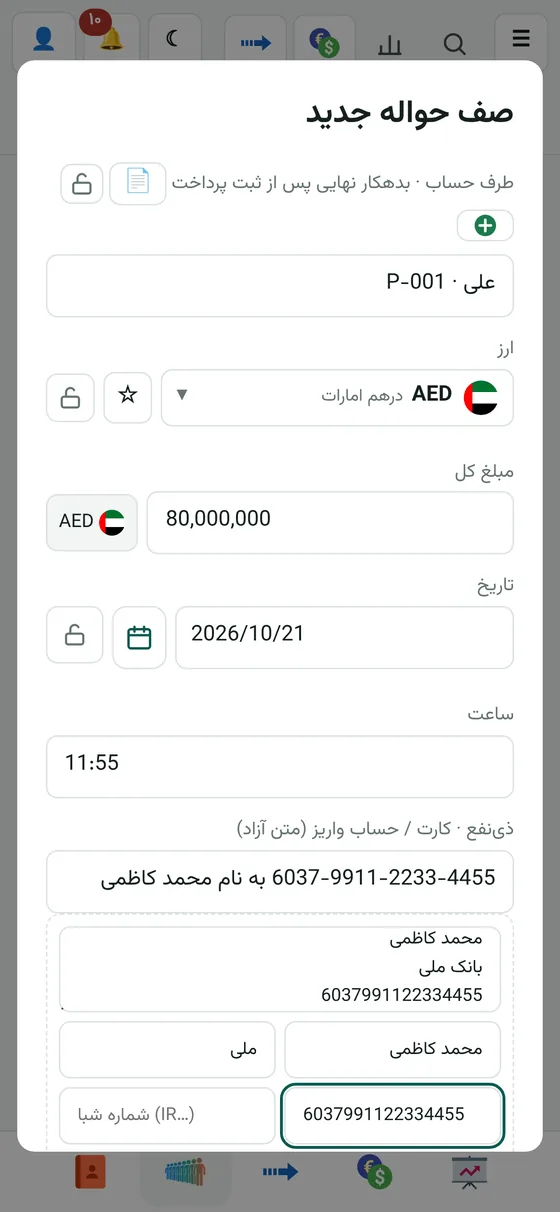
Recording the remittance queue

You enter the customer's remittance with its amount and currency and write the beneficiary's card or account right there.

Remittance

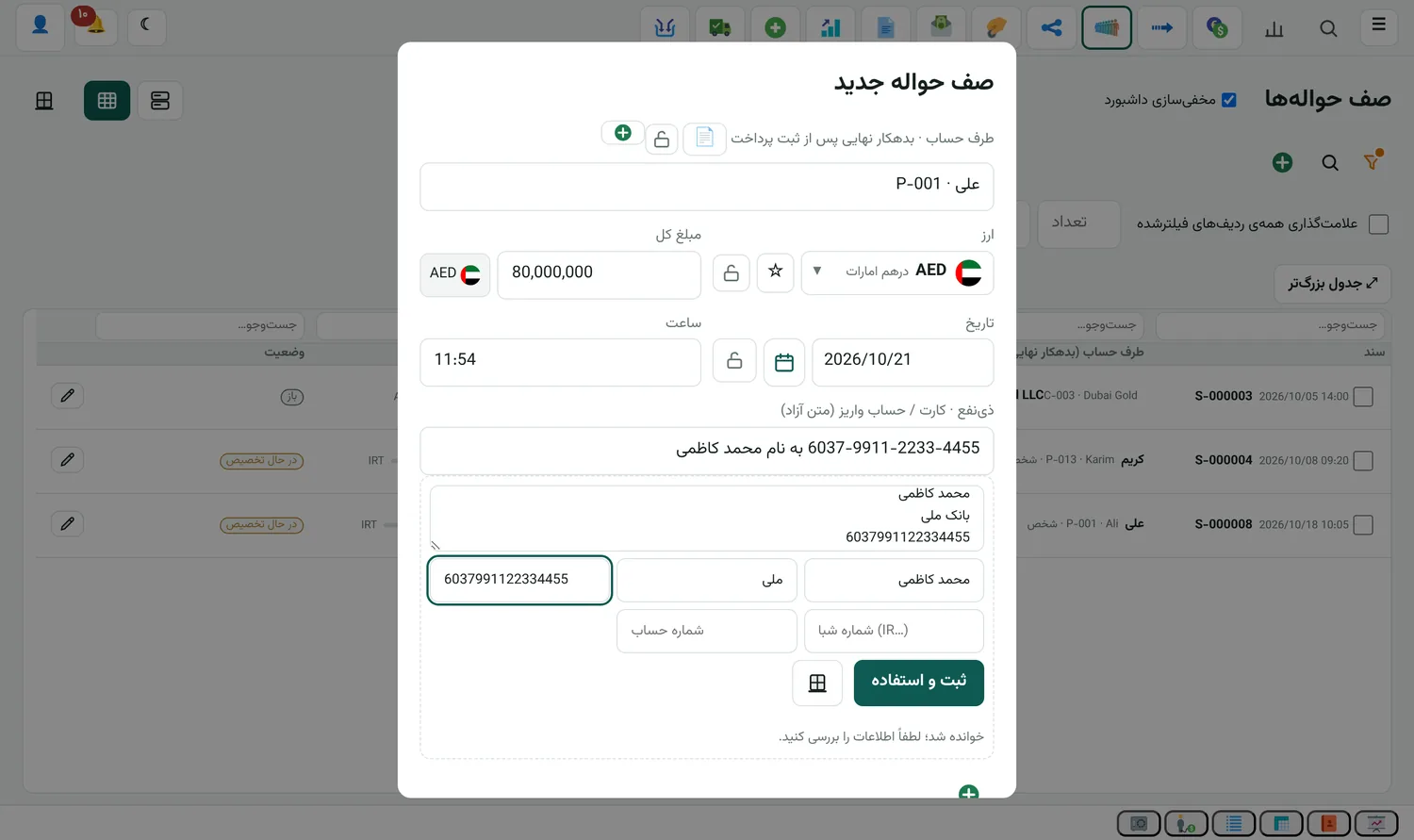
Adding a beneficiary from inside the remittance

No need to go to the beneficiary book. Paste the card text or photo, the name and bank fill in, and "Save and use" puts it in the remittance and saves it to the book.

  • Card and IBAN lookup from the same form
Remittance

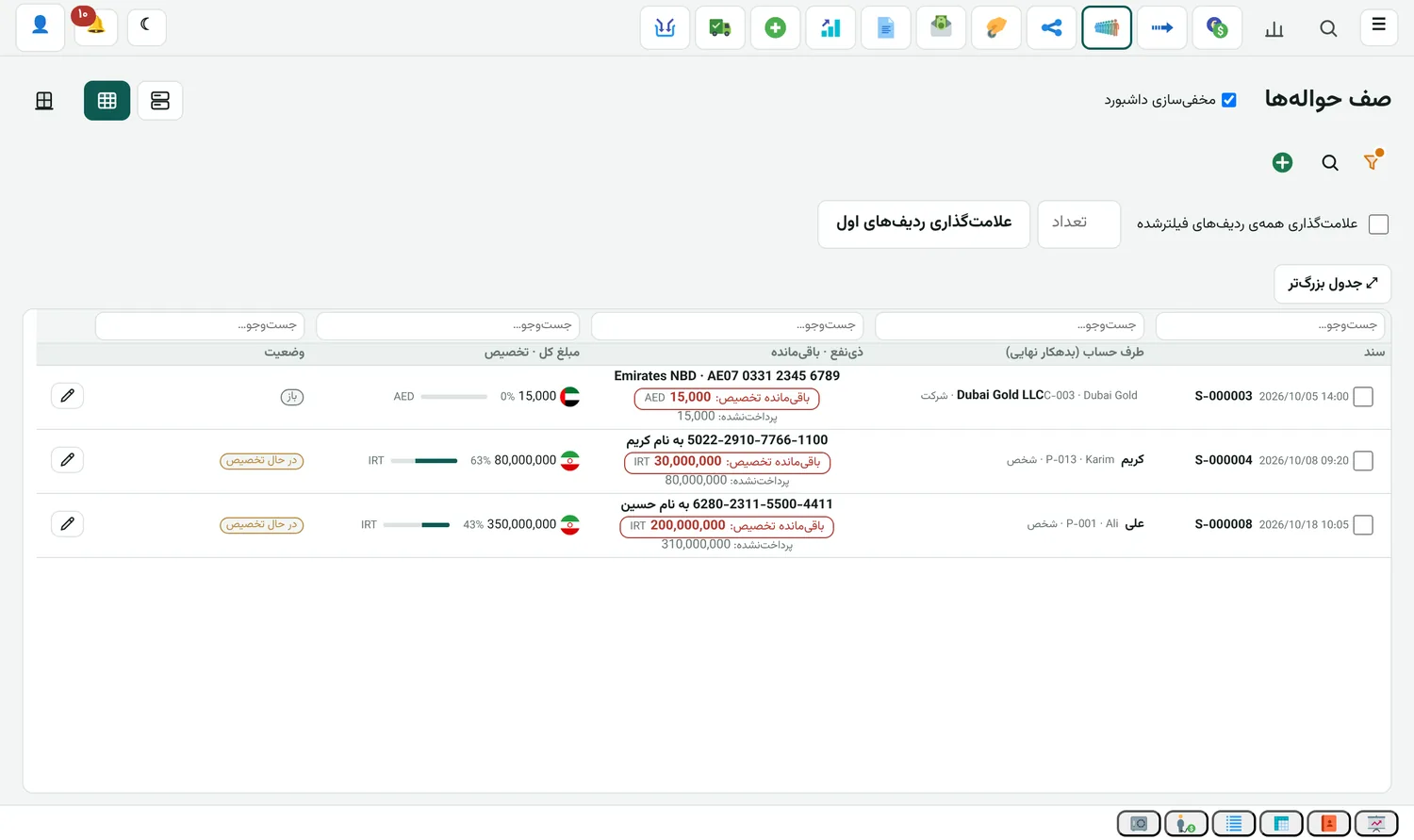
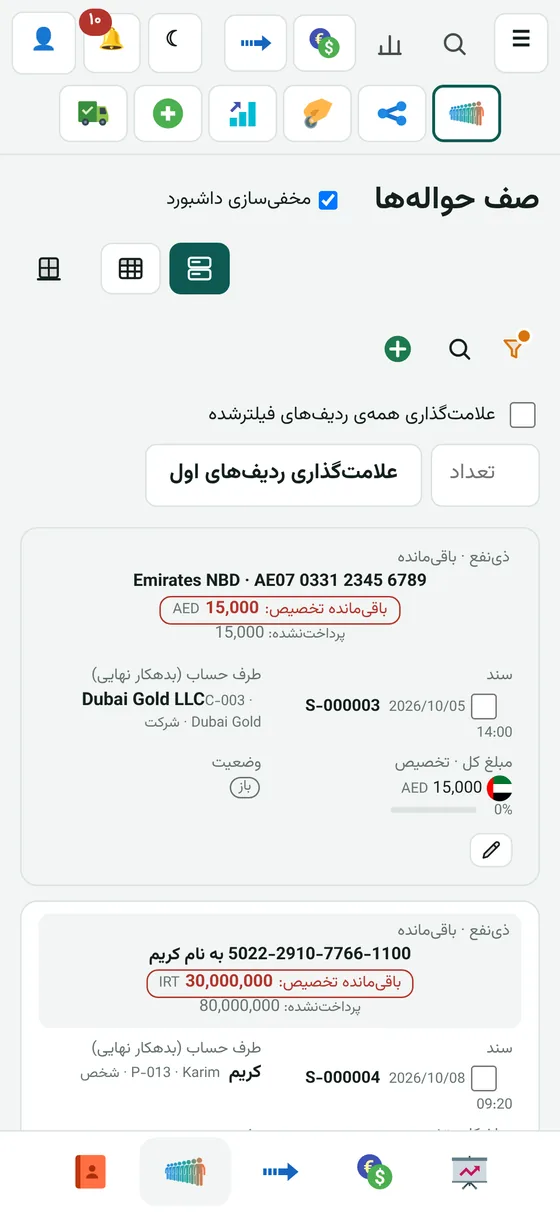
Remittance queue list

Each remittance shows how much is allocated and what is left.

Remittance

Remittance distribution

You split the remittance amount between several customers and each account changes right then.

  • Payment slip for each distribution
Remittance

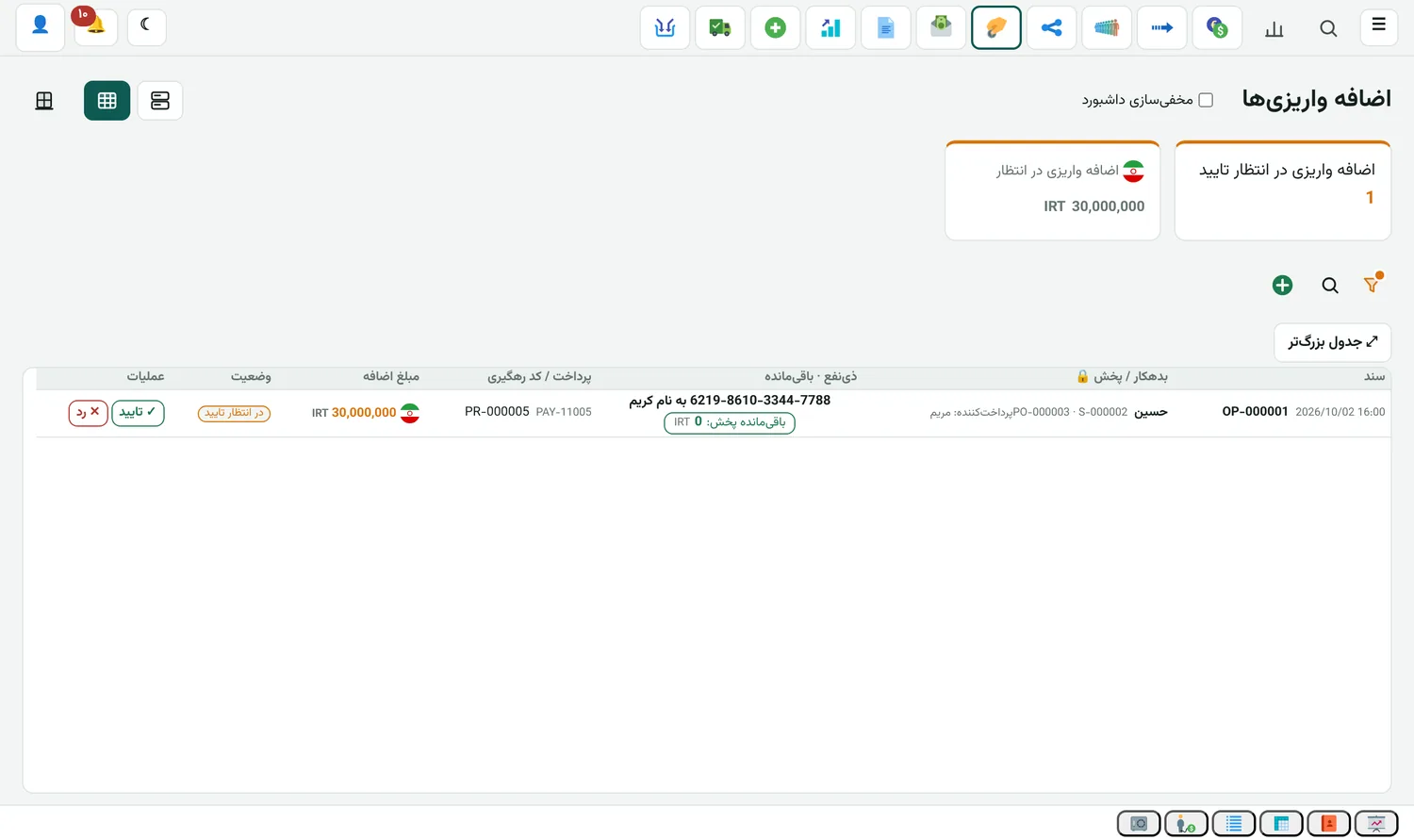
Overpayments

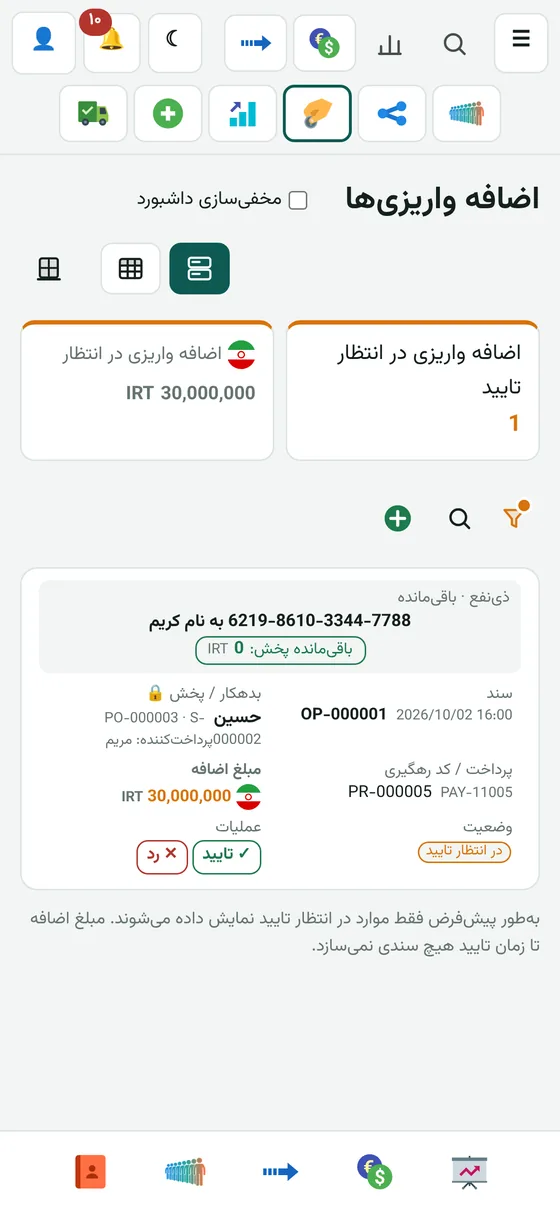
Money that arrived beyond the remittance waits in this list until it is matched to the right account.

All editions

Checking statements and marking slips

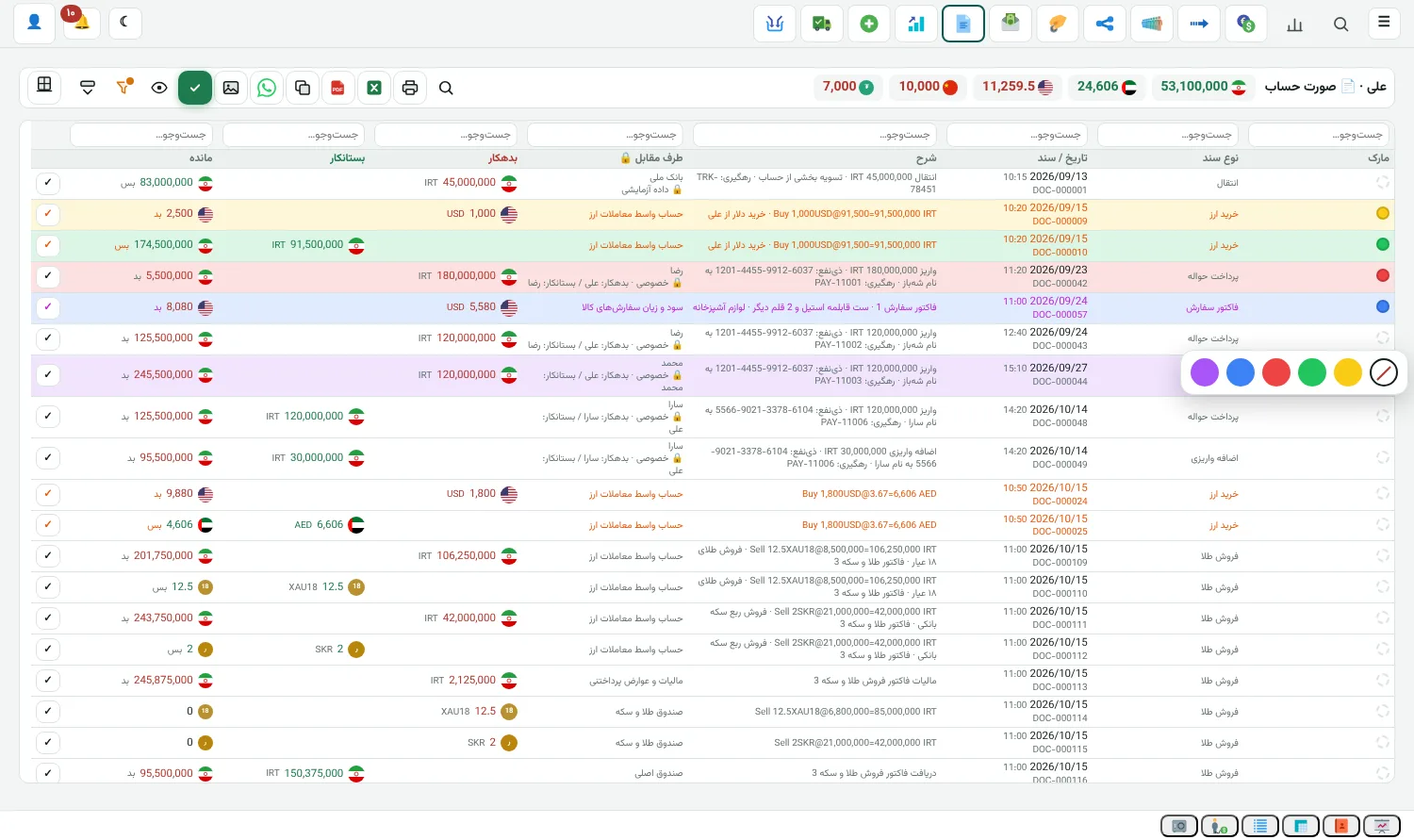
You go through each customer's statement line by line and mark slips with a colour in one tap. It works the same on phone and computer, and you no longer depend on one particular system.

  • Five colours or none, with one tap
  • Confirm the balance up to any line
  • Marks are kept for each account
All editions

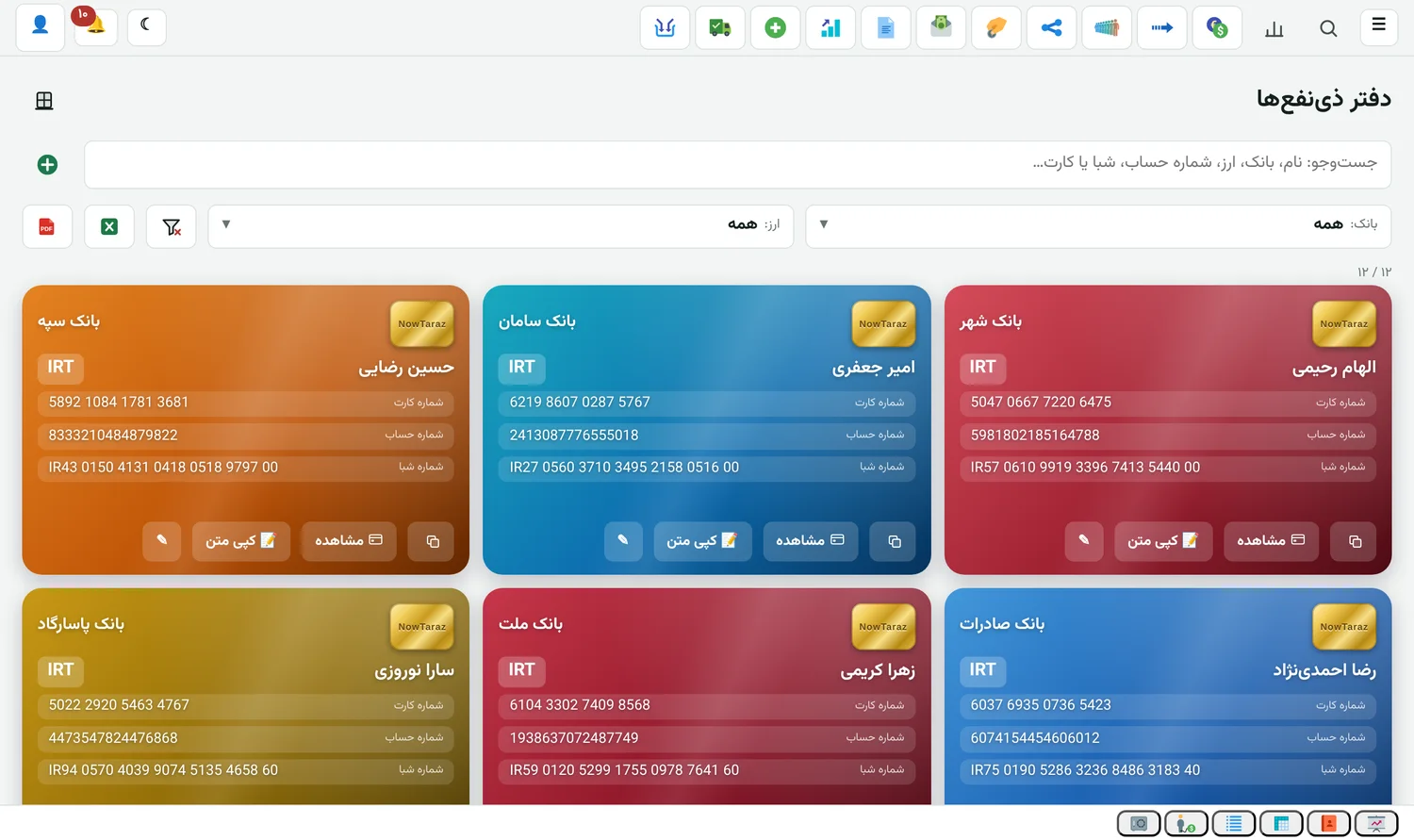
Beneficiary book

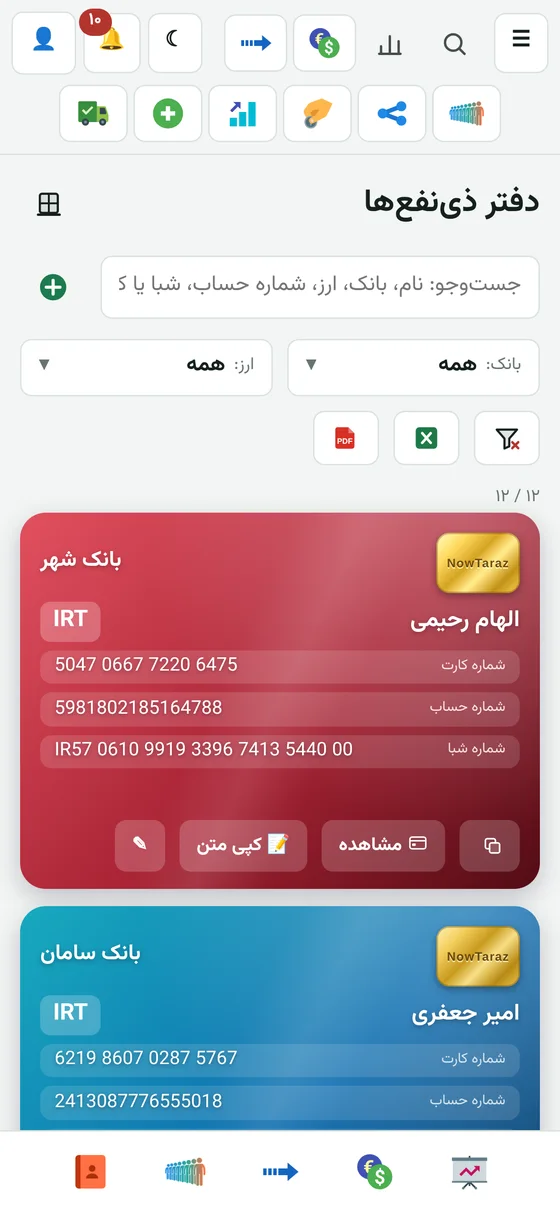
Each beneficiary's card, account and IBAN in one place. One click sends the card image to the customer.

  • Fixed order: card, account, IBAN
All editions

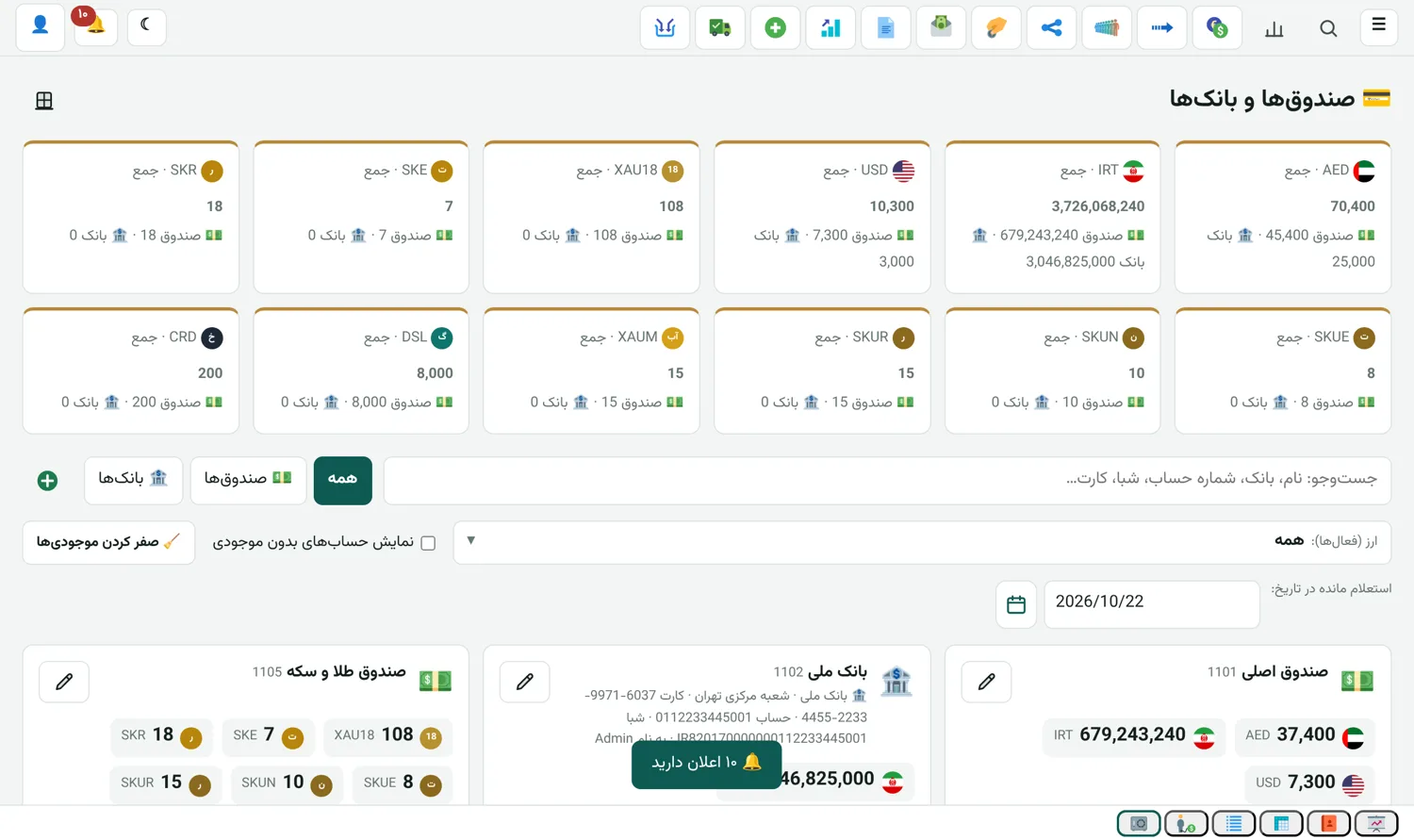
Cash and bank

Balance of every cash box and account by currency, with movements.

  • Cash payment and receipt
  • Closing the cash box and bank reconciliation
All editions

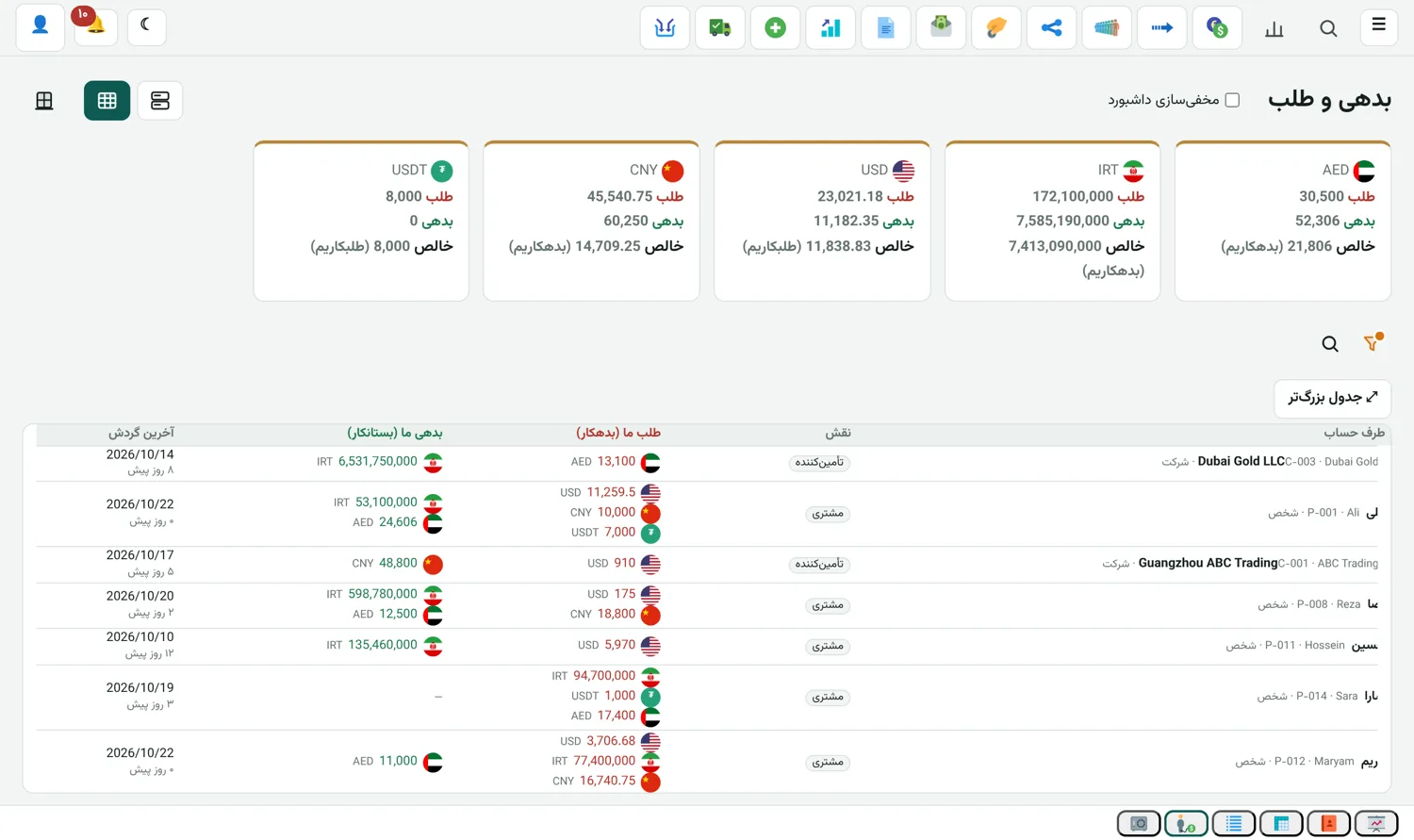
Debts and credits

How much each customer owes or is owed, in their own currency.

  • Each customer sees only their own account (customer portal)
All editions

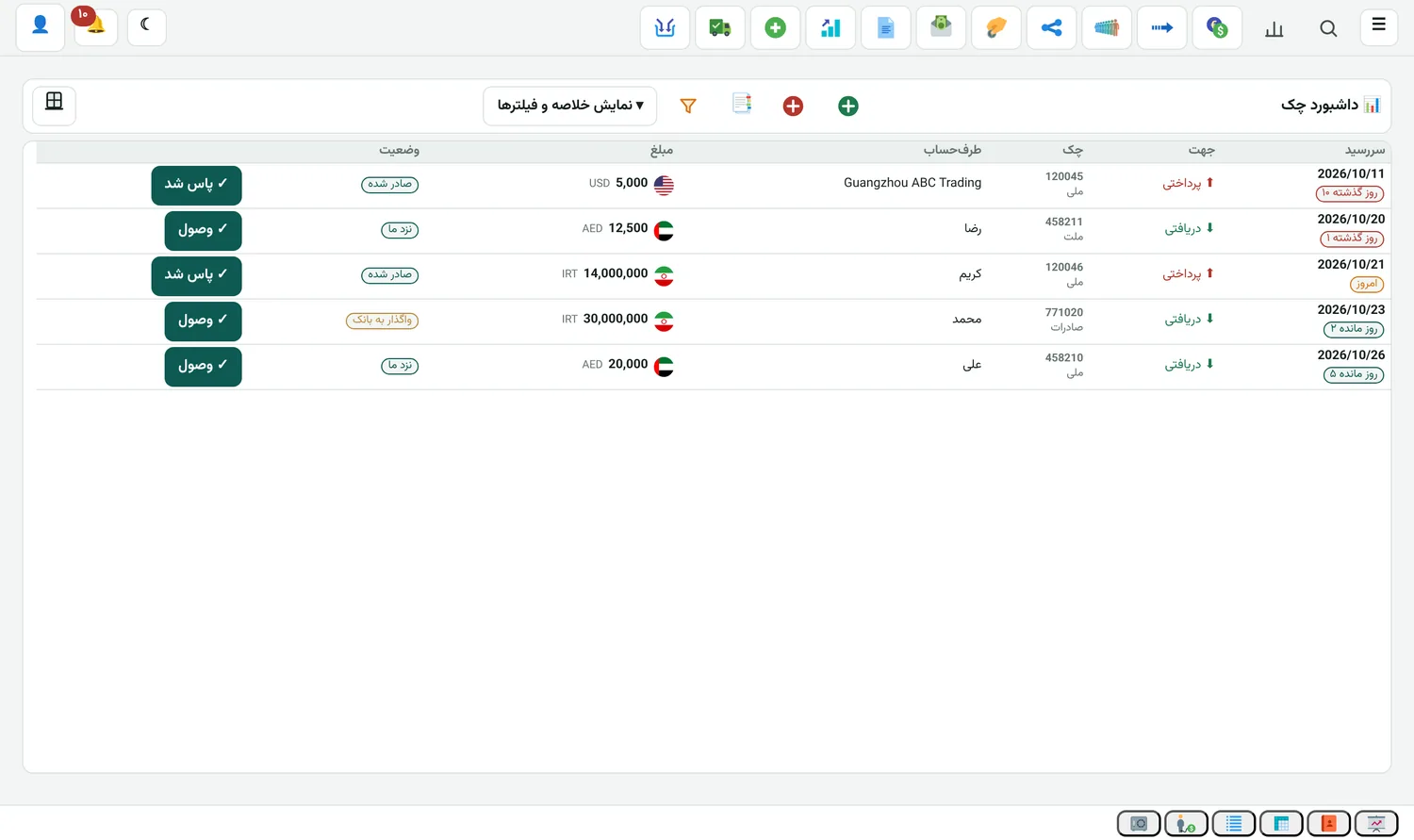
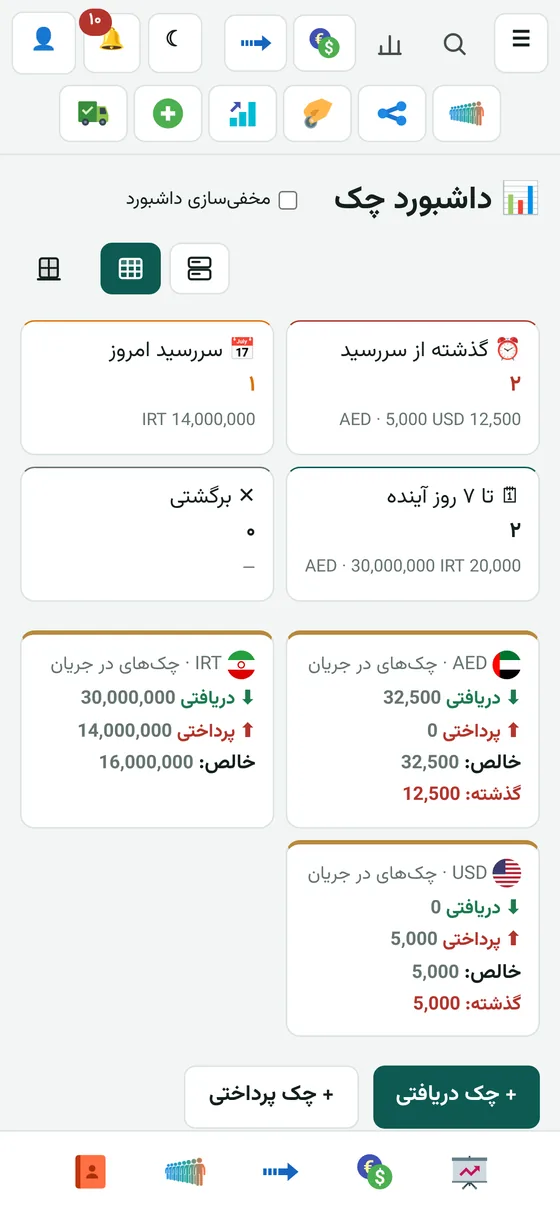
Cheques

Received and issued cheques, with due-date reminders.

  • Endorse, cash and bounced cheques
Currencies and units

Any currency and any unit you work in

All editions

Add a currency

Add a new currency yourself and it works like the rest in deals, remittances, the cash desk and the ledger.

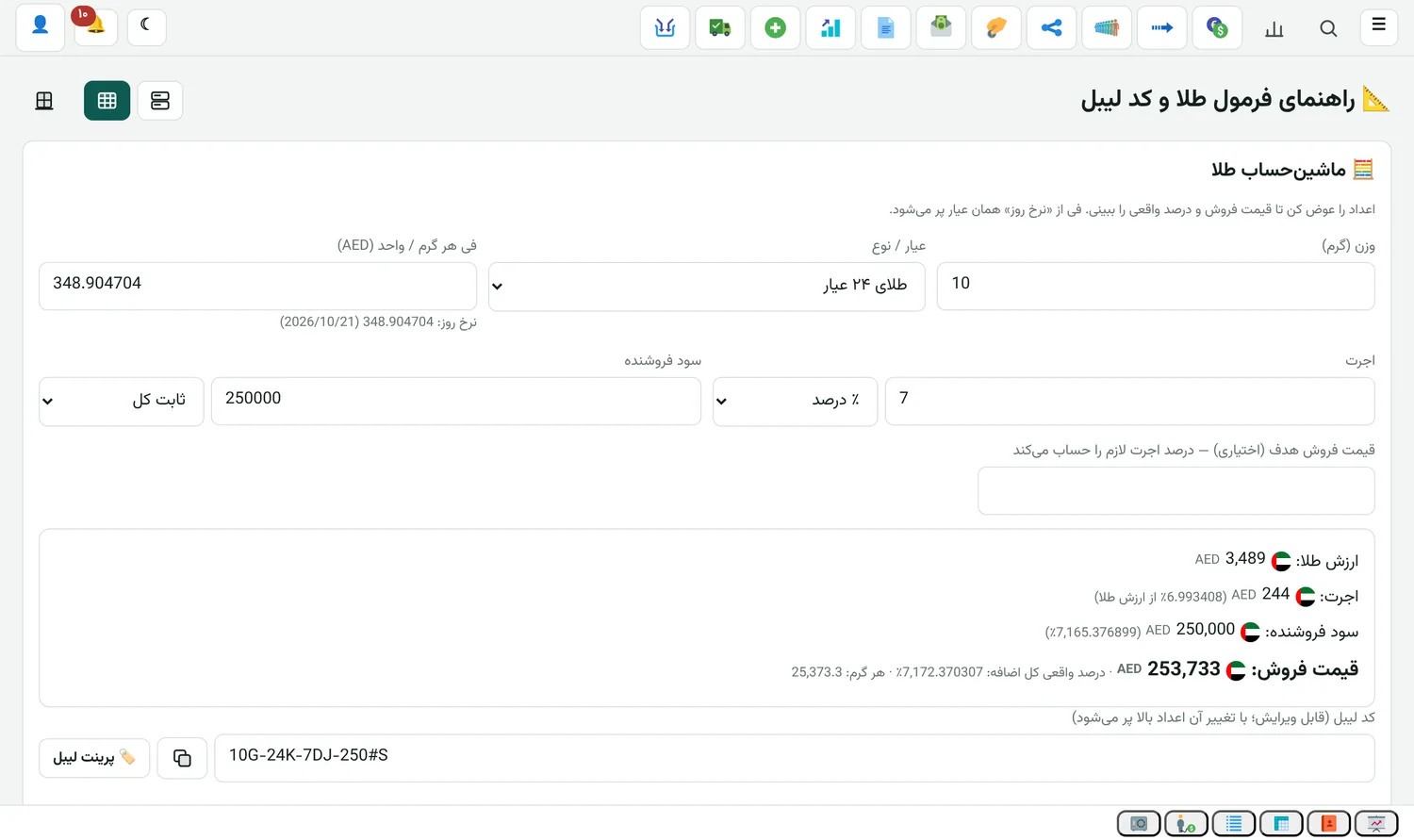
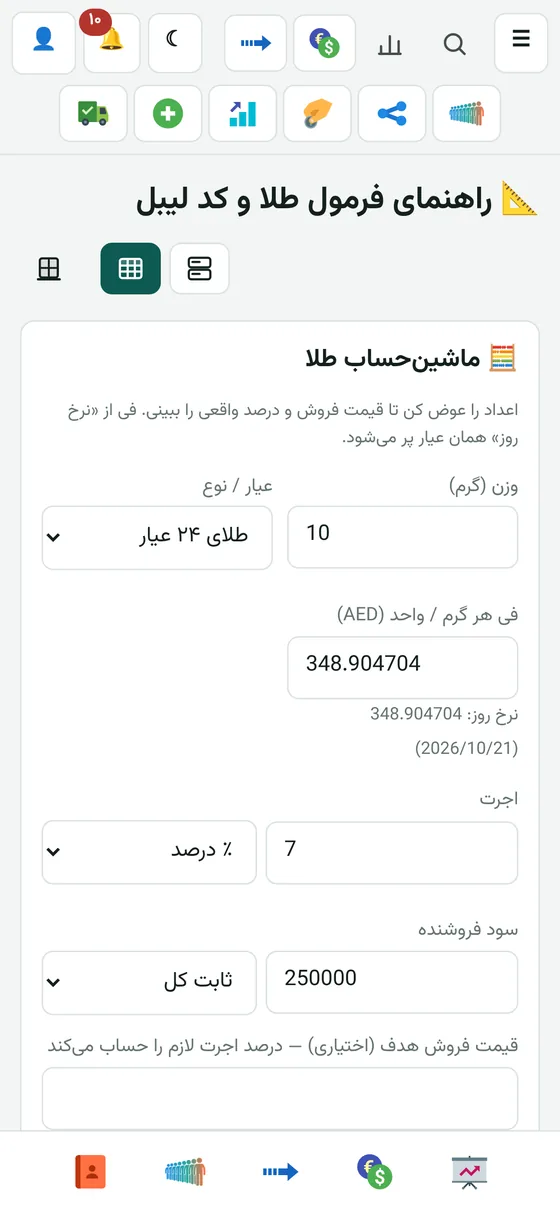
Gold shop

Buying and selling bullion

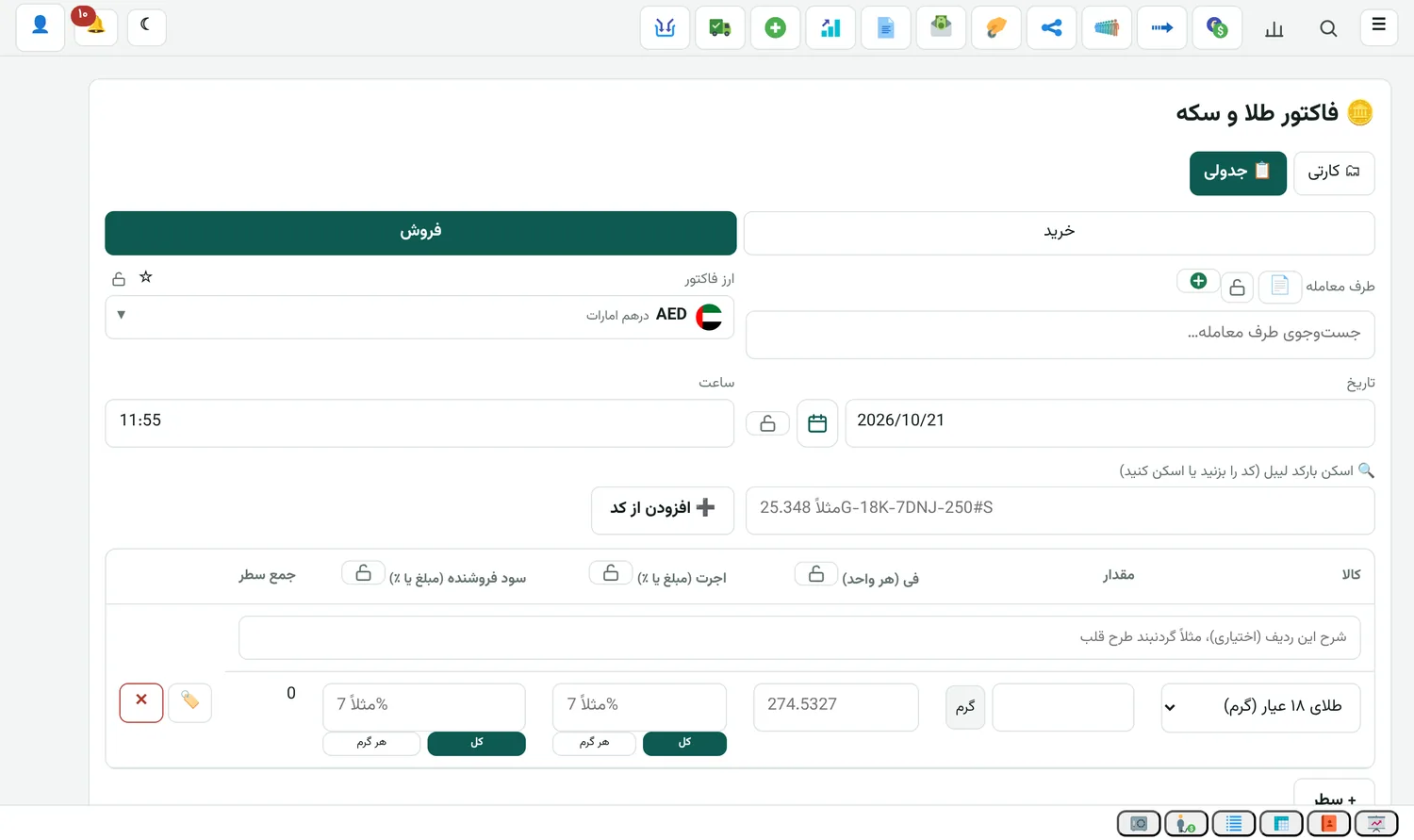
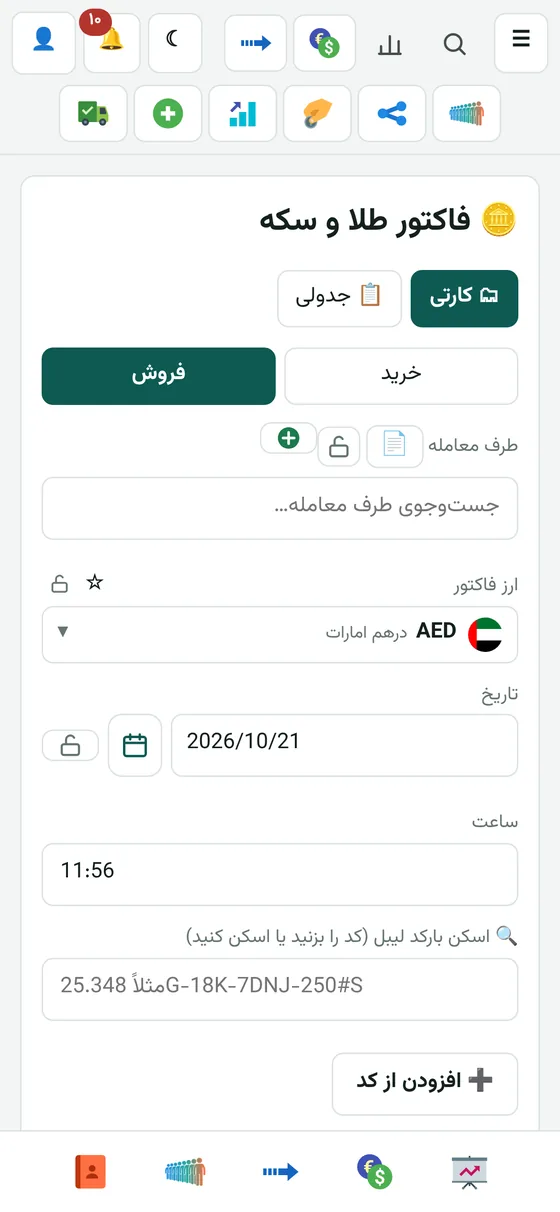
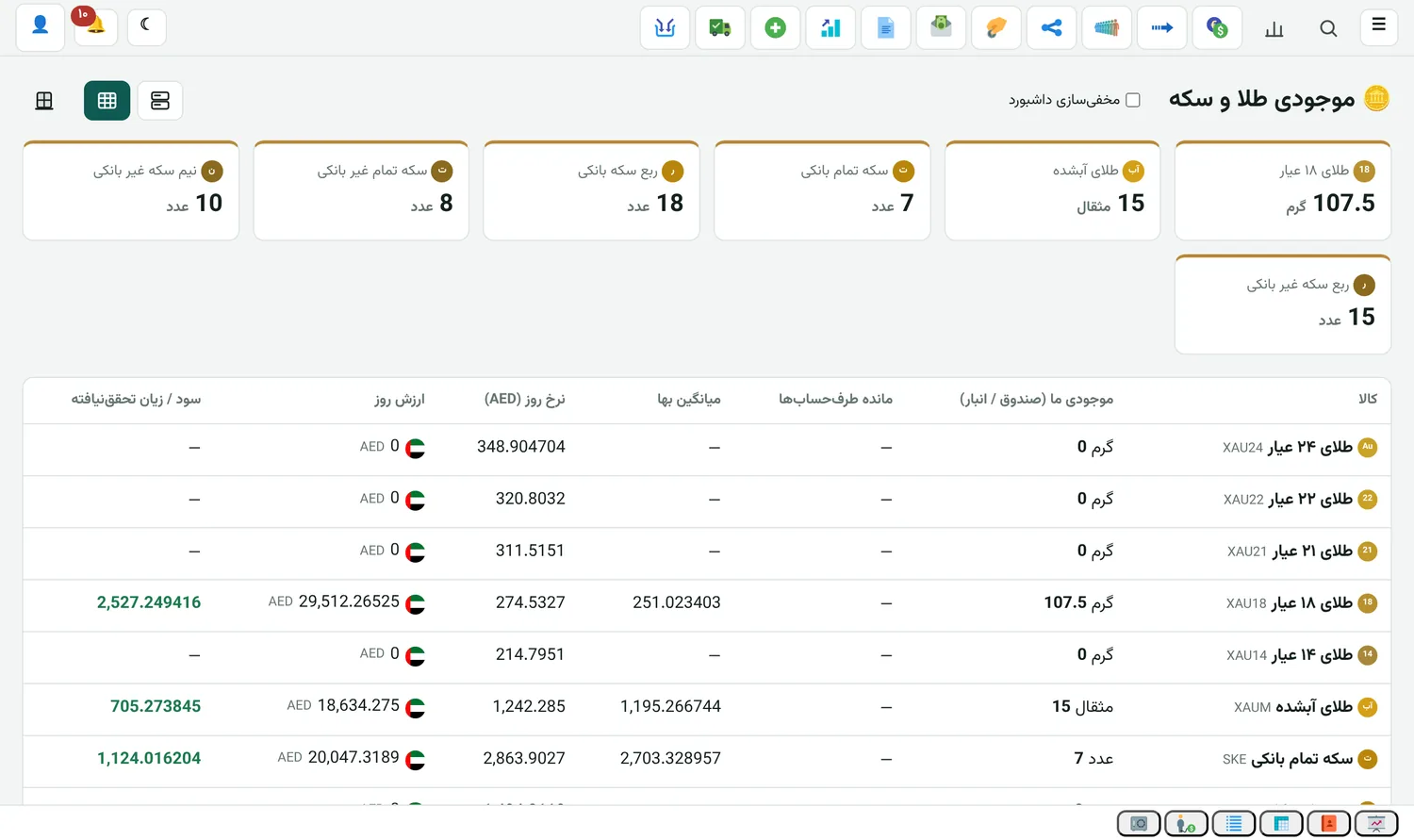
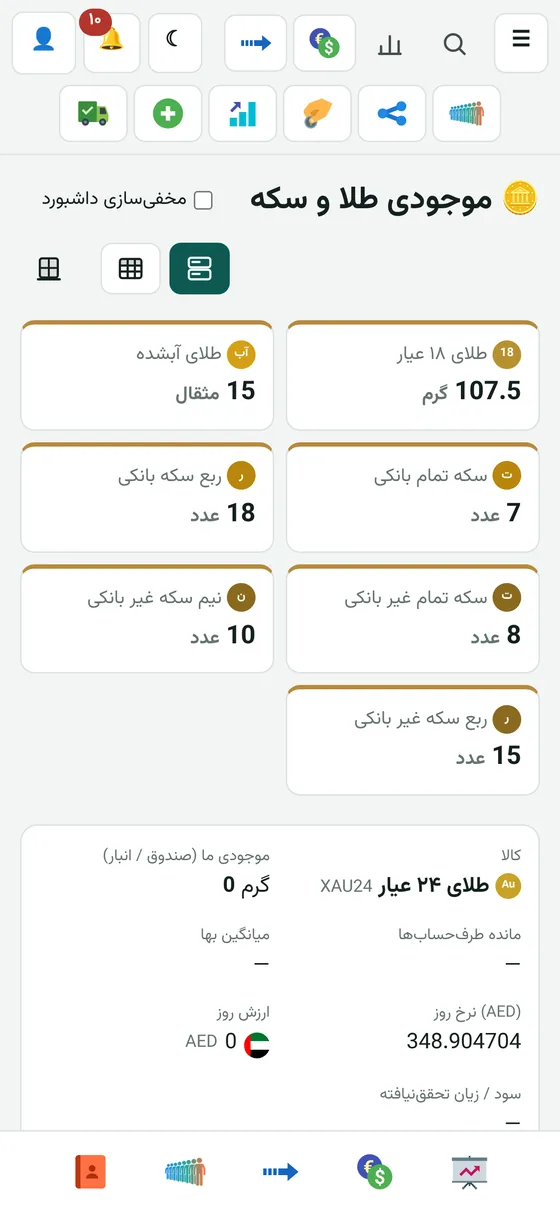
Buy and sell bullion, gold and coins like a currency, and see the stock and weight of each.

Gold shop

Custom unit

Define silver or any other commodity as a new unit and trade in it.

Accounting

A complete ledger, no Excel on the side

Every deal, remittance and expense becomes an entry the moment you save it. Even if you're an accountant, everything you need is right here.

All editions

Currency balance

Open the app in the morning and see each currency's stock and the average buy and sell price. Profit and loss are there too: realized and unrealized separately, filtered by today, yesterday, this week, this month or any range you want.

All editions

Average price, first in first out

Each currency's average is worked out from the purchases you haven't sold yet. The same calculation runs in the balance, the profit and loss report and the general ledger, so you never see two different numbers.

All editions

Profit and loss always in the reference currency

You choose the reference currency yourself, say the dirham. Each currency's profit is converted to it at that day's rate, and you can move the profit into the reference currency.

All editions

General ledger, journal and trial balance

General ledger, journal, accounting entries and trial balance with date and currency filters. The chart of accounts and the full list of accounts are there too.

All editions

Manual entry

For anything that isn't a deal or remittance, you post the accounting entry yourself and see the debit and credit right there.

All editions

Revaluation

Convert account balances to the reference currency at the day's rate to see what each account is worth right now.

All editions

Profit and loss statement

Income and expenses in one place, with net profit. Currency deal profit and loss has its own separate view too.

All editions

Fiscal year, cash close, reconciliation

Set up your fiscal year. Close the cash at the end of the day and reconcile the bank account against your own books.

All editions

Code, alias and tag

Every account has a code, an alias and a tag, and search understands all three. Persian "ی" and "ي" count as the same letter, and so do "ک" and "ك". Type a tracking code with spaces or Persian digits and it's still found.

Statements

A statement that's actually useful

Customers want a statement every day. So we built it to be easy for you to read, and for them too.

All editions

Big table on the computer

Every column has its own search underneath. Tap the name at the top to open another account. Rows alternate in a light shade, and you pick the colour from a palette.

All editions

Cards on mobile

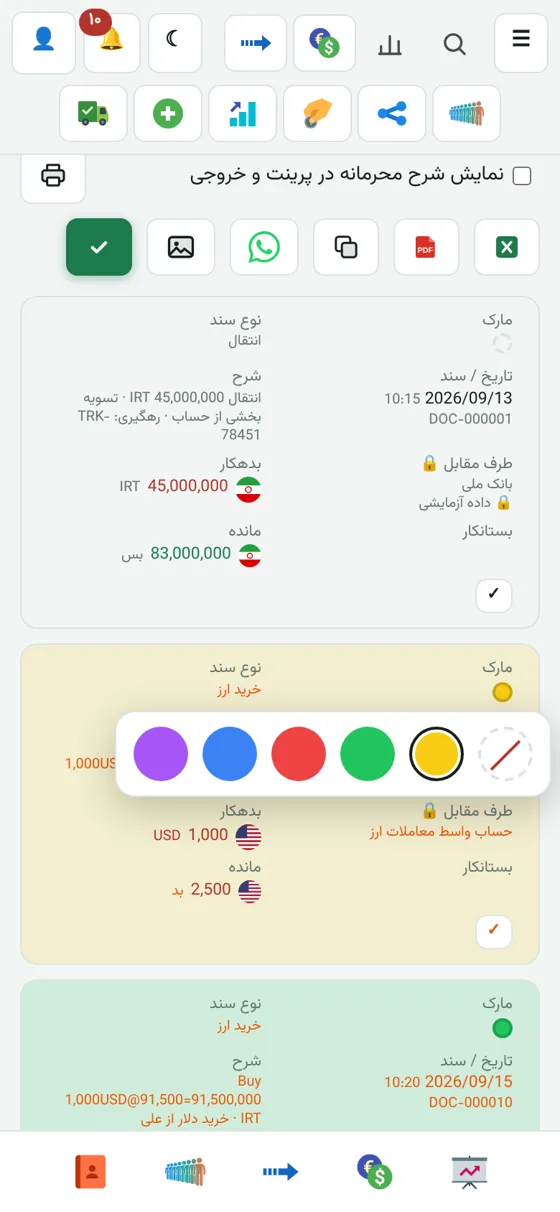
On mobile each row is a card with its own daily total. If you prefer the compact table, you can choose that.

All editions

Daily breakdown

Split the rows day by day. Above each day you see the end-of-day balance of every currency. That day's debit and credit totals can be shown or hidden with one button.

All editions

Decimals, only when you want them

Amounts are rounded and clean by default. One button shows up to two decimals. Rates always show up to three decimals, because for some currencies a rate makes no sense without them.

All editions

Confirm the balance with one tick

Tick a row to confirm the balance with the customer up to that row. A green bar shows the balance of every currency up to that moment, just flags and amounts.

All editions

Colour marks and selected total

Mark important rows with a colour and the whole row takes it. Select a few rows to see their debit, credit and difference.

All editions

Themes you like

Pick the look of the statement and a few other parts separately for mobile and computer. The "Theme" menu sits right above the system menu.

All editions

PDF, image and WhatsApp

Compact print and PDF, portrait or landscape. Send that same PDF straight to the customer's WhatsApp group. The balance image is ready too, with currency flags.

All editions

The colours are what you'd expect

Red for debit, green for credit. Instead of reading the words "debit" and "credit", you just see the coloured amount, and it's the same everywhere.

Cash & transfers

From payment order to receipt, nothing gets lost

Cash and remittances are where the smallest mistake costs money. These sections were built with that in mind.

All editions

Cash payment order

Issue the order and the counterparty's account changes that moment. But cash leaves the till only once the payment is confirmed. Receipt orders work the same way.

All editions

Recipient's ID card

Record the person receiving the money with a photo of their ID, and AI fills in the details from the photo. If their mobile number is missing, it only warns you and doesn't block confirmation.

All editions

Printed receipt in any language

Print the receipt for cash in and out and the transfer voucher in the language you like. The receipt prints separately from the statement and from the ID card scan.

All editions

Overpayments with a confirmation date

When you confirm an overpayment, the entry is dated that day, because confirmation sometimes comes much later than the deposit. You can also change the date by hand.

All editions

Automatic WhatsApp updates to the customer

The bot sends deals, cash payments and receipts, and confirmed or rejected overpayments to the customer's group or number. You choose whether the report is from your side or the customer's. Personal messages stay off until you tick them for each person.

All editions

Correction message

If you edit a deal or a cash voucher, a correction message goes to the customer's group too. One switch turns it on or off.

All editions

Remittance queue and distribution, one pair of scissors

A big table on the computer and cards on mobile. One scissors icon handles cancelling the remainder and sending it back to the queue: the whole remittance if no receipt has been posted yet, only the remainder if one has.

All editions

Double deal

When you take one currency and give another at the same time with the same counterparty, you record all of it in a single entry. It has its own list too.

Beneficiary and bank card

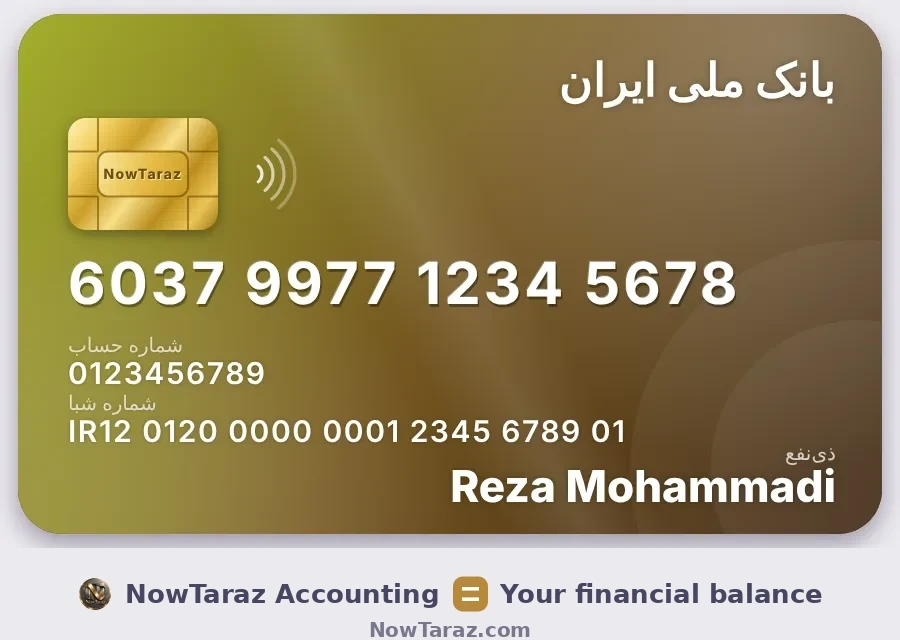
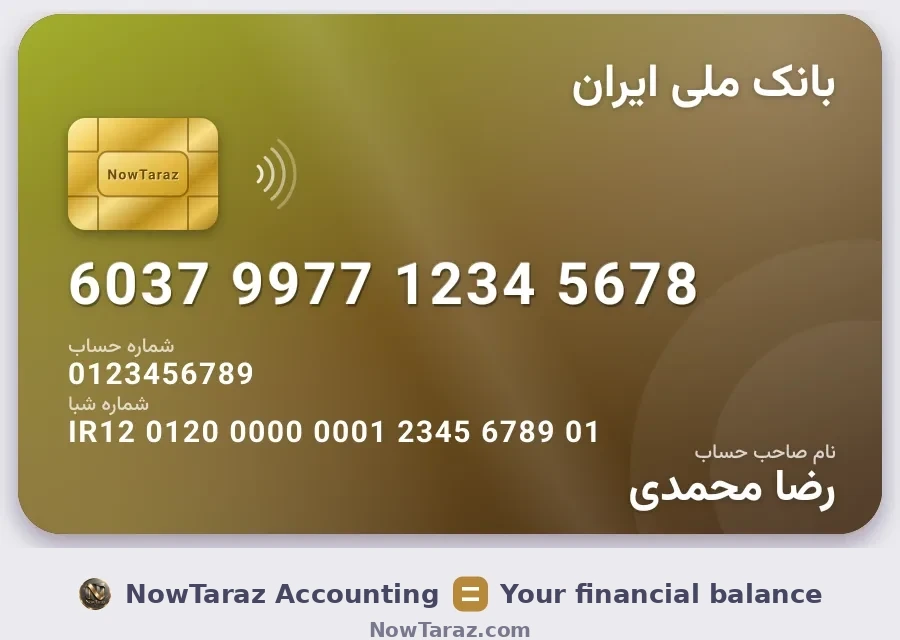
Show a bank card like a real card

Beneficiaries are kept in one place, and each one gets a good-looking card you can send to the customer.

All editions

Gold card with the NowTaraz slogan

Every beneficiary becomes a card with a golden chip. Copy its text, copy its image, or send it straight away. Under the card there's the slogan and NowTaraz.com.

All editions

It finds the bank by itself

It recognizes the bank from the card number or IBAN, even from the first four digits of the card. It also reads the bank name from pasted text and doesn't confuse it with people's names.

All editions

Paste the text and it fills in

Paste the card, account and IBAN with any separator (dash, underscore and so on). They're split and filled in. The order is always card, then account, then IBAN.

All editions

New beneficiary from inside the form

In the middle of a remittance or deal, add a new beneficiary and it's saved to the beneficiary book right there. You don't have to go anywhere.

All editions

Several numbers, dial codes with flags

Each account can have several numbers, and you choose the default WhatsApp number with one touch. Dial codes have flags and search, and you can star the countries you use most to bring them to the top.

All editions

Several WeChat IDs

For suppliers and shipping companies, record as many WeChat IDs as you like.

Daily use

Built so it doesn't get in your way

Little details you only notice when you work with it every day.

All editions

Seven languages

Persian, English, Arabic, Turkish, Chinese, Russian and Hindi. Each user picks their own language, and you can edit the texts yourself in the translation table.
All editions

Three calendars in one picker

Solar Hijri, Gregorian and lunar Hijri in one calendar. Tap any of them and the date is converted to the system's default calendar and saved. Type two digits, say 06, and it means the sixth of this month.

All editions

Keyboard shortcuts

F1 saves, F2 opens a new entry and Enter moves to the next field. After saving, the form doesn't reopen empty by itself. The date and currency lock also carries the last value you used into the next entry.

All editions

Rates like the market

A rate never ends up under one; it's flipped and divided instead. The rate always starts empty so the previous number isn't saved by mistake. The form moves along with the amount, the rate and the opposite amount.

All editions

Installs like an app

It installs on mobile and computer with its own icon and opens like an app.

All editions

Every user, their own look

Menu order, the start page, whether balances are hidden or shown, all separate for each user. By default you land on the currency balance after signing in.

All editions

Currency flags and logos, everywhere

Wherever a balance appears you see the currency's flag or logo. The currency filter is the golden coin icon, and any list with several currencies has one.

All editions

Notifications

The notification centre shows everything waiting for you in one place.

All editions

The big table, the same everywhere

On the computer, lists are big tables. Filter, sort, Excel and PDF export sit together as small icons, and anything extra stays out of sight.

Why NowTaraz

For someone with dozens of deals and several currencies every day

NowTaraz Accounting = Your financial balance
Close the books at the end of the day and sleep well.
Every deal lands in the books that moment.
It turns a WhatsApp message into an entry by itself.
Each customer's balance, in their own currency.
Close today's work today.
Four editions

The edition that fits your work

The accounting core is the same in all four editions. Only the specialist parts differ.

Exchange

Exchange edition

  • Currency buying and selling, day rate, profit and loss
  • Beneficiary straight in the deal and recorded in the remittance queue
  • Cash, bank and reconciliation
  • Remittance queue and distribution, receipts
  • WhatsApp remittance, WhatsApp receipt and WhatsApp payment order, confirmed in the app or the group
  • Cheques
  • WhatsApp bot, AI, bank lookup
  • Assistant and Persian commands: by voice in the app and in the WhatsApp group
  • Full accounting, four languages
  • Cargo, optional add-on
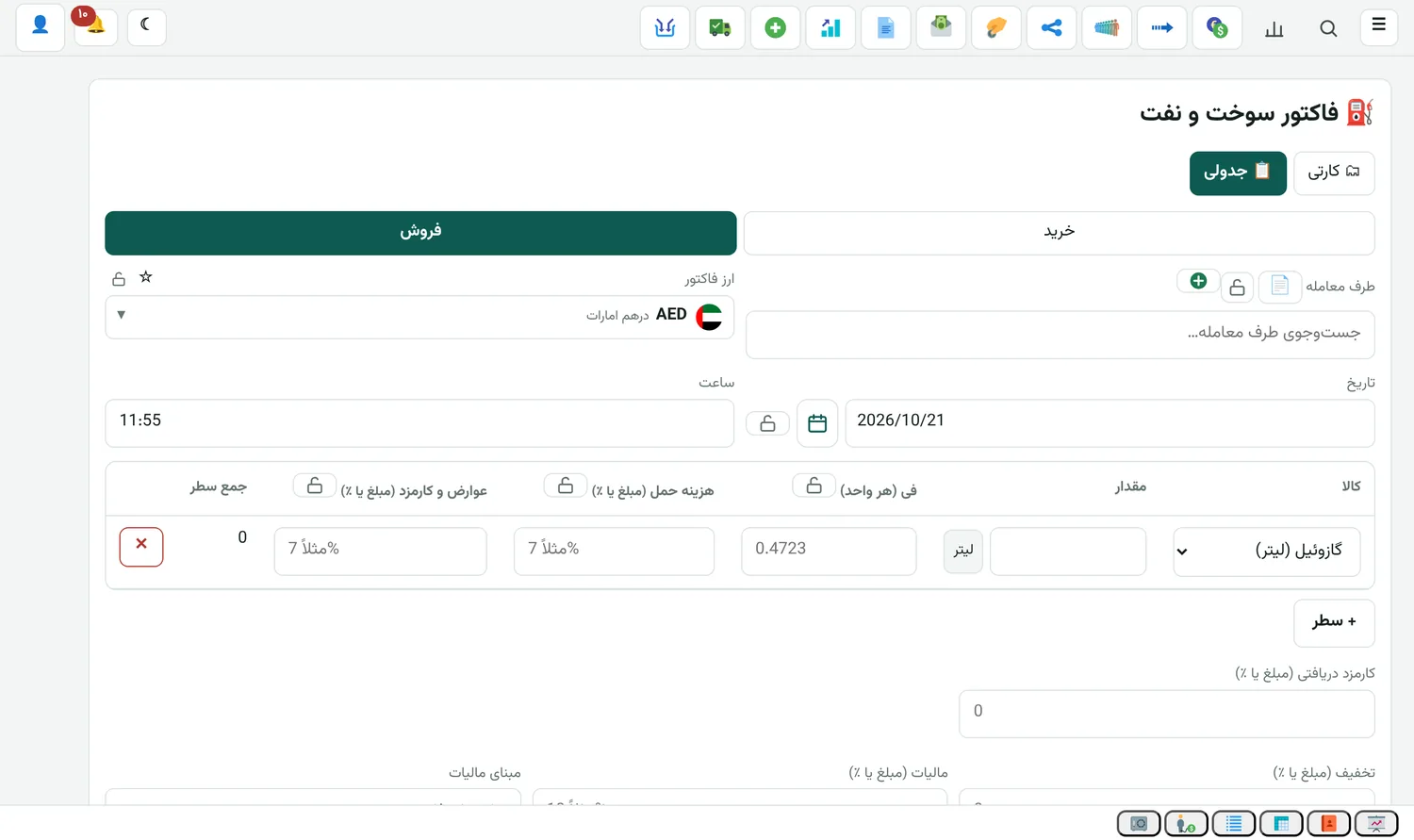
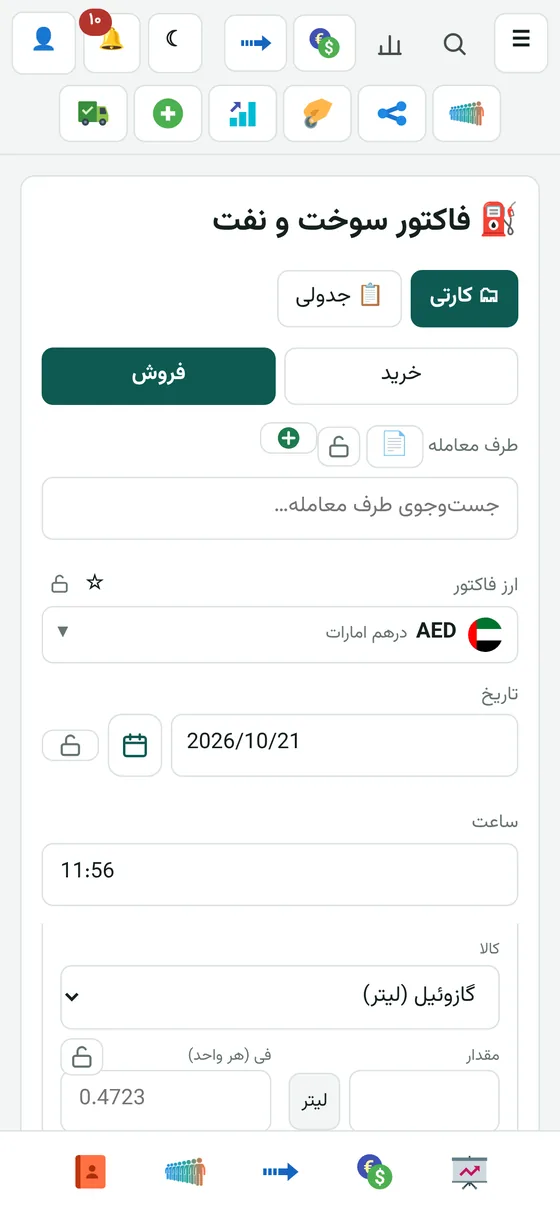
Gold, coins and fuel

Jeweller edition

  • Everything in the Exchange edition
  • WhatsApp remittance, receipt and payment order (with the Exchange edition)
  • Assistant and Persian commands: by voice in the app and in the WhatsApp group
  • Gold and coin invoices and stock
  • Fuel and oil
  • Cargo, optional add-on
Imports and shipping

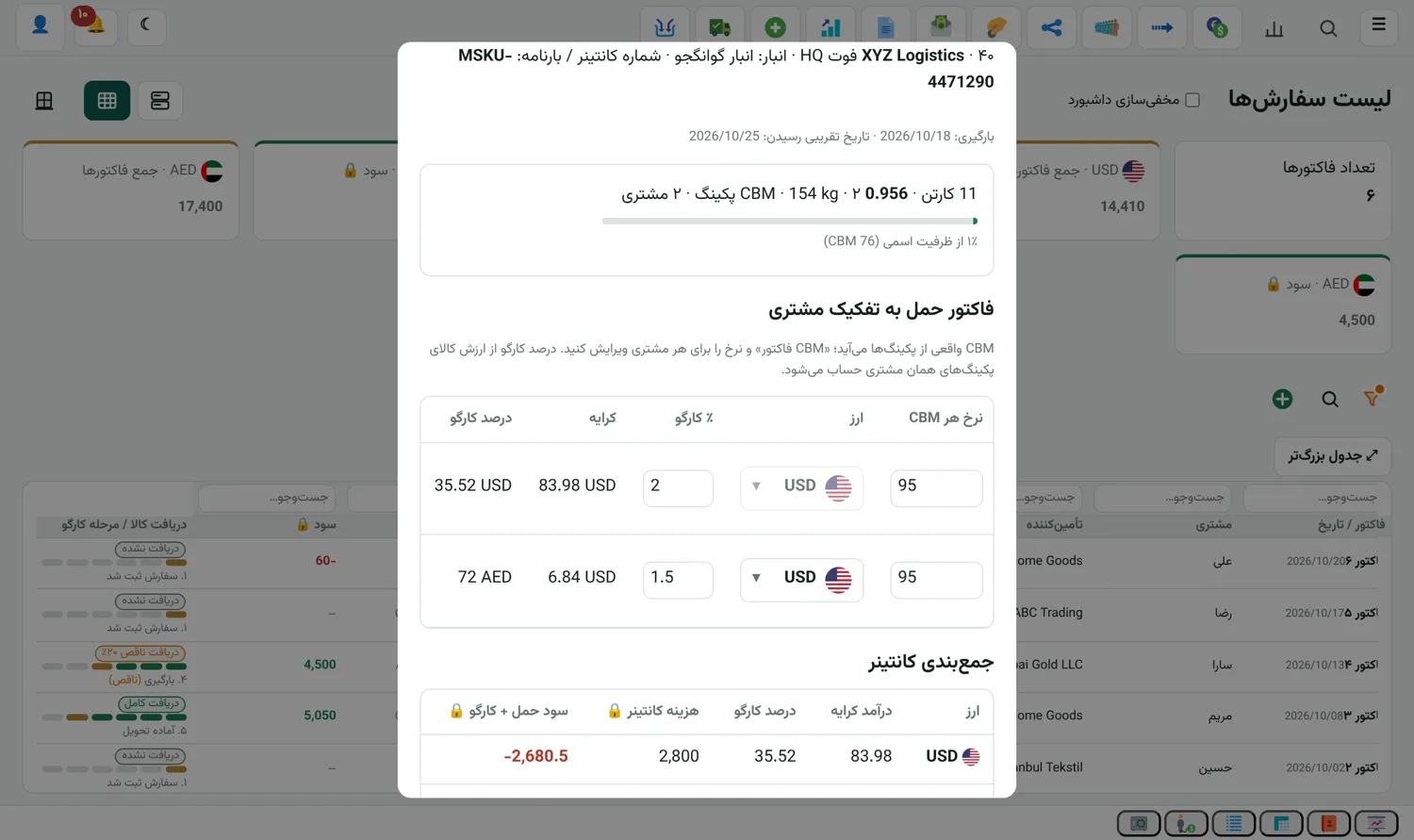
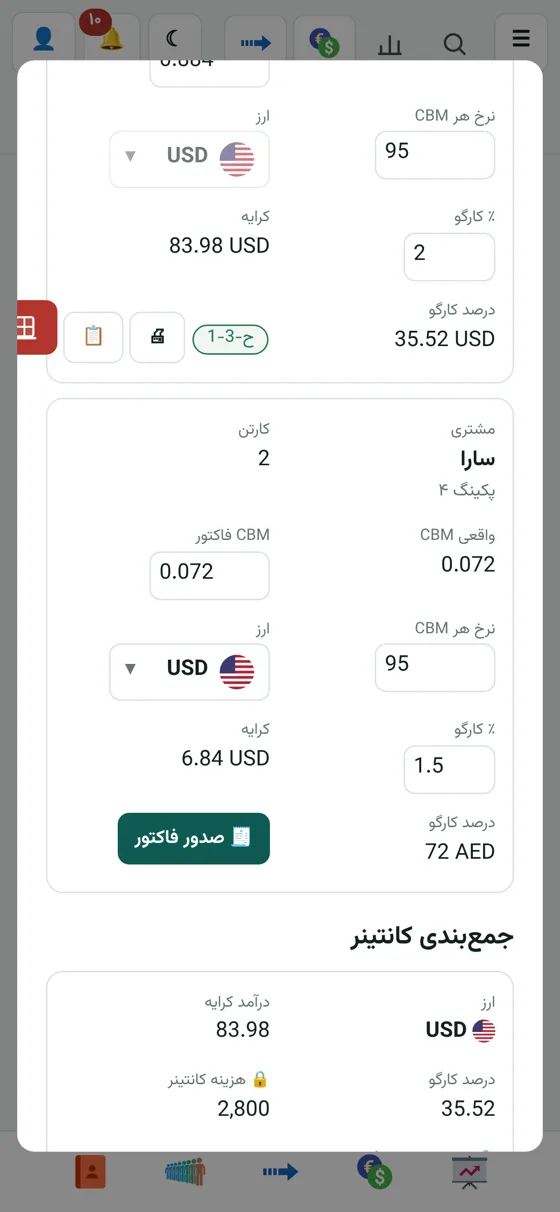
Cargo edition

  • Almost everything in the Exchange edition
  • Assistant and Persian commands: by voice in the app and in the WhatsApp group
  • Orders, warehouse and packing list
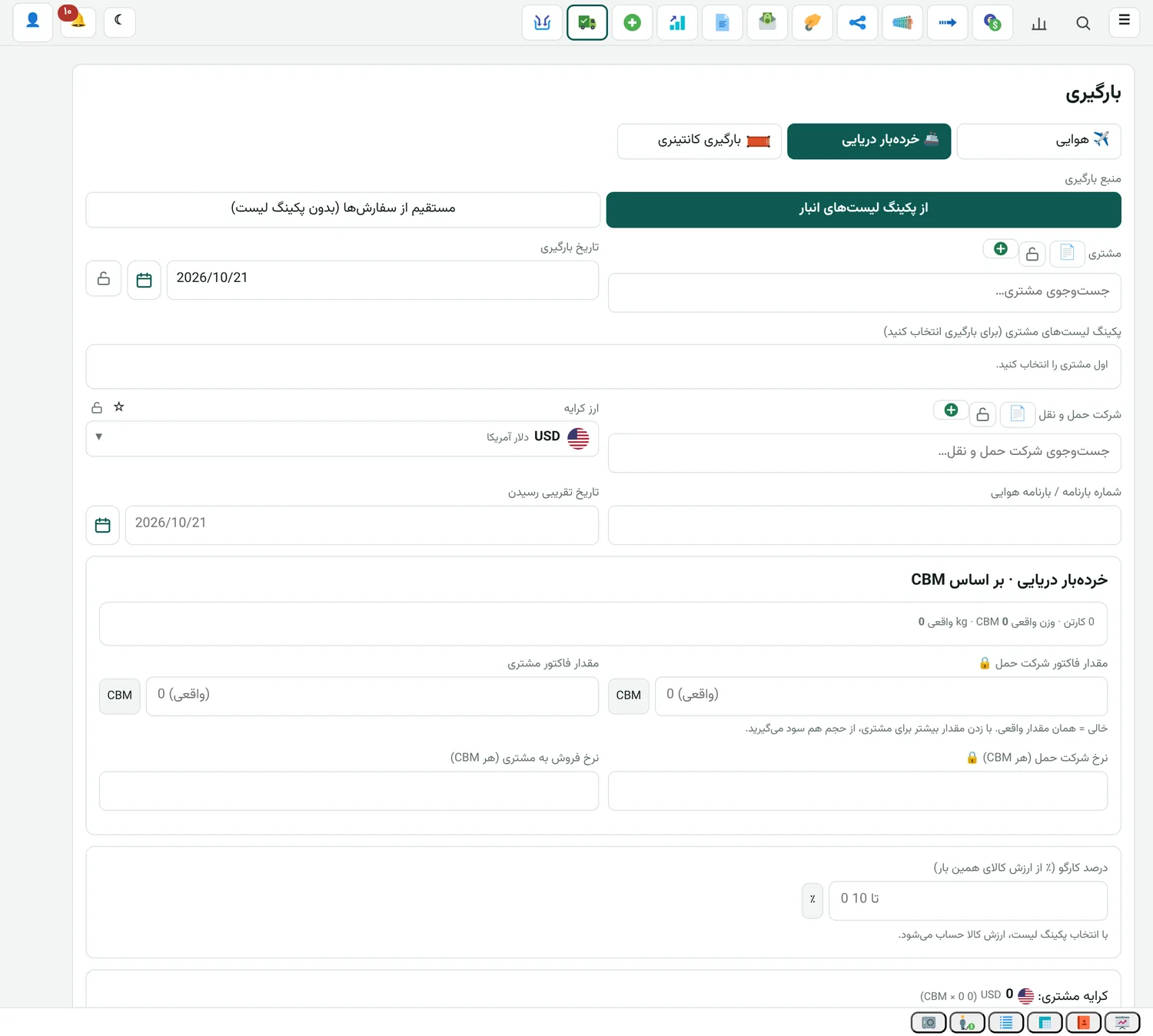
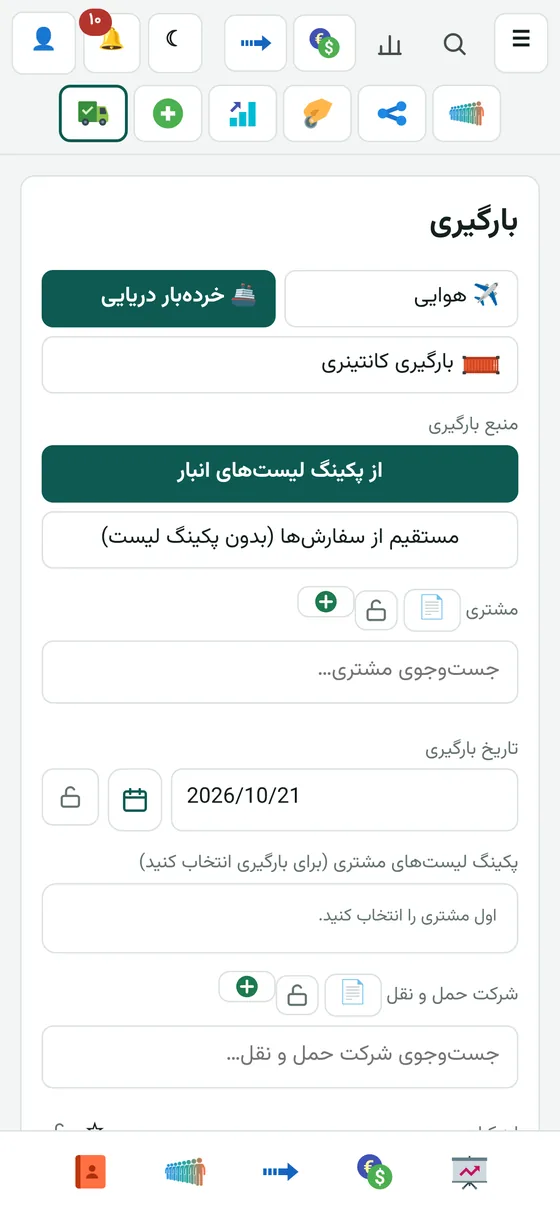
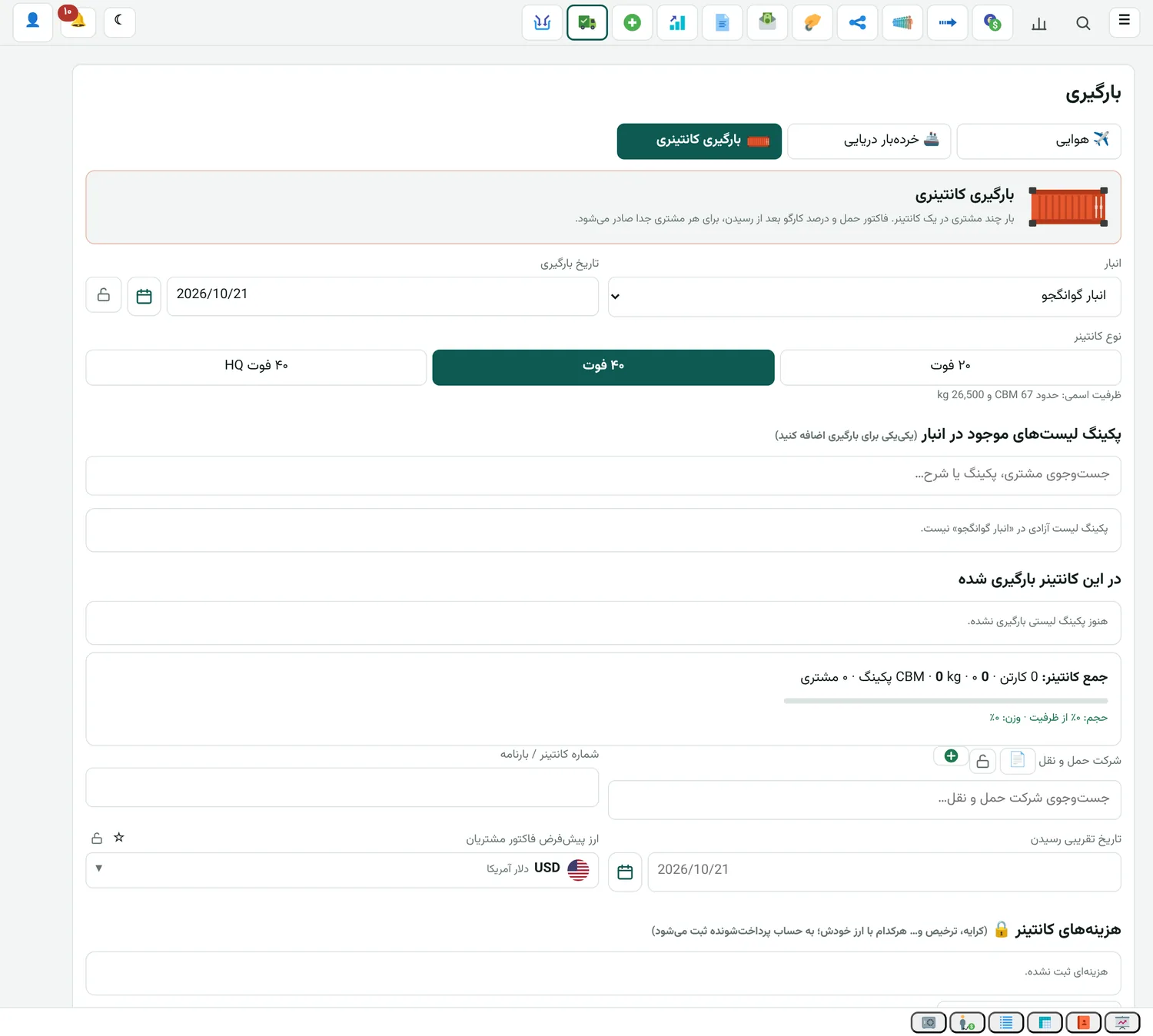
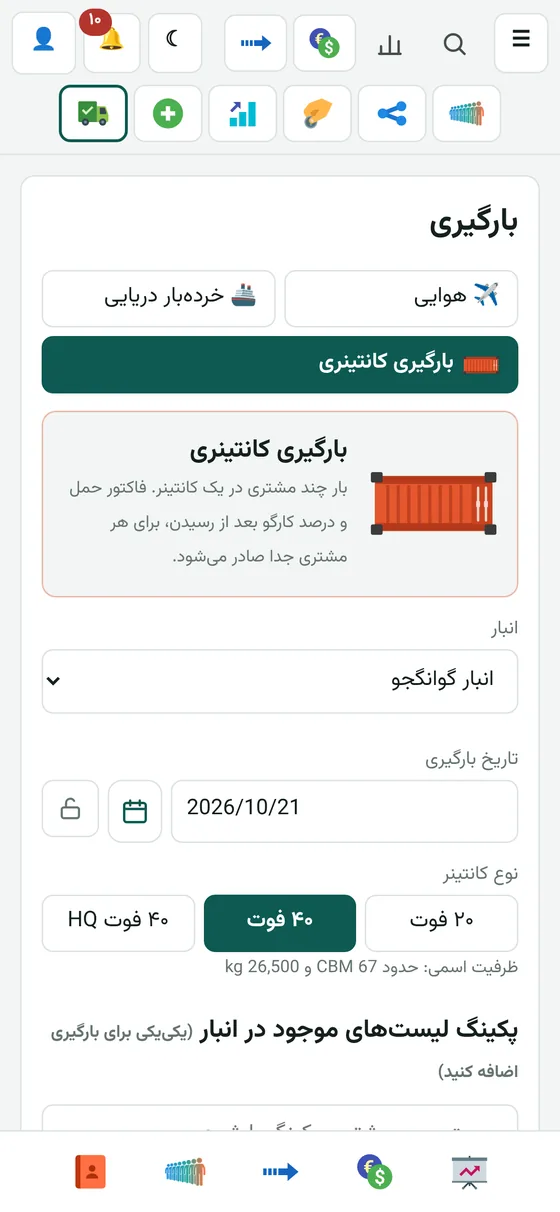
  • Air, sea, container and carton loading
  • Loading without receiving goods, and shipping with a partner
  • Clearance and marketer commission
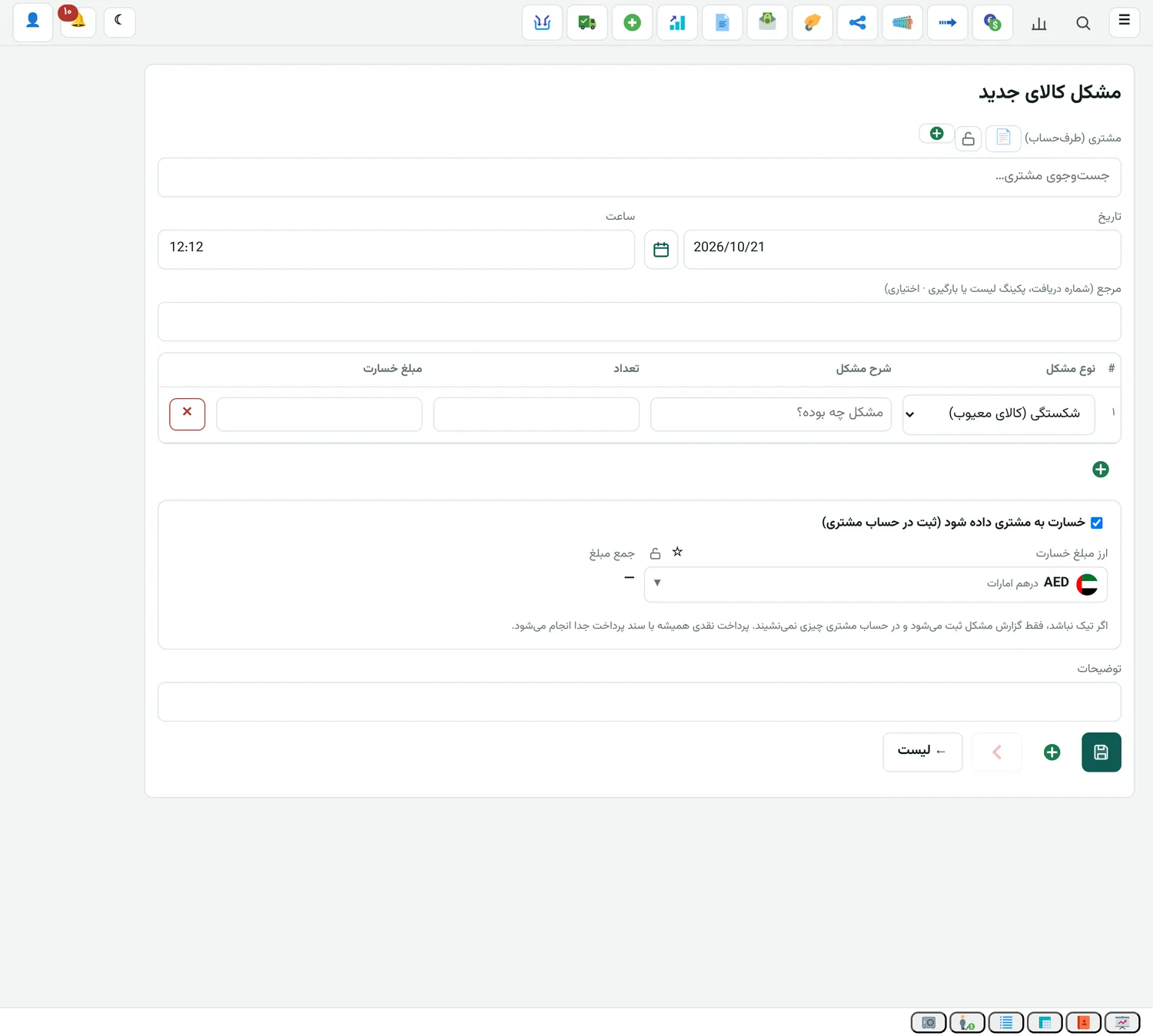
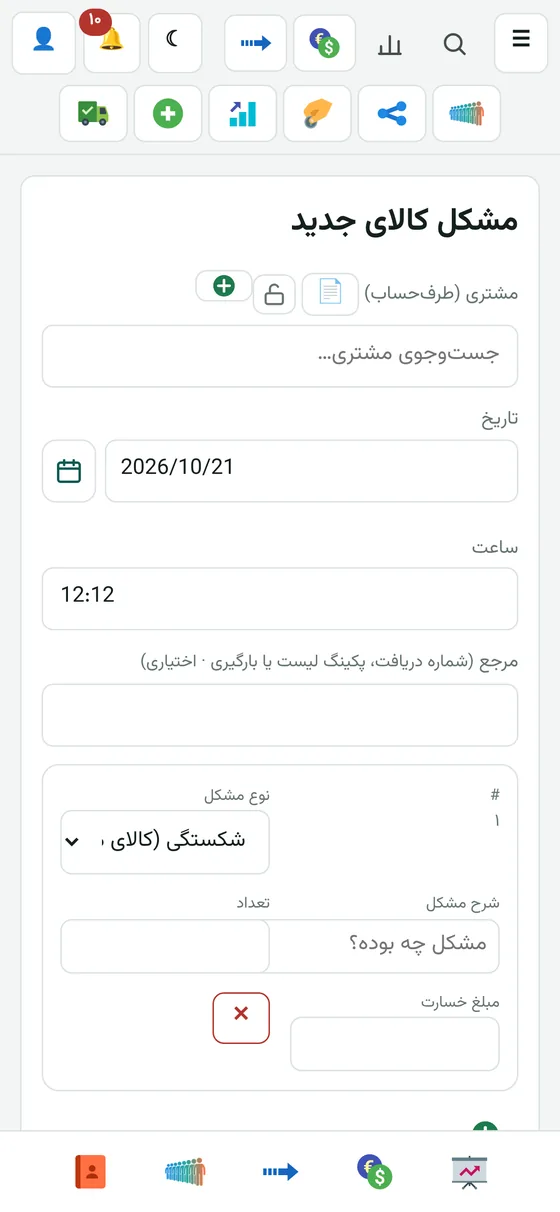
  • Claims and their follow-up
Buying, selling and importing

Car edition

  • Almost everything in the Exchange edition
  • Assistant and Persian commands: by voice in the app and in the WhatsApp group
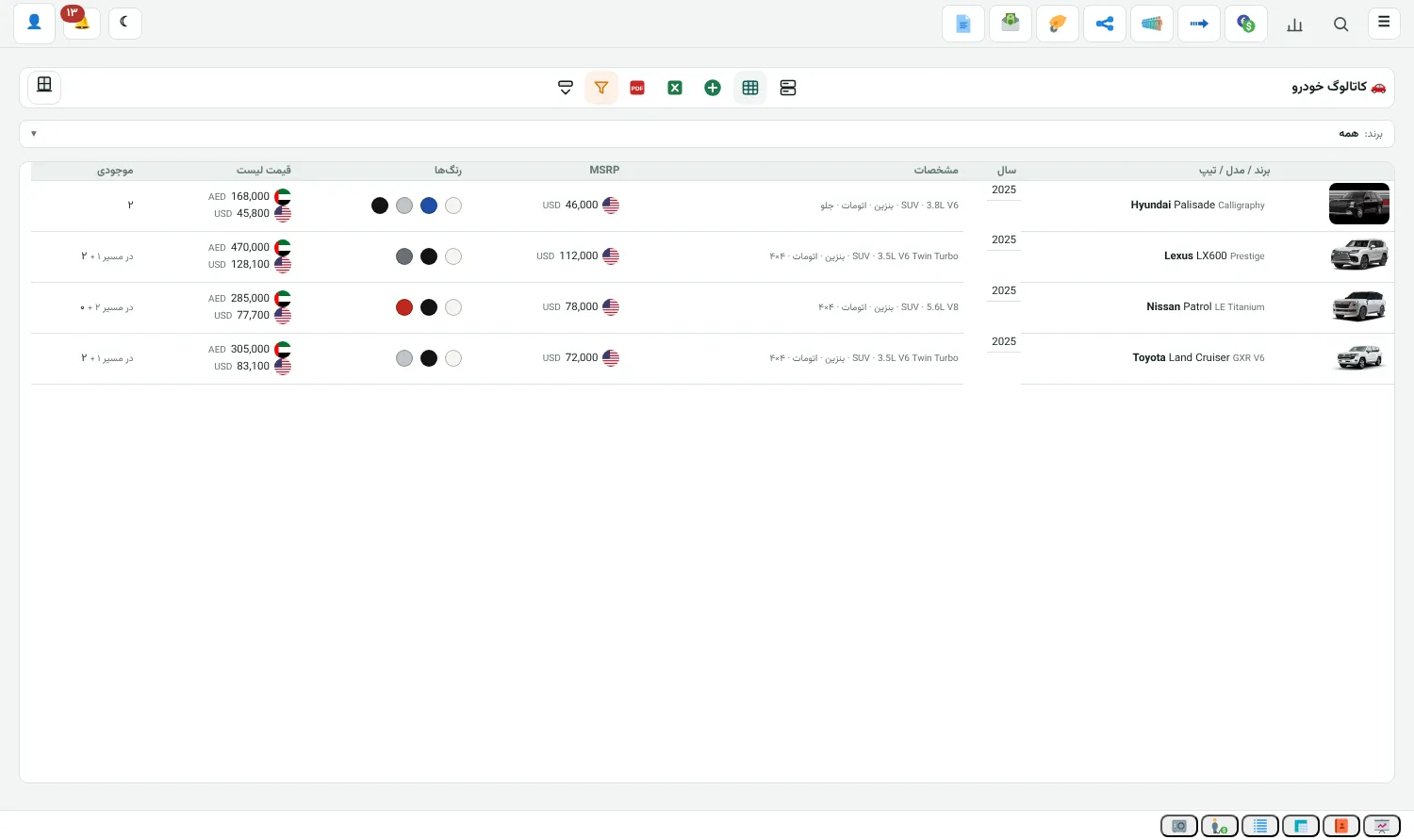
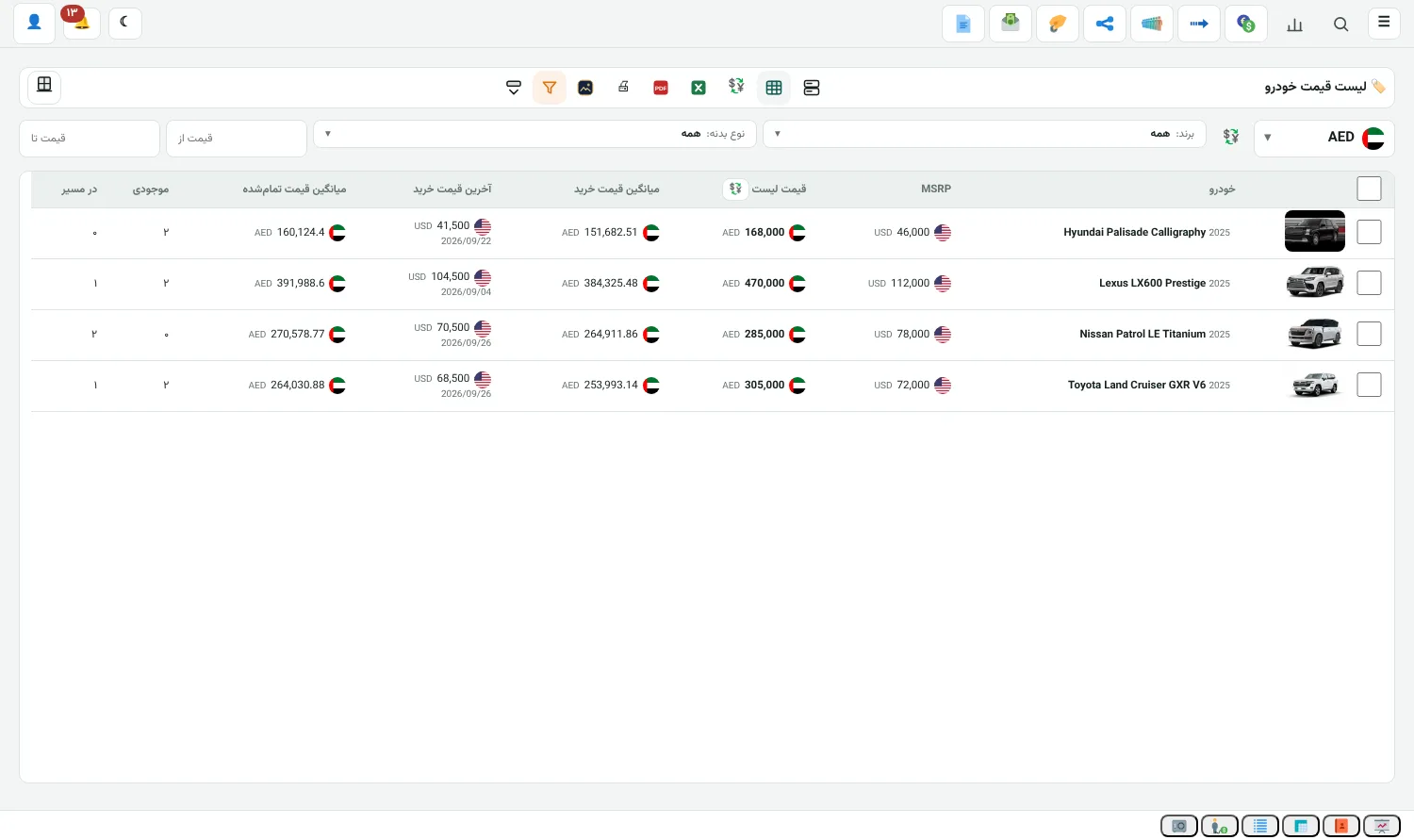
  • Car catalogue with photos, colours and prices
  • Warehouse stock and cars in transit
  • Purchase and sales invoices with chassis number (VIN)
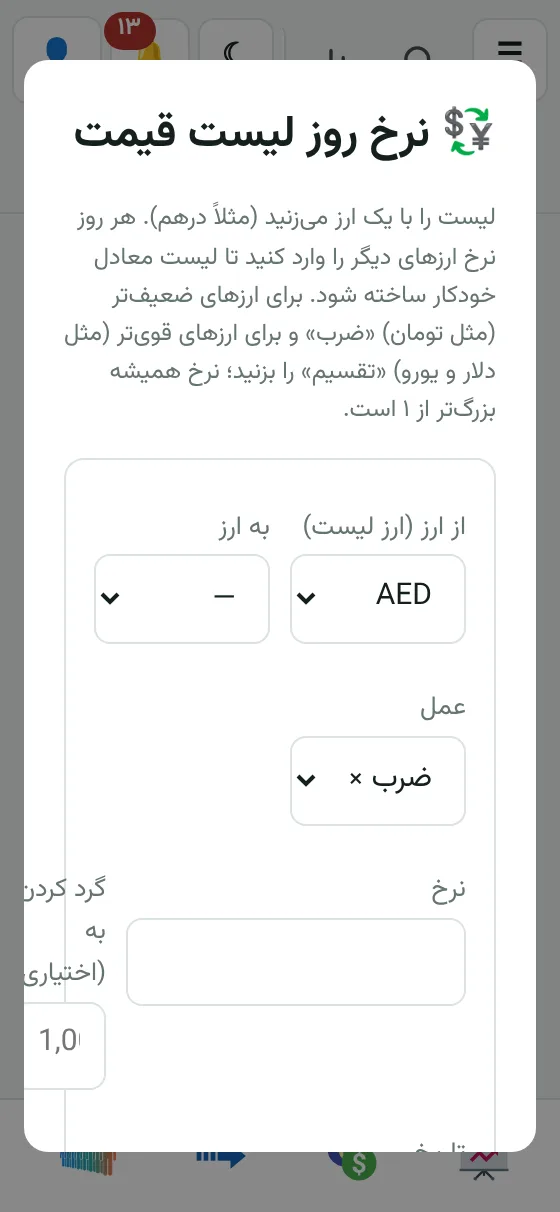
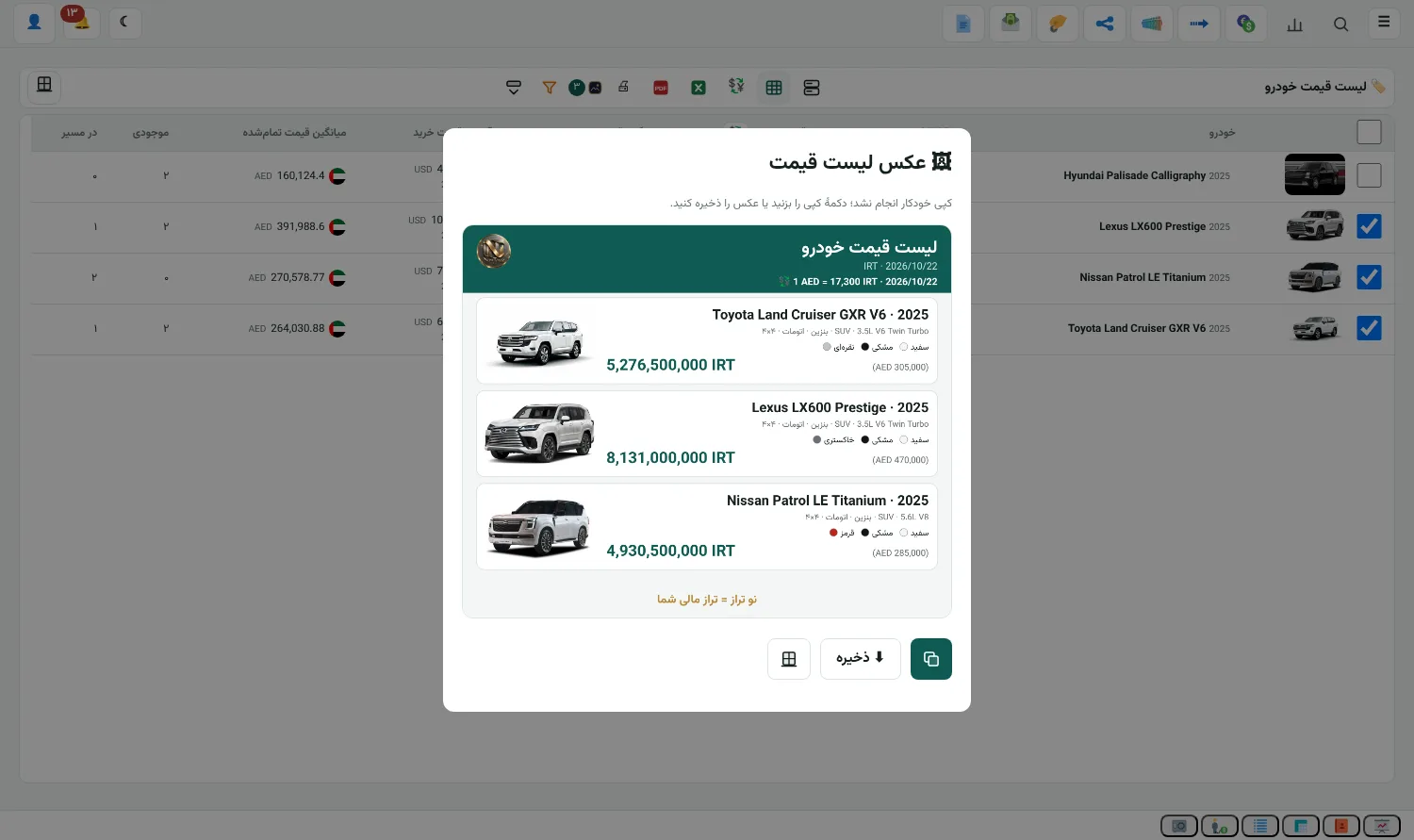
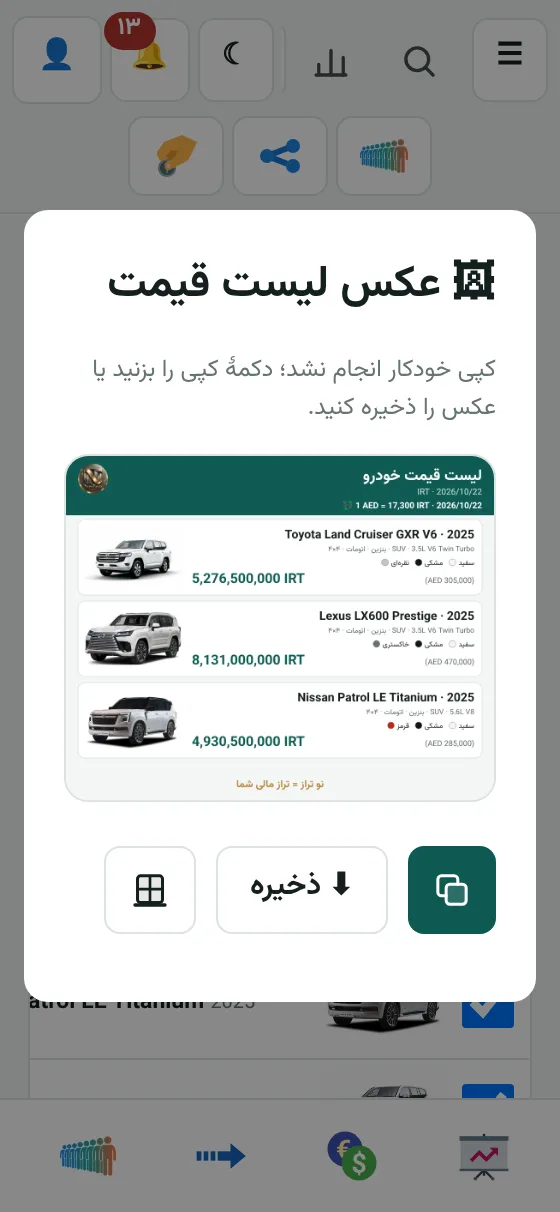
  • Daily price list in any currency, and a list image for the customer
  • Profit per car and per model
  • Costs, service and repair for each car
  • Gold, fuel and cargo, optional add-ons
FeatureExchangeGold shopCargoCars
Accounting, currency deals, cash and bank✓✓✓✓
Remittance✓✓✓✓
Cheques✓✓✓✓
WhatsApp bot and AI✓✓✓✓
Assistant and Persian commands (voice in the app and WhatsApp)✓✓✓✓
WhatsApp remittance (remittance queue from the group)✓✓✓✓
WhatsApp payment slips✓✓✓✓
WhatsApp payment order (Emirates ID)✓✓✓✓
Card, IBAN and account lookup✓✓✓✓
Gold, coins and fuelOptional add-on✓Optional add-onOptional add-on
Cargo, warehouse and claimsOptional add-onOptional add-on✓Optional add-on
Car catalogue, stock and invoicesOptional add-onOptional add-onOptional add-on✓
Shop and trading (POS, WooCommerce, multiple warehouses)Optional add-onOptional add-onOptional add-onOptional add-on
Internal messenger, team and project managementOptional add-onOptional add-onOptional add-onOptional add-on

Gold, fuel, cargo, cars and shop are separate add-ons. Whenever a customer needs one, we add it to any edition and upgrade that same edition.

IBAN lookup

Give a card number, get the name and IBAN

The result comes as a card image and you can send it straight to the customer.

Card

Cardholder name, bank, account number and IBAN.

Account number

Choose the bank and the IBAN is built.

IBAN

Account holder name, bank and status.

Lookup result in the bot
Result in the Telegram and WhatsApp bot
Beneficiary card image
The same design inside NowTaraz

Where it works

Inside the app, in a WhatsApp group and in the Telegram bot. In Telegram everything is a button.

Prepaid

You buy credit and each successful lookup uses one unit. No monthly fee.

Repeat answers

A number that's been looked up before comes from memory, so it's faster.

Telegram bot

Card to IBAN in Telegram

The @nowtaraz_bot bot is for people who don't have the software and only occasionally need an IBAN or a cardholder name. It's all buttons, no typing.

Lookup result in the Telegram bot
The result comes as a card image
  1. In the bot, tap Start.
  2. Tap the "Card", "Account" or "IBAN" button.
  3. Send the number.
  4. A card image comes back with the holder's name, bank, card, account and IBAN.

Card

Give a 16-digit card number and you get the IBAN, account number, bank and cardholder name.

Account number

Choose the bank from the buttons and send the account number to get the IBAN built.

IBAN

Send the IBAN to see the account holder's name and the bank.

Prepaid credit

Each successful lookup uses one unit of credit. A failed lookup (a wrong card, say) costs nothing, and there's no monthly fee.

Buy credit inside the bot

Pick a pack from the buttons and pay in Tether (USDT). Check your balance any time with the "Credit" button.

Repeat numbers are faster

A number that's been looked up before comes from memory and answers quickly.

Commands/card 6037… /iban IR… /acc Mellat 1234…
Credit and help/credit /help
WhatsApp bot

Write in the customer's group and the entry is recorded

It only answers admin and staff numbers. Anything that moves money shows a preview first and is recorded once you say "yes".

The sample is just to show how it works.

Record a deal#فروش 20,000 درهم * 71,000 تومان
Remittance queueReply to the card image with: #صف 400 میلیون
Deal from the queue#معامله تومان / 72000 درهم
Distribute a remittance#پخش علی احمدی 400m به رضایی
Send the accountThe customer writes, the bot sends the account as an image
Balance and receipt#بالانس and #فیش
PDF statement#پرینت 30 روز گذشته
Backup approvalA suspicious rate goes to the backup group and is recorded with #✅

Balance and activity

Sends each customer's balance to their own group as an image or PDF.

Persian and English

Commands work in both languages. Persian digits and shorthand like 500k and 70m are accepted too.

Control

Only registered numbers can give commands. There's a "suggest only" mode and a limit on rate differences.

AI

It understands messy messages too

Customers don't always write the command correctly. The AI reads the message and suggests the right command. Nothing is recorded without your approval.

Understanding ordinary messages

It turns "sell twenty thousand dirhams at seventy-one" into the standard command.

Only with "yes"

Everything has a preview. "No" means cancel.

Several services

Connect several services in priority order so that if one doesn't answer, the next one works. A local model on your own server works too.

Card and receipt photos

Send the photo and the name, bank and numbers are read.

Photograph the cheque

Take a photo of the cheque with the camera or pick it from the gallery. The number, bank, amount, due date and drawer are read. It even understands a compact Solar Hijri date like 14051015, and tells you about anything it couldn't read.

Camera or gallery, wherever a photo is needed

Bank card, receipt, cheque and ID card: whenever the app reads a photo, you choose between the camera and the gallery.

It reads the ID card by itself

Give it a photo of the recipient's ID card and the card fields are filled in. Then you check and confirm.

Security & payment

Your data stays with you

Your own server

The app installs on your server. Your data never leaves your hands.

Encrypted backup

Automatic every 24 hours, with AES-256 encryption. Details below.

Separate access for each user

Everyone sees only the parts you've given them. Every change is logged with name and time.

Secure login

Login attempts are limited. The licence of each server is issued separately.

Bank lookup

Card numbers and IBANs are not stored in the lookup gateway's traffic.

The bot answers only your numbers

The WhatsApp bot answers only registered admins and staff, and you confirm anything important with "yes".

A dedicated server for every customer

Every NowTaraz is installed on its own server. The server is yours alone and shared with no other customer.

Fewer resources

A separate install and up-to-date code mean a lighter server is enough and the running cost stays low.

Higher security

No data is shared with any other software, and every server is maintained separately. There's no path of attack from one customer to another.

Access only for you

The server's address and management are only in the hands of you and your staff.

Behind Cloudflare

Your service sits behind the Cloudflare proxy. Attacks are blocked and the site loads faster.

Speed

Because the server's resources are only yours, it doesn't slow down when others get busy.

Backup, four ways

Automatic every 24 hours, encrypted. Turn on whichever you like:

Google Drive

Copies are saved automatically to your own Drive.

Dropbox

The same, on your own Dropbox.

Direct download

Download the backup file to your computer or phone whenever you want.

Backup server in Germany

Payment

Payment is made in one of these two ways only:

  • Cash dirhams in the UAE
  • Tether (USDT)

We don't accept toman.

More features

Management and security

Seven languages

Persian, English, Arabic, Turkish, Chinese, Russian and Hindi. Texts can be edited in the translation table.
Internal messenger

Staff group chat inside the app itself, with photo sharing. Messages stay for a few days, and if the internet drops they wait in a queue and go out later. Optional.
Team and project management

Teams, projects and tasks with progress percentage, project manager and deputy, and task approval. It has team chat and a supervision report too. Each person sees only the colleagues the manager allows. Optional.

Every feature licensed separately

Cargo, cheques, gold, fuel, cars, shop, remittance, multilingual, WhatsApp and AI each switch on separately. Each server's licence is issued separately, and we set its number of days and features.

Users and access

Admin, accountant, cashier, remittance officer and customer. Access to each section is set separately.

Change history

Every entry, edit and deletion is kept with the user's name and the time.

Backup

Google Drive, Dropbox, direct download and a backup server in Germany.

Your own server

The app installs on your server and your data stays with you.

Print and export

Letterhead with your name and logo, PDF and Excel export.

Support and purchase

Talk to us for a demo and pricing

Tell us whether you run an exchange, a jewellery shop, cargo or cars, and we'll install that edition on your server.